


Ice FishCatch
Play on PC with BlueStacks – the Android Gaming Platform, trusted by 500M+ gamers.

Page Modified on: May 25, 2026
Overview
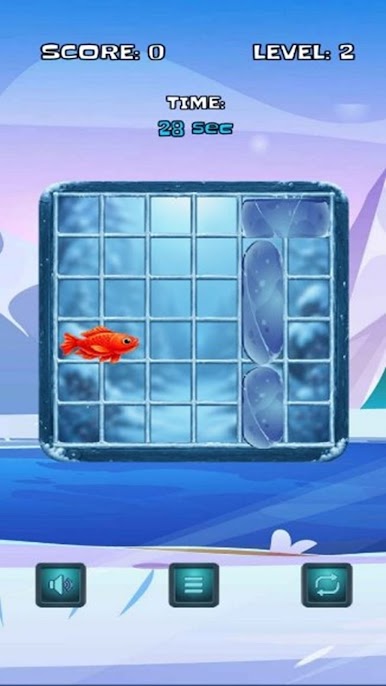
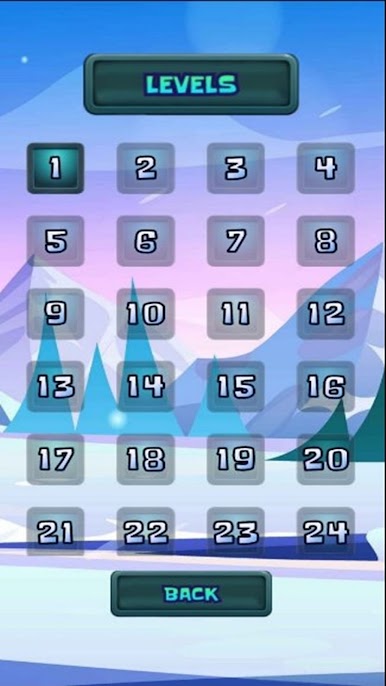
You will be challenged to think critically, make quick decisions, and plan carefully in order to solve each level's puzzle! With every level, you will have more challenges to face and the puzzles will become progressively harder, as they will have less space within them to manipulate; be more complex, have more obstacles, etc.🔥
You'll learn to improve your ability to solve puzzles while enjoying the winter scenery; creating your "perfect catch!"🎣✨ Ice FishCatch has great graphics, good gameplay, and great mechanics so that casual gamers as well as those who play strategy-based games can enjoy them! Will you finish all levels and be crowned the ice fishing champion?🏆🐠




Play Ice FishCatch on PC. It’s easy to get started.
-
Download and install BlueStacks on your PC
-
Complete Google sign-in to access the Play Store, or do it later
-
Look for Ice FishCatch in the search bar at the top right corner
-
Click to install Ice FishCatch from the search results
-
Complete Google sign-in (if you skipped step 2) to install Ice FishCatch
-
Click the Ice FishCatch icon on the home screen to start playing

