


Duck Survival
Play on PC with BlueStacks – the Android Gaming Platform, trusted by 500M+ gamers.

Page Modified on: Aug 8, 2026
Play Duck Survival on PC or Mac
Play Duck Survival by Joy Nice Games on PC or Mac with BlueStacks. Use a bigger screen, mouse and keyboard controls, and smoother performance while you play.
About the Game
Duck Survival is a Strategy game that blends roguelike shooting with base defense and a splash of absurd duck humor. You’ll build a scrappy stronghold by day, then hold the line when the undead swarm after dark. Want a roomier view of the chaos? It also feels great on BlueStacks.
Game Features
- Day planning, night panic: Stock up, reinforce your base, and place clever defenses while the sun’s out—then brace for relentless zombie waves when darkness hits.
- Play as a fearless duck: Waddle into the apocalypse with a flock of quirky, customizable ducks, each rocking fun looks and plenty of attitude.
- Recruit wild heroes: Draft a crew that ranges from crack-shot agents to a tiny dragon that spits bullets, then watch them turn the tide with over-the-top abilities.
- Element combos that matter: Mix fire, lightning, frost, energy, and physical effects to trigger team synergies and create ridiculous, screen-clearing setups.
- Fresh skills every run: Grab random upgrades mid-battle—maybe a meteor barrage, a chilling barrier, or a razor-focused beam—and pivot your approach on the fly.
- Towers that pack a punch: Drop rapid-fire turrets, toss down EMP shockers, and stack layered defenses to slow, stun, and shred the horde.
- Progress that sticks: Between fights, enhance gear, socket gems, and fine-tune builds so each new attempt hits harder and lasts longer.
- Modes beyond the siege: Tackle dungeon-style expeditions, take on massive guild bosses, or jump into arena skirmishes to test your best loadouts.
BlueStacks gives you more room to focus on the game and less time adjusting around mobile limitations.

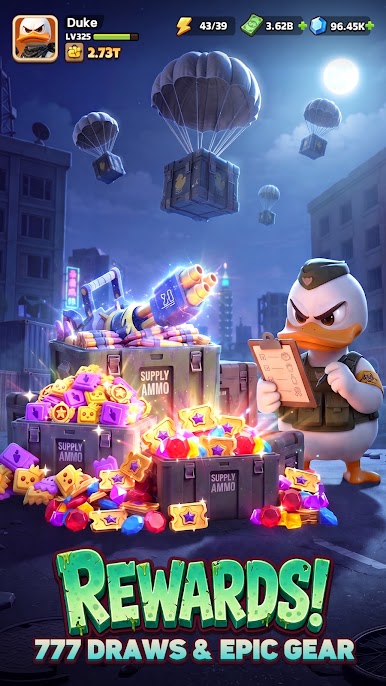
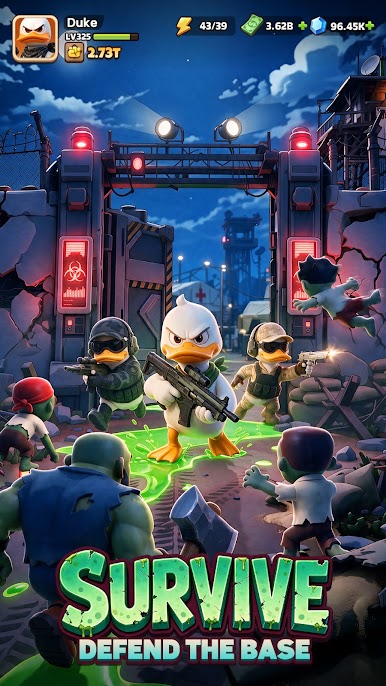


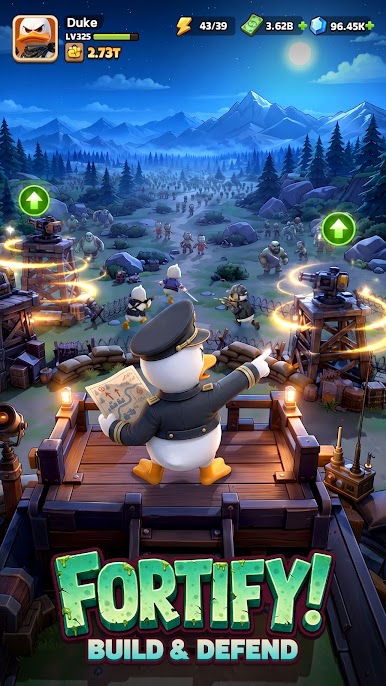

Play Duck Survival on PC. It’s easy to get started.
-
Download and install BlueStacks on your PC
-
Complete Google sign-in to access the Play Store, or do it later
-
Look for Duck Survival in the search bar at the top right corner
-
Click to install Duck Survival from the search results
-
Complete Google sign-in (if you skipped step 2) to install Duck Survival
-
Click the Duck Survival icon on the home screen to start playing

