


Cube Realm: Voxel Adventure
Play on PC with BlueStacks – the Android Gaming Platform, trusted by 500M+ gamers.

Page Modified on: Sep 21, 2026
Play Cube Realm: Voxel Adventure on PC
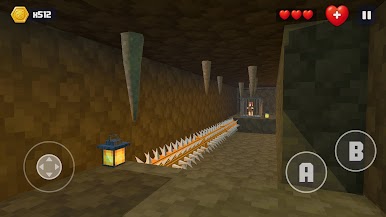
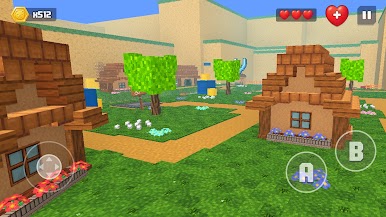
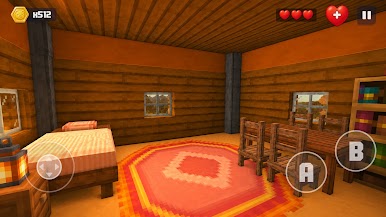
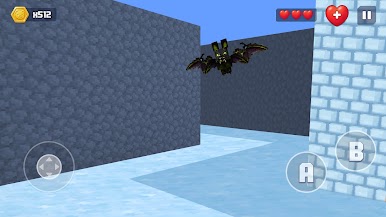
Step into a vibrant cube universe inspired by the freedom of open-world sandbox games. Run, jump, dash and fight your way through endless voxel-built landscapes, hidden dungeons, and glowing neon cities. Every block tells a story — and every corner hides a secret.
WHY YOU'LL LOVE IT
⛏️ Endless Voxel World
Explore a huge open sandbox built entirely from cubes — forests, deserts, ruins, and futuristic neon zones, all waiting to be discovered.
🏃 Smooth Platforming Action
Master fluid controls: run, double-jump, dash, and ground-pound through dynamic obstacles, traps, and puzzles.
⚔️ Epic Boss Battles
Face off against giant voxel creatures in intense combat arenas that test your reflexes and strategy.
🎨 Customize Your Hero
Unlock dozens of skins, hats, weapons, and glowing trail effects. Make your character stand out in this cube universe.
Play solo offline anytime, anywhere — no connection needed
🏆 Collect & Progress
Gather coins and rare gems as you explore, unlock new areas, and level up your hero's abilities.
🎮 Sandbox Adventure Freedom
If you love open-world cube games with creative freedom, endless exploration and community-driven fun, this is your next favorite adventure.
Are you ready to build your legend in the Cube Realm?
Download now and start your voxel adventure today!
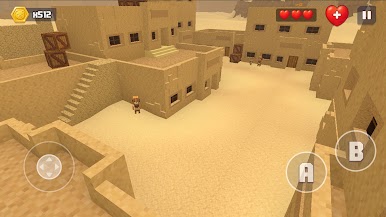
Play Cube Realm: Voxel Adventure on PC. It’s easy to get started.
-
Download and install BlueStacks on your PC
-
Complete Google sign-in to access the Play Store, or do it later
-
Look for Cube Realm: Voxel Adventure in the search bar at the top right corner
-
Click to install Cube Realm: Voxel Adventure from the search results
-
Complete Google sign-in (if you skipped step 2) to install Cube Realm: Voxel Adventure
-
Click the Cube Realm: Voxel Adventure icon on the home screen to start playing

