


MSTV
Play on PC with BlueStacks – the Android Gaming Platform, trusted by 500M+ gamers.

Page Modified on: Jul 3, 2025
Main MSTV on PC
Feature Overview
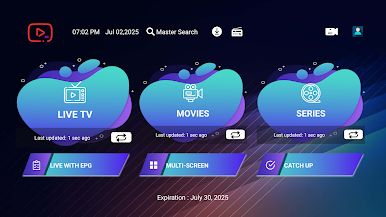
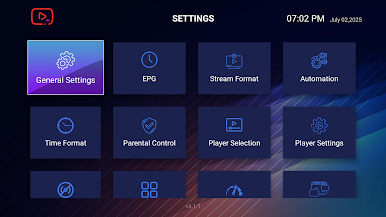
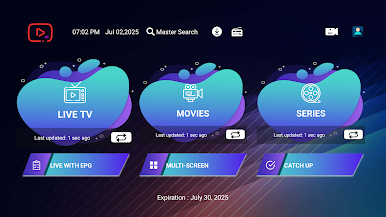
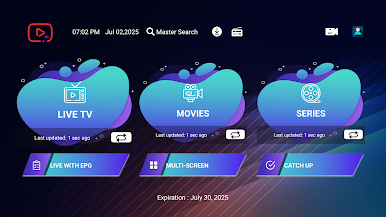
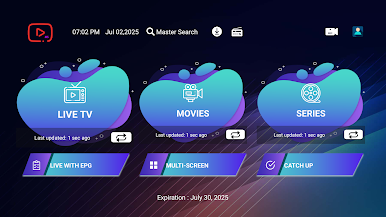
- Live, Movies, Series, and Radio Streaming Supported
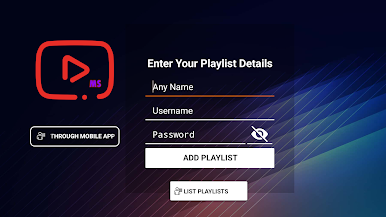
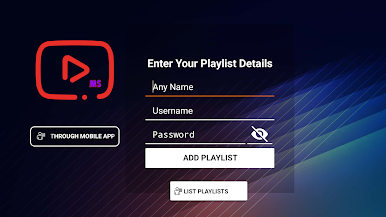
- Support Xtream Codes API, M3U URL & Playlist, Local audio/video files
- Native Player and Built-in Player Added
- Master Search
- New layout / UI Design
- Episode Resuming Bar
- Support: EPG ( TV Program Guide)
- Support: External EPG Sources
- Ability to change the buffer size for the VIDEO Player
- Chrome Casting
- New Controls on the Media Player
- Auto Next Episode Play Supported
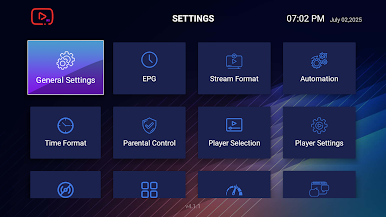
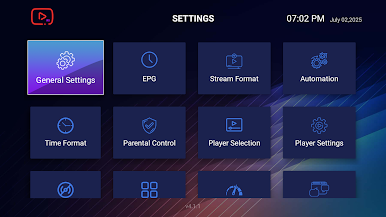
- Parental Controls
- Support: TV Catch Up Streaming
- Support: Continue Watching
- Support: Recently Added Movies & Series
- Support: Multi-Screens and Multi-Users
- Support: Local Audio / Video files Playing
- Ability to add external Players
- Speed Test facility Integrated and VPN Integration
- Support: Dynamic language switching
- Support: Picture-in-Picture
- The new way to download the content
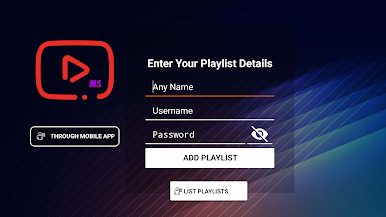
- Load Your Playlist Or File/URL Improvements
- Ability to open the channel list on the Video Player
- Ability to open “ List of episodes” on the Video Player
Play MSTV on PC. It’s easy to get started.
-
Download and install BlueStacks on your PC
-
Complete Google sign-in to access the Play Store, or do it later
-
Look for MSTV in the search bar at the top right corner
-
Click to install MSTV from the search results
-
Complete Google sign-in (if you skipped step 2) to install MSTV
-
Click the MSTV icon on the home screen to start playing

