


ChartBuilder
Play on PC with BlueStacks – the Android Gaming Platform, trusted by 500M+ gamers.

Page Modified on: Sep 8, 2026
Play ChartBuilder on PC
ChartBuilder® Features:
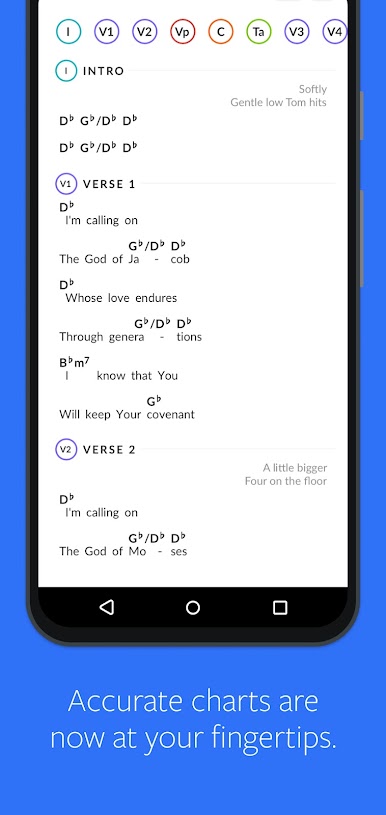
• Access to every chart in our catalog with an active ChartBuilder Content Subscription
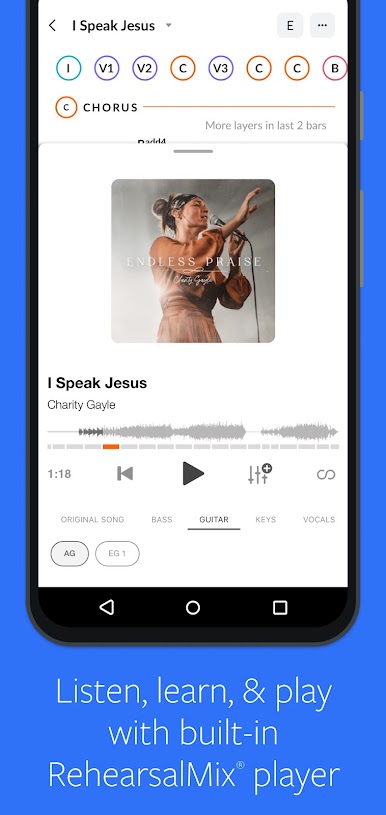
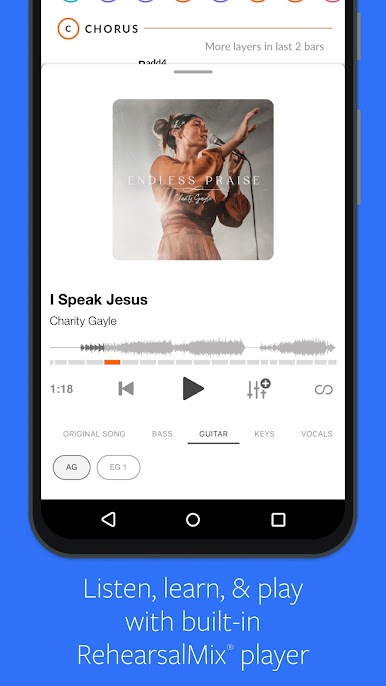
• Teams with RehearsalMix can listen to the original song with a specific instrument turned up or down!
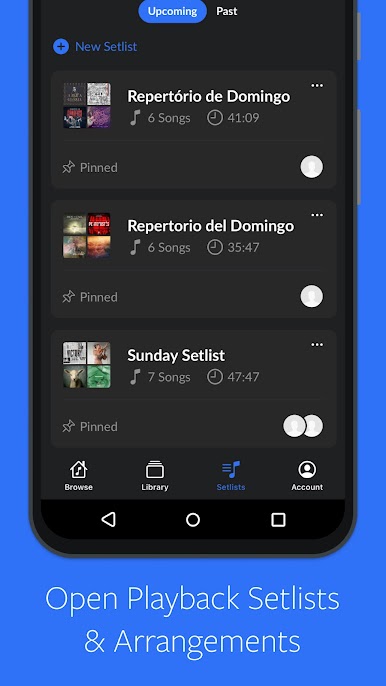
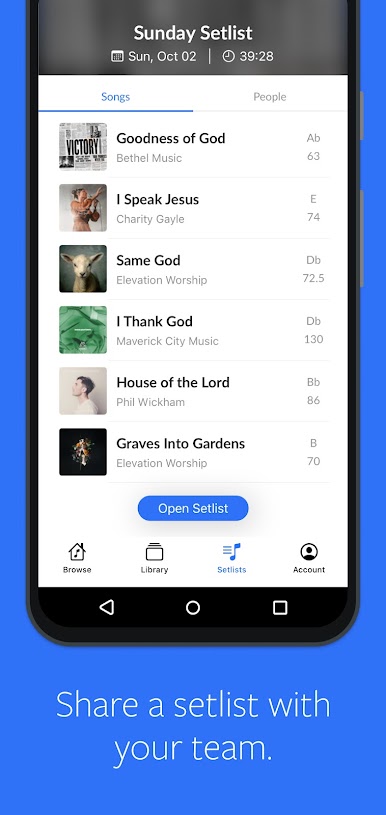
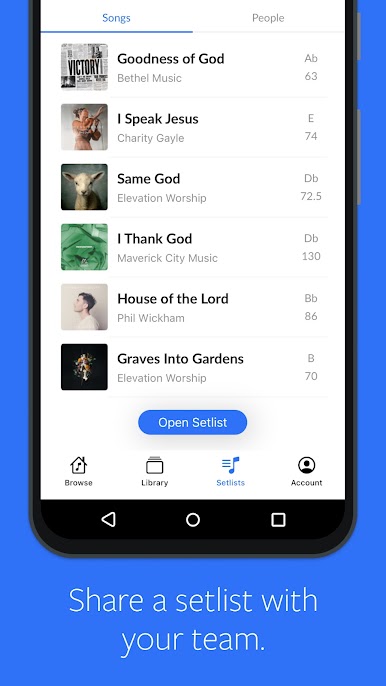
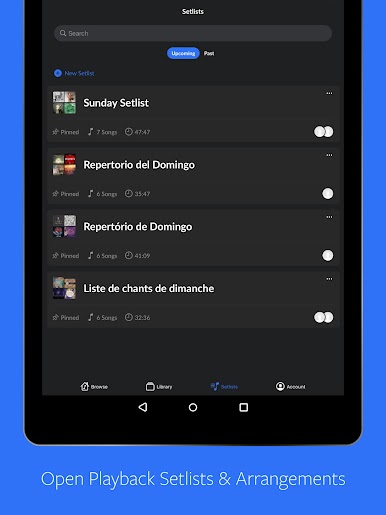
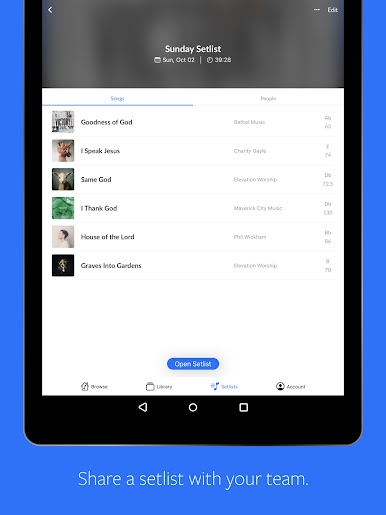
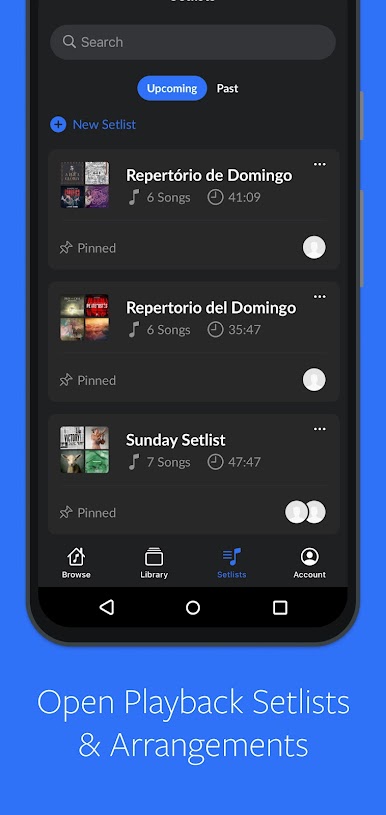
• Create and Collaborate on setlists with your team in Playback, ChartBuilder and on our Website.
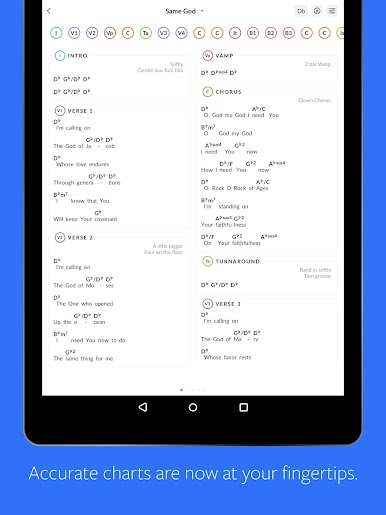
• Charts available in all 12 keys
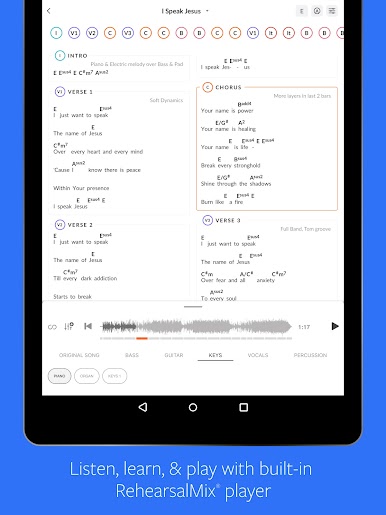
• ChartBuilder and RehearsalMix Sync: Your chart auto -scrolls as RehearsalMix audio plays
• Loop individual song sections in the RehearsalMix
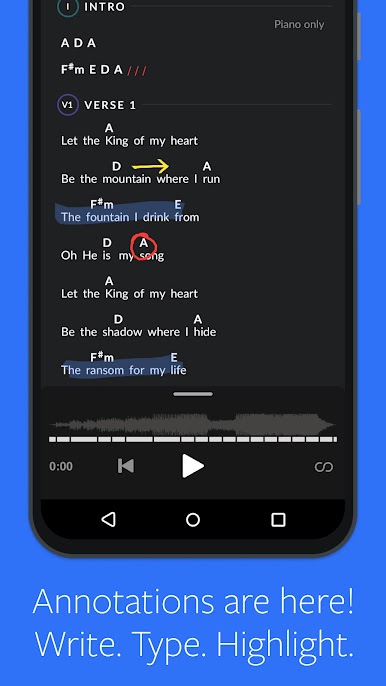
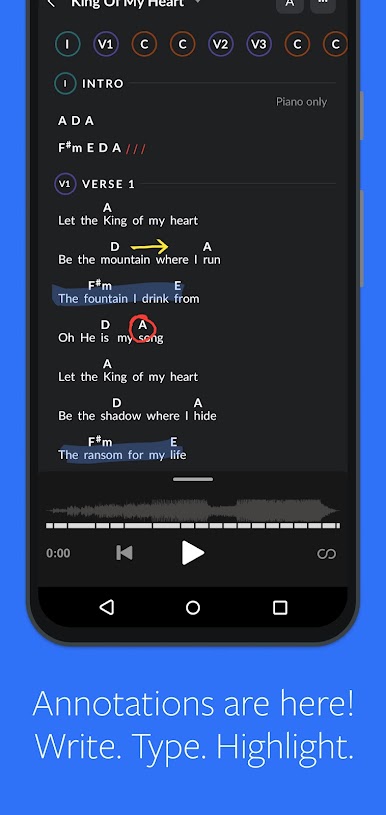
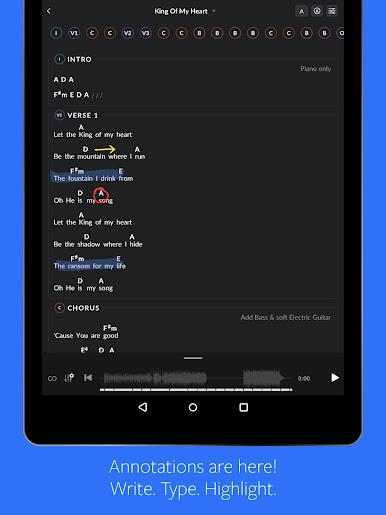
• Annotations
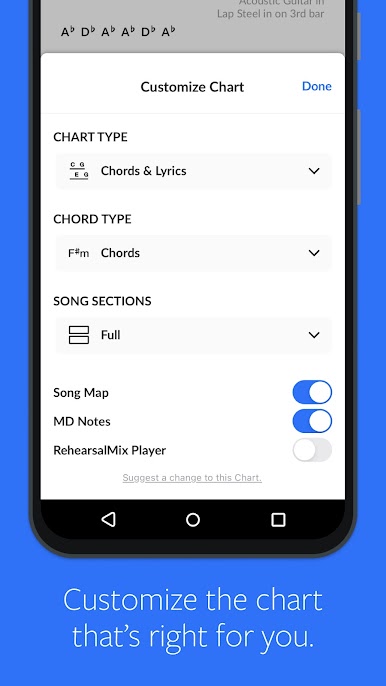
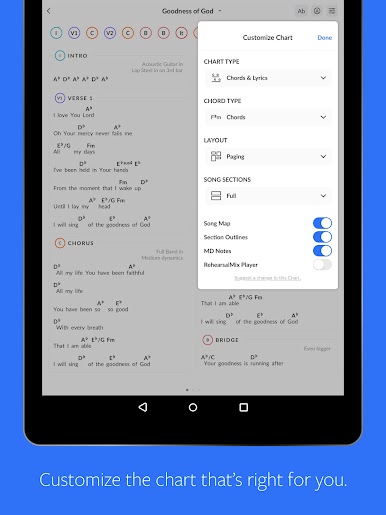
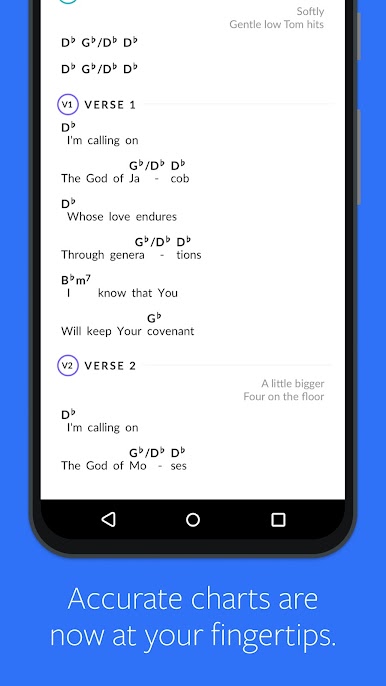
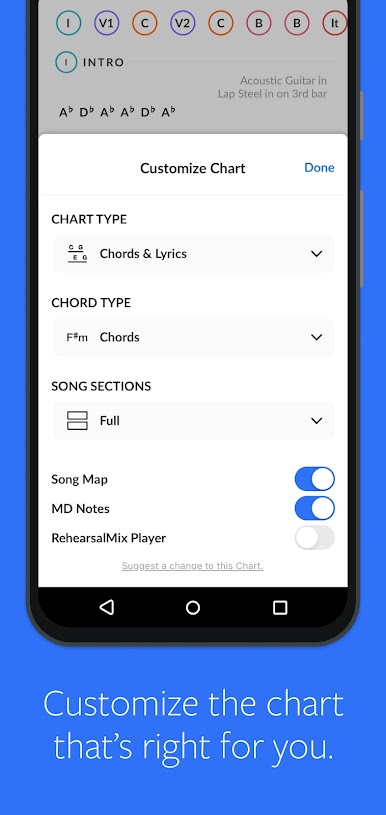
• Chart Type options (Chords & Lyrics, Lyrics, or Song Map)
• Chord Display options (Chords, Numbers, Numerals, or Do-Re-Mi)
• Change song section style (Condensed or Full)
• Optional Song Map that matches the original recording and MultiTrack
• Optional MD Notes
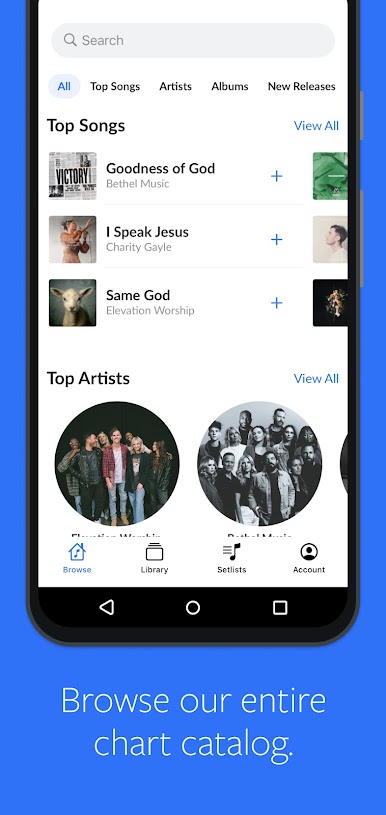
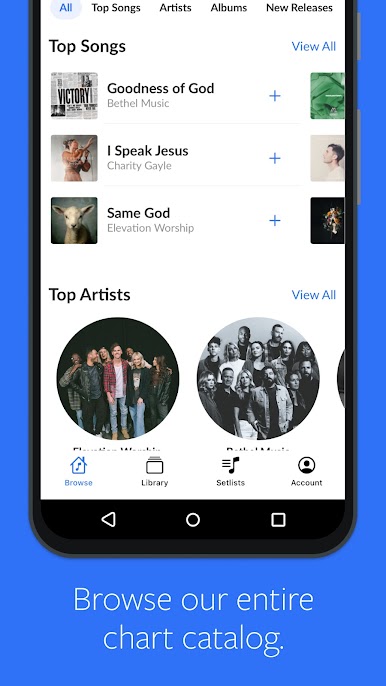
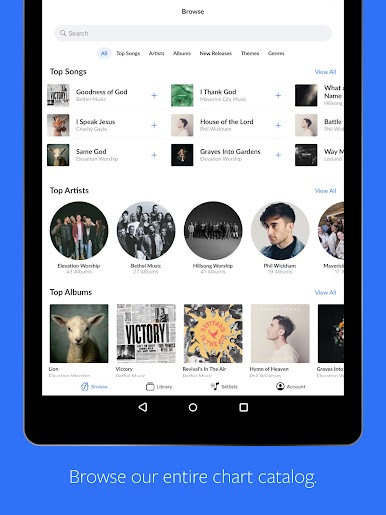
• Browse songs by Title, Album, Genre, Theme, or Top Songs
• View user-generated Cloud Charts
Terms of Use (https://www.multitracks.com/terms/)
For more details on our Privacy Policy and Terms of Use
please visit: http://www.multitracks.com/privacy/ and http://www.multitracks.com/terms/
Play ChartBuilder on PC. It’s easy to get started.
-
Download and install BlueStacks on your PC
-
Complete Google sign-in to access the Play Store, or do it later
-
Look for ChartBuilder in the search bar at the top right corner
-
Click to install ChartBuilder from the search results
-
Complete Google sign-in (if you skipped step 2) to install ChartBuilder
-
Click the ChartBuilder icon on the home screen to start playing

