


Murderhill
Play on PC with BlueStacks – the Android Gaming Platform, trusted by 500M+ gamers.

Page Modified on: Jul 20, 2026
Play Murderhill on PC or Mac
Explore a whole new adventure with Murderhill, a Adventure game created by 24 HIT Riga SIA. Experience great gameplay with BlueStacks, the most popular gaming platform to play Android games on your PC or Mac.
About the Game
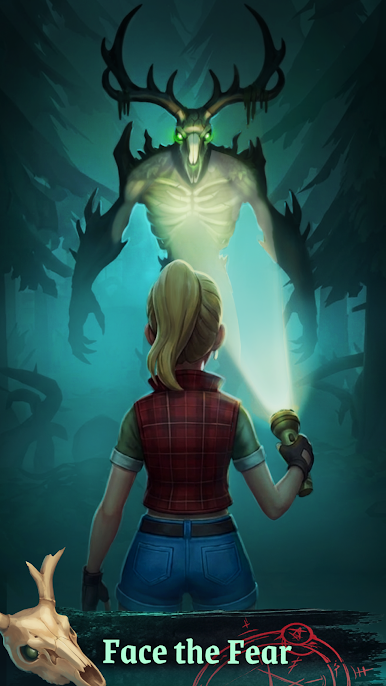
Murderhill drops you into a once-bustling forest venue that’s gone horribly wrong—now it’s all moonlight, missing people, and an unsettling occult vibe. Genre: Adventure. You’ll scavenge, craft, and fight through prowling shadows while digging up clues to figure out what happened before dawn hits again. Want a comfy setup? It also plays nicely on BlueStacks.
Game Features
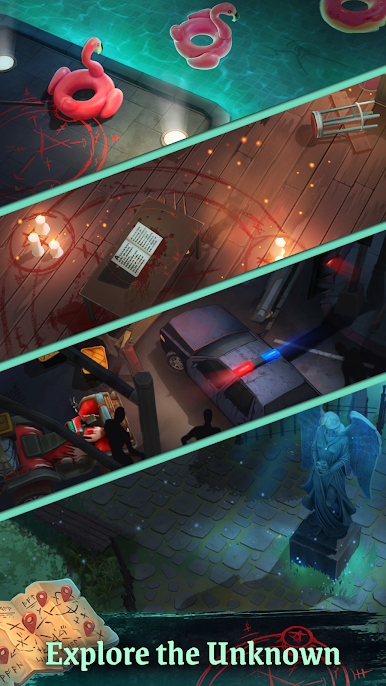
- Haunted Wilderness To Explore: Wander through abandoned campsites, boarded-up cabins, and strange portals while piecing together how a party spot turned into a never-ending night.
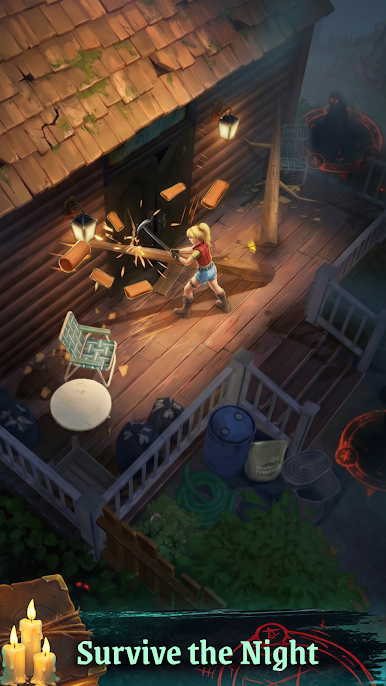
- Crafting That Matters: Smash crates, strip materials, and craft gear—better tools, tougher armor, and sturdier weapons make each run less punishing.
- Rune-Fueled Progression: Collect and upgrade runes of varying rarity to unlock occult perks that boost your stats and change how you fight.
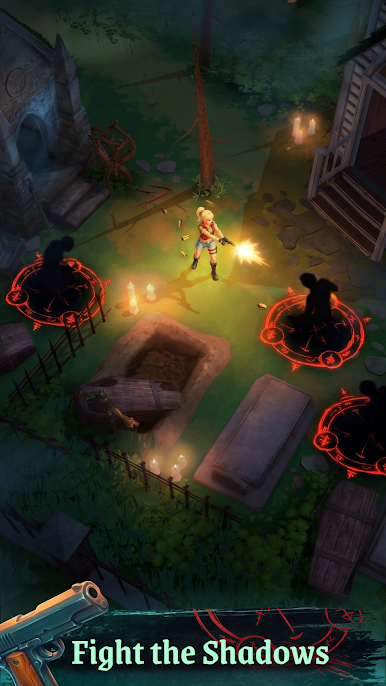
- Flexible Combat Loadouts: Swap between pistols, rifles, and raw magic, then mix styles to counter everything from lurking creeps to towering brutes.
- High-Risk Raids: Head out on tense resource runs where every corner hides a new twist, tougher enemies, and a shot at rare runes.
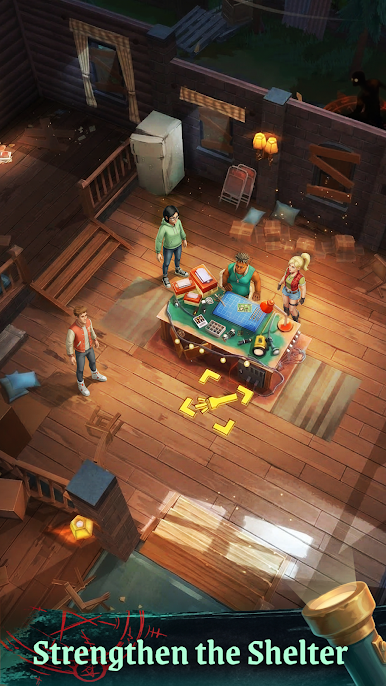
- Rescue And Reinforce: Track down survivors, protect them on the way back, and help fortify their shelter so you’re not facing the darkness alone.
- Nightfall Pressure: Stockpile ammo, set traps, and prep your route—once the light fades, tougher creatures start hunting.
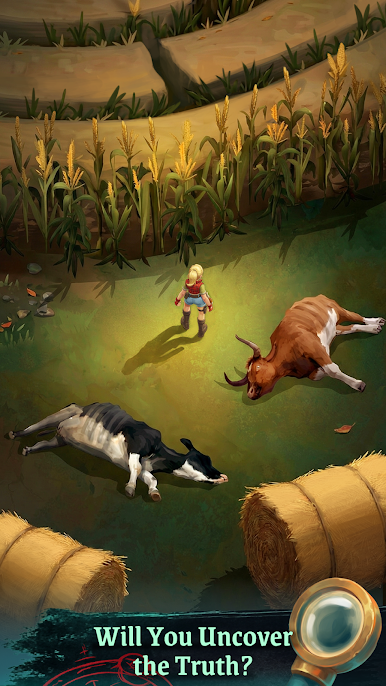
- Clues, Notes, And Puzzles: Read letters, sift through evidence, and solve environmental puzzles to untangle the story behind the town’s occult spiral.
- Boss And Stalker Encounters: Follow ominous footprints and eerie sounds to track powerful foes that demand planning, timing, and a little courage.
Get ready for a buttery smooth, high-performance gaming action only on BlueStacks.
Play Murderhill on PC. It’s easy to get started.
-
Download and install BlueStacks on your PC
-
Complete Google sign-in to access the Play Store, or do it later
-
Look for Murderhill in the search bar at the top right corner
-
Click to install Murderhill from the search results
-
Complete Google sign-in (if you skipped step 2) to install Murderhill
-
Click the Murderhill icon on the home screen to start playing

