

Beat Ball Rush: Pop Music
Play on PC with BlueStacks – the Android Gaming Platform, trusted by 500M+ gamers.

Page Modified on: Dec 17, 2025
Play Color Dance Hop:music game on PC or Mac
Color Dance Hop:music game is a Music game developed by XGAME STUDIO. BlueStacks app player is the best platform to play this Android game on your PC or Mac for an immersive gaming experience.
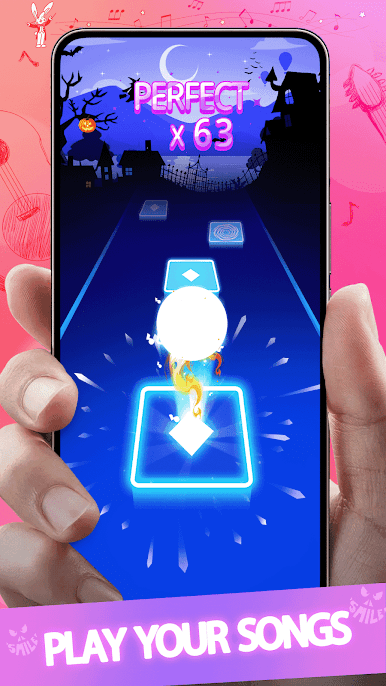
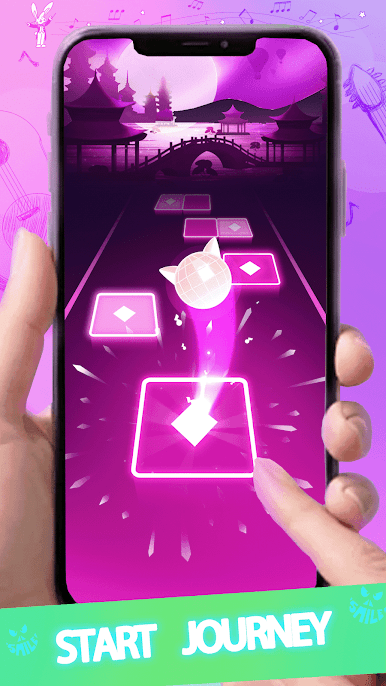
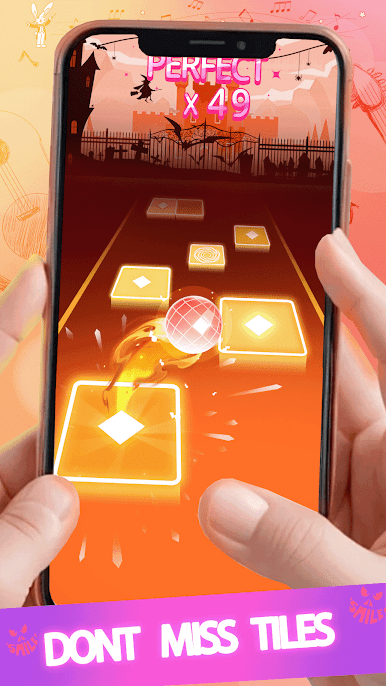
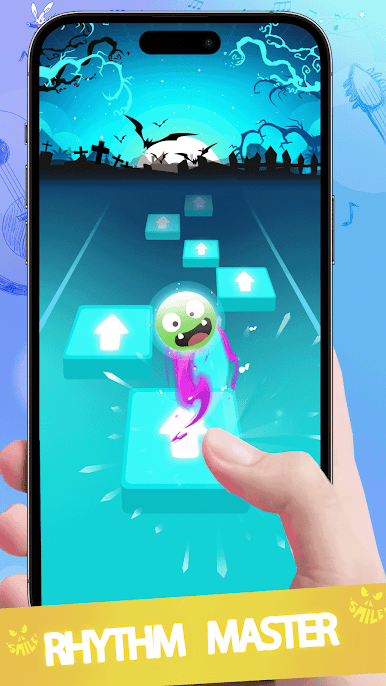
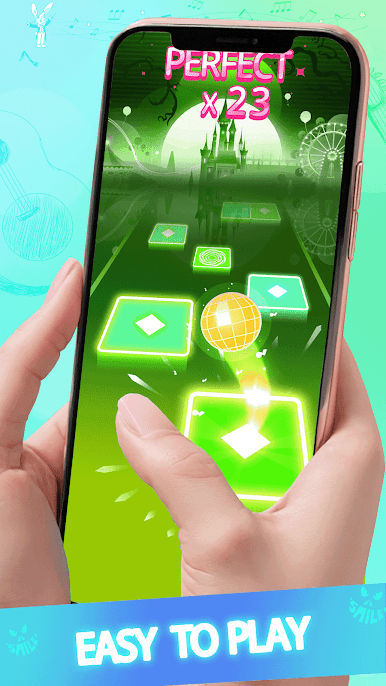
Prepare to embark on a mesmerizing musical journey with Color Dance Hop, a game that combines the magic of music with vibrant hues and addictive gameplay. In this one-of-a-kind music game, your fingertips take center stage as you control the ball’s dance moves with just a touch.
The game’s brilliance lies in its simplicity: tap into the rhythm, guide the ball, and experience the joy of music in a visually stunning environment. As you hop your ball along the color road, you’ll find yourself immersed in a world where every beat syncs perfectly with your movements. The challenge? Don’t let your ball hop on the wrong color tiles! Stay in tune with the music, feel the rhythm, and let the vibrant colors guide your way.
Color Dance Hop isn’t just a game; it’s a symphony of colors and sounds that captivate your senses. With its one-finger control gameplay and an array of popular songs, it offers an experience unlike any other. As you tap, dance, and groove to the music, you’ll discover a newfound love for this unique fusion of music and gaming.
So, if you’re ready to immerse yourself in a world of melodies and colors, Color Dance Hop awaits your touch. Let the music guide your ball, and let the colors inspire your dance. Get ready for an unforgettable musical adventure that will have you hooked from the very first beat. Enjoy this game with BlueStacks today!
Play Beat Ball Rush: Pop Music on PC. It’s easy to get started.
-
Download and install BlueStacks on your PC
-
Complete Google sign-in to access the Play Store, or do it later
-
Look for Beat Ball Rush: Pop Music in the search bar at the top right corner
-
Click to install Beat Ball Rush: Pop Music from the search results
-
Complete Google sign-in (if you skipped step 2) to install Beat Ball Rush: Pop Music
-
Click the Beat Ball Rush: Pop Music icon on the home screen to start playing

