


Music Note Reading
Play on PC with BlueStacks – the Android Gaming Platform, trusted by 500M+ gamers.

Page Modified on: Jun 19, 2021
Overview
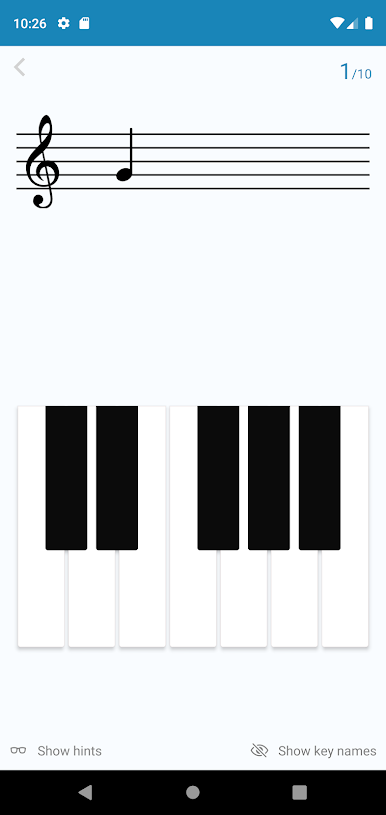
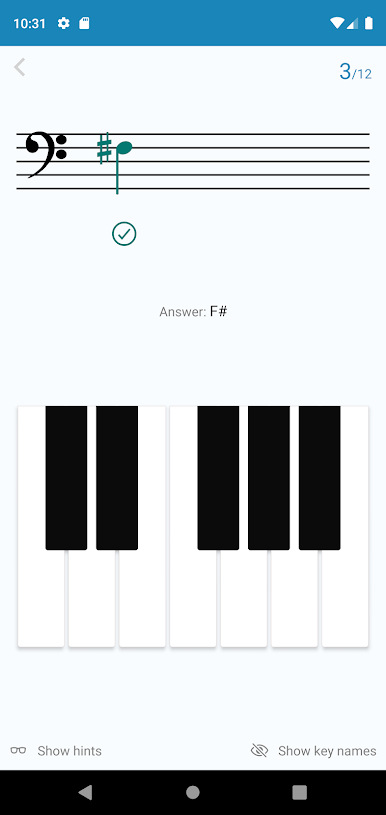
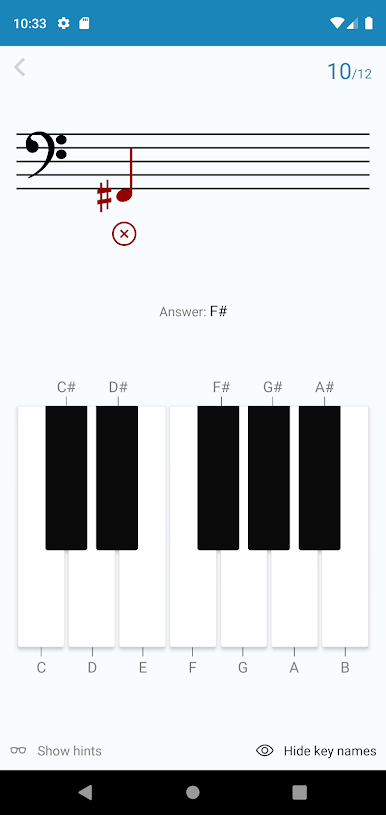
Learn musical staff note reading by using this app. This app is a very simple game that lets you identify the notes of the music sheet and the key placement in the piano keyboard.
You will be able to go with one of the 3 available modes Easy, Medium, Hard and also enable/disable hints for beginners.
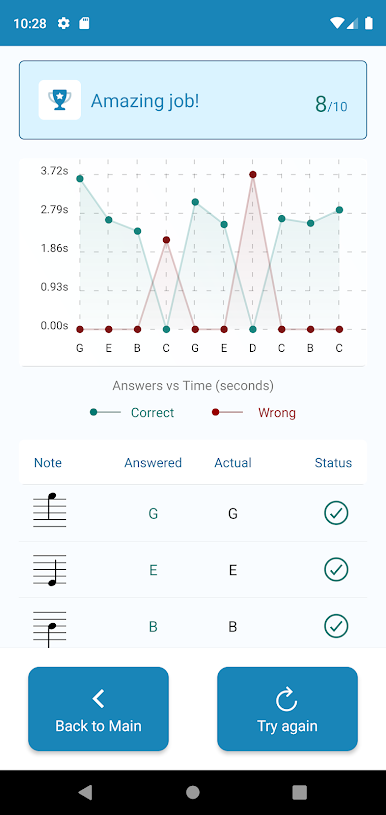
The final report provides more insights about your ability with the information like time taken for each note and your performance.

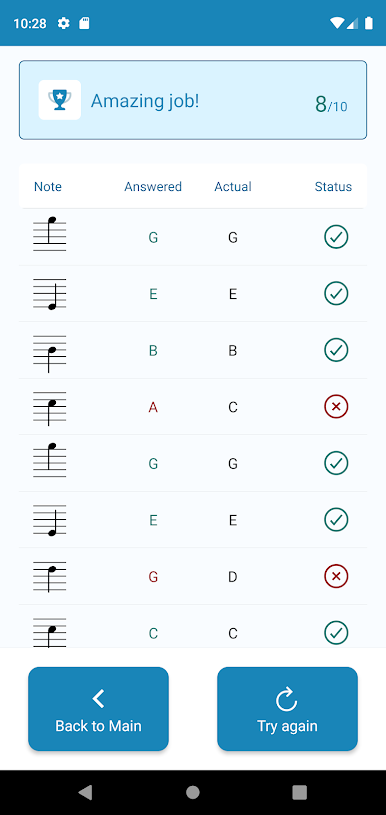
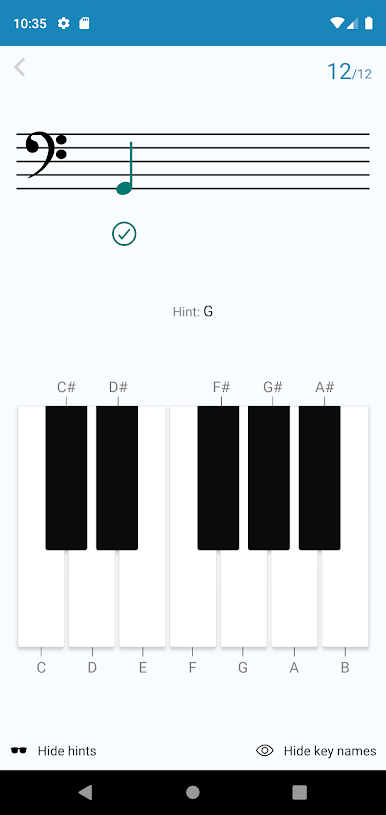
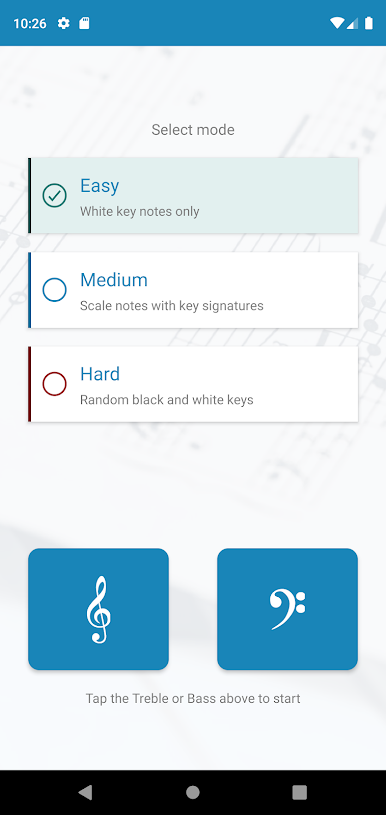
Play Music Note Reading on PC. It’s easy to get started.
-
Download and install BlueStacks on your PC
-
Complete Google sign-in to access the Play Store, or do it later
-
Look for Music Note Reading in the search bar at the top right corner
-
Click to install Music Note Reading from the search results
-
Complete Google sign-in (if you skipped step 2) to install Music Note Reading
-
Click the Music Note Reading icon on the home screen to start playing

