


VK Play
Play on PC with BlueStacks – the Android Gaming Platform, trusted by 500M+ gamers.

Page Modified on: Jul 24, 2024
Run VK Play on PC or Mac
Upgrade your experience. Try VK Play, the fantastic Entertainment app from VK.com, from the comfort of your laptop, PC, or Mac, only on BlueStacks.
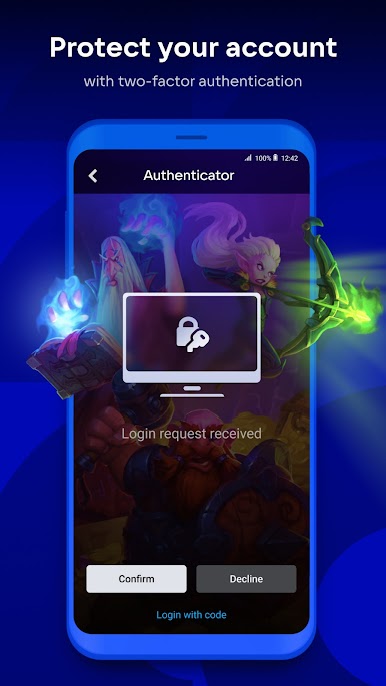
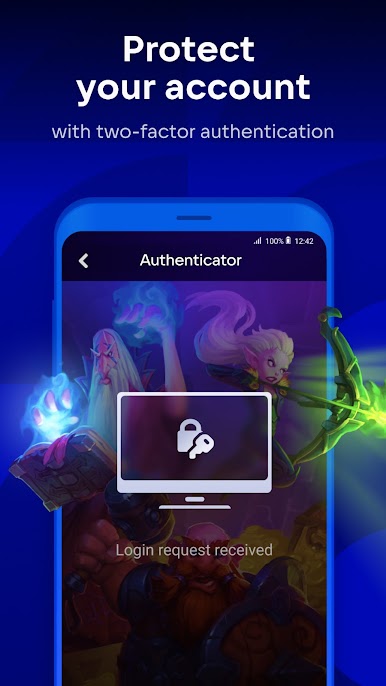
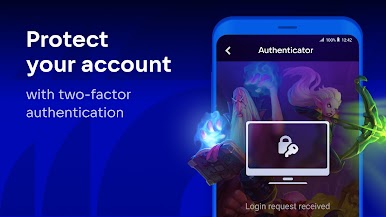
VK Play’s got this whole thing where keeping your account secure is actually really easy. There’s a two-step authentication feature, so whenever someone signs in, you just get a notification and literally tap to confirm or reject. It feels quick and straightforward, not like those complicated setups some other apps have. And because of that, you don’t really worry about random logins or anything sketchy happening with your profile.
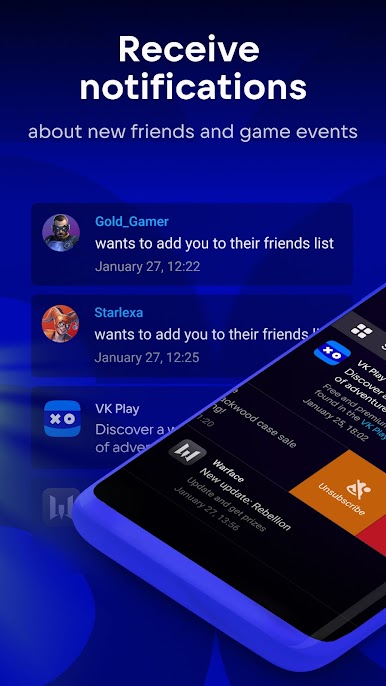
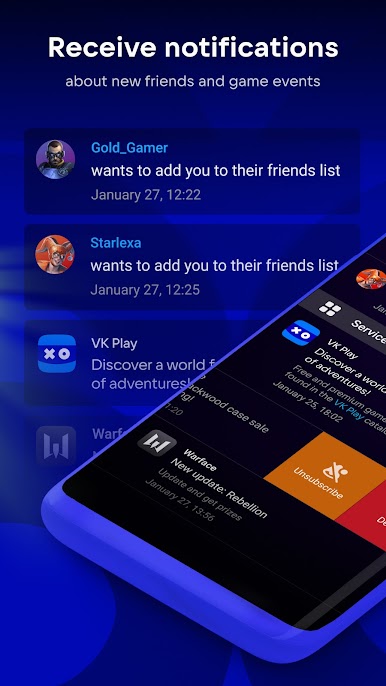
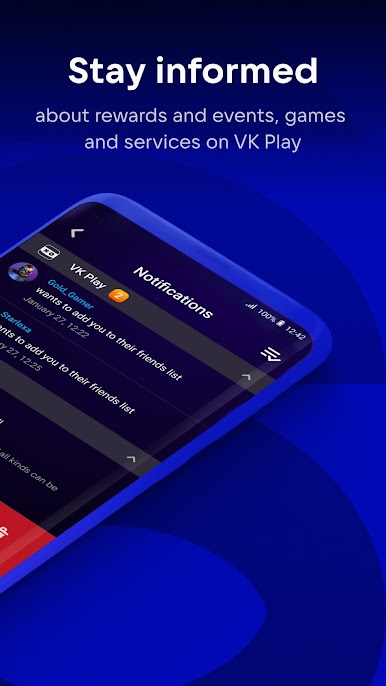
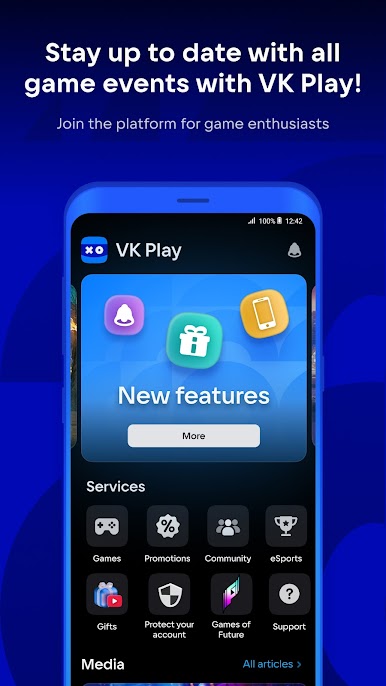
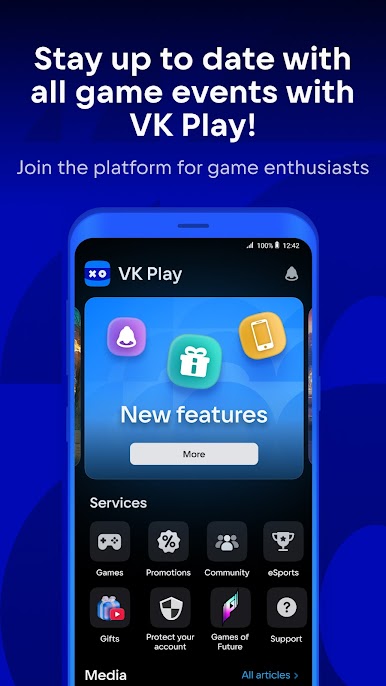
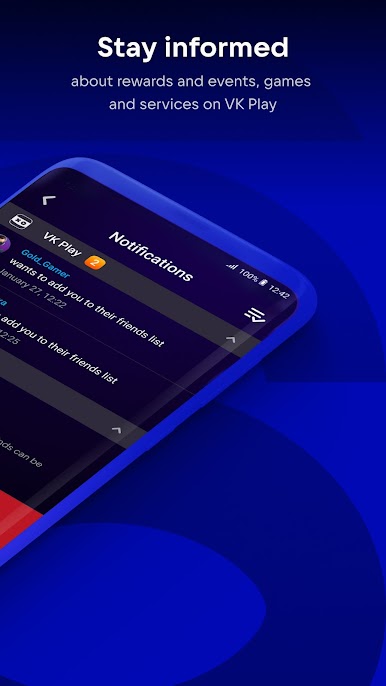
The app isn’t only about security, though. There’s a bunch of notifications you can get from the games you follow, so it’s not hard to stay in the loop when it comes to new promos, friends, or any in-game gifts — which is always kind of nice. VK Play even sends out gaming news and updates right inside the app, so you’re not out of touch if you like keeping tabs on what’s trending. There’s also a spot for chatting with friends, checking out new games in all kinds of genres, and even watching how esports teams are doing. If you’re on PC using something like BlueStacks, it actually feels more comfortable to browse and tap through everything, almost like using a messenger mixed with a news feed focused on games. The whole thing is simple and keeps stuff in one place — games, news, friends, promos — without feeling cluttered. So for anyone who likes knowing what’s new or staying on top of game deals, this makes it easy.
Big screen. Bigger performance. Use BlueStacks on your PC or Mac to run your favorite apps.


Play VK Play on PC. It’s easy to get started.
-
Download and install BlueStacks on your PC
-
Complete Google sign-in to access the Play Store, or do it later
-
Look for VK Play in the search bar at the top right corner
-
Click to install VK Play from the search results
-
Complete Google sign-in (if you skipped step 2) to install VK Play
-
Click the VK Play icon on the home screen to start playing

