


Tomodachi Life : Living Dream
Play on PC with BlueStacks – the Android Gaming Platform, trusted by 500M+ gamers.

Page Modified on: May 21, 2026
Play Tomodachi Life : Living Dream on PC
If you love Tomodachi Life, this is the ultimate pocket experience you've been waiting for on Android.
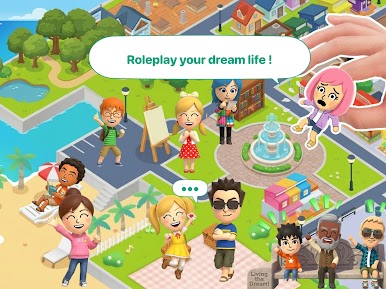
🌟 CREATE YOUR OWN COMMUNITY
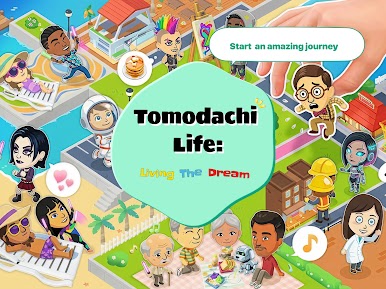
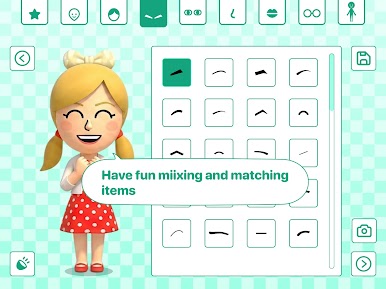
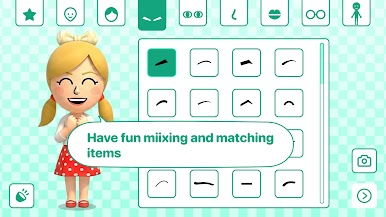
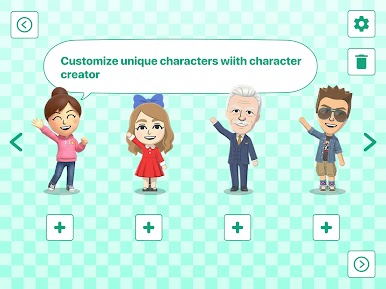
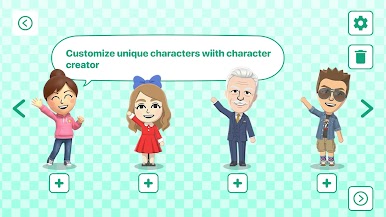
Unique Character Creator: Design look-alike avatars with distinct voices, personalities, and styles.
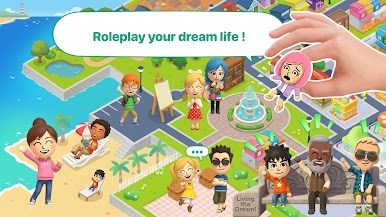
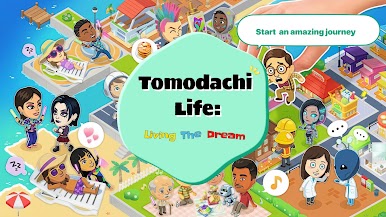
Move into the Apartment Complex: Watch your characters hang out, make friends, fall in love, or start funny rivalries!
Customize Everything: Buy clothes, redecorate rooms, and give special gifts to your islanders.
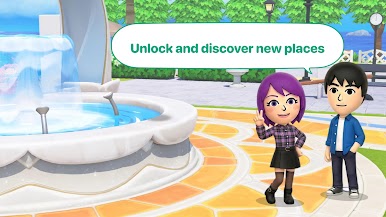
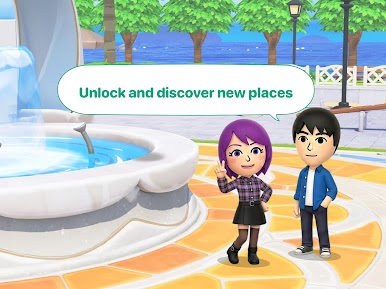
🏝️ EXPLORE A LIVING ISLAND
Daily Events & Mini-Games: Check in every day for new items, food markets, and quirky island events.
Solve Problems: Help your virtual friends resolve fights, find love, or just give them a snack when they are hungry.
Share the Fun: Snap pictures of the funniest moments in your game and share them with your real-world friends!
🎯 WHY YOU'LL LOVE IT:
If you are a fan of life simulation games, virtual pet adventures, and casual sandbox world-builders, this game offers endless humor and creativity. Experience a true Tomodachi life simulator right on your phone!
What are you waiting for? Download now, populate your island, and see what crazy stories your characters will create today!




Play Tomodachi Life : Living Dream on PC. It’s easy to get started.
-
Download and install BlueStacks on your PC
-
Complete Google sign-in to access the Play Store, or do it later
-
Look for Tomodachi Life : Living Dream in the search bar at the top right corner
-
Click to install Tomodachi Life : Living Dream from the search results
-
Complete Google sign-in (if you skipped step 2) to install Tomodachi Life : Living Dream
-
Click the Tomodachi Life : Living Dream icon on the home screen to start playing

