


My cellars and tastes
Play on PC with BlueStacks – the Android Gaming Platform, trusted by 500M+ gamers.

Page Modified on: Dec 21, 2025
Overview
This application is focused for people which wish manage their input/output, their tastes, their favorites, etc. simply and intuitively on the move/mobility.
No advertising, no community, no server to retrieve data ... just you and your(s) cellar(s) ;)
★★★Some user reviews★★★
★ 5* - 1 august 2013
"Great App! This app has a simple (yet powerful) interface to handle all your bottles... Exporting and importing the data is a real important feature...."
★ 5* - 30 March 2012
"Ergonomic and with updates bringing more and more !"
★ 4* - 6 July 2012
"A but simple but has everything you'd want"
★★★Features★★★
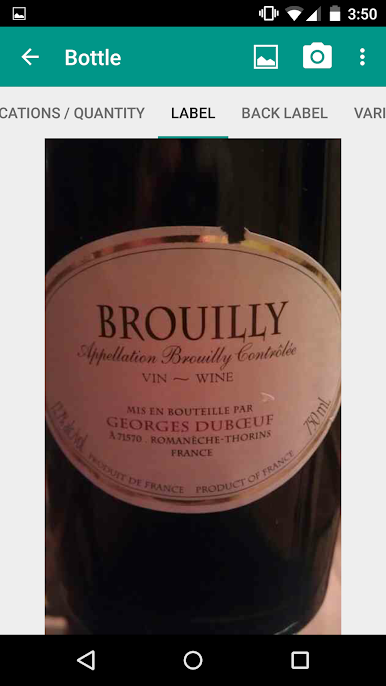
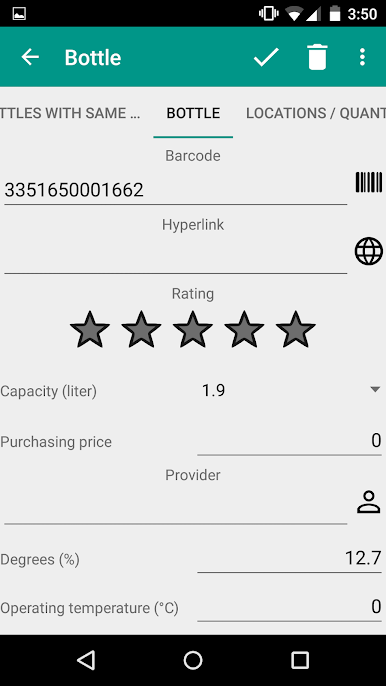
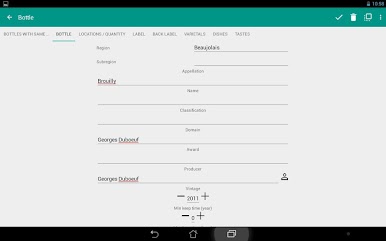
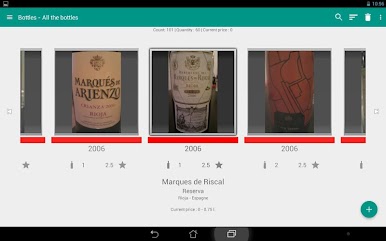
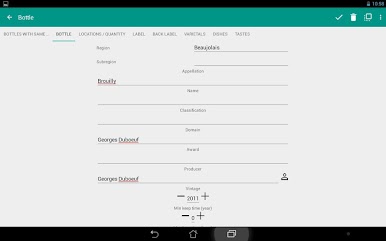
★ Describe a bottle by its name, appellation, country, region, etc..
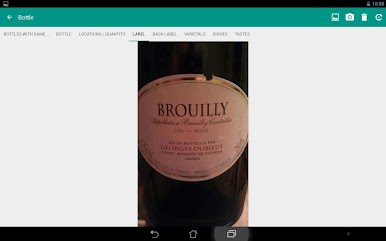
★ Identify a bottle by its barcode and its photo. The barcode is not used to retrieve data from a server, but found a bottle in your cellar.
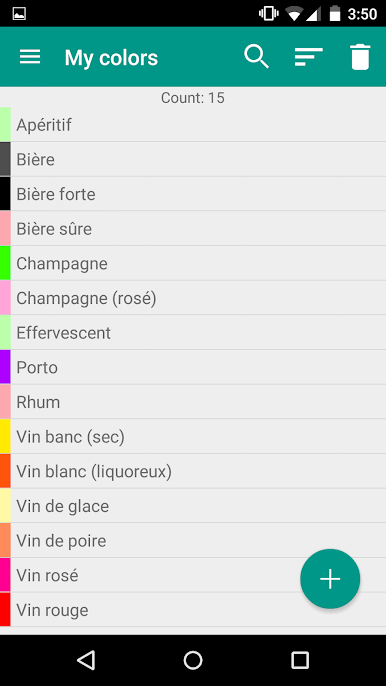
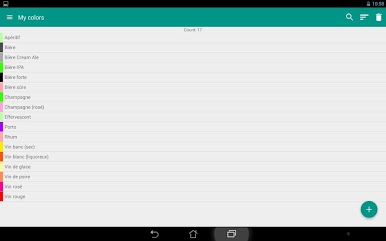
★ Customize your bottles colors (or type) with assigning a color of the palette
★ Add notes and rate by bottle.
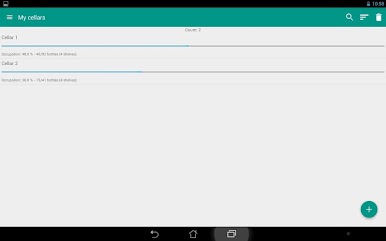
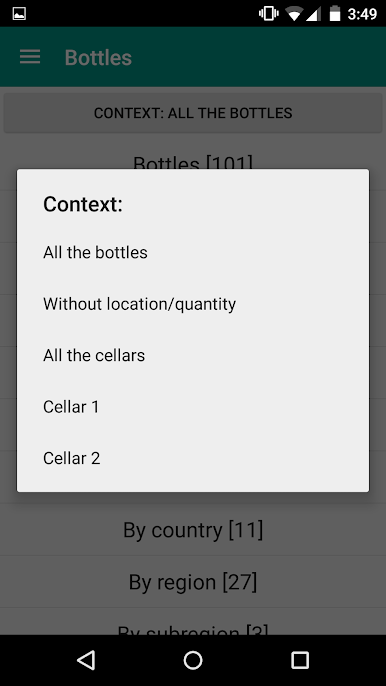
★ Manage placement of the bottles in your cellars with your shelves.
★ Keep a record of your "Bottles without quantity"(i.e. with a quantity to 0).
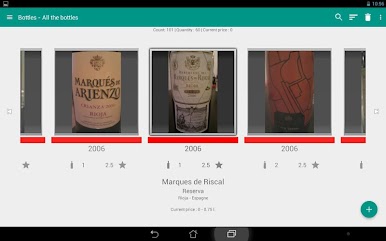
★ Find the bottles in the form of aggregated statistics by vintage, color, country, capacity, year of maturity, rating, etc..
★ Search for a bottle by text, voice or barcode.
★ Enter the field name, appellation, domain, country and region in self-completion with the information already entered.
★ Have a link with the Contacts application fields for suppliers and producers
★ Duplicate easily forms
★ Import / Export of your bottles in CSV format
★ Association of many varietals, dishes and tastes in a bottle
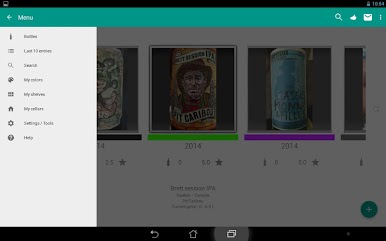
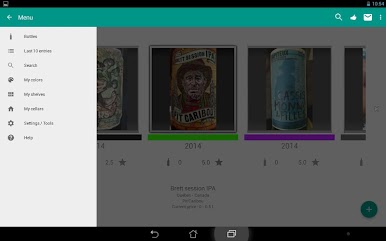
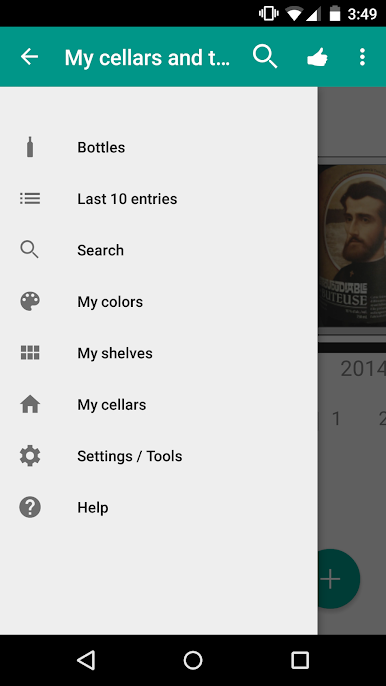
★ Retrieve quickly the last 10 entries
★ Backup and restore your data with Dropbox, Google Drive, Sky Drive, Gmail, Hotmail, etc.
★ Move the application and/or database on the SD card to save space on your device
★★★Other information★★★
★ The Android associated widget allows you to add a bottle in your cellar or find a bottle faster.
★ You can manage barcodes with the applications "Barcode Scanner", "QuickMark", "QR Droid" and "Goggles".
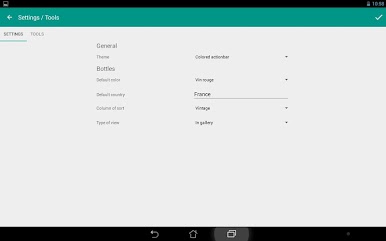
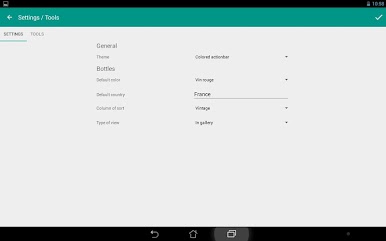
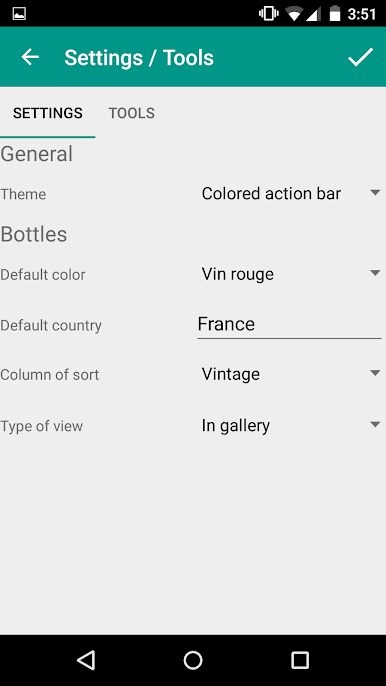
★ You can change the theme of the application at runtime.
★ This application is available in other languages: Catalan, Italian, Spanish, German and French.
Your feedback and improvements for this application are welcome. Thank you for sending them to the email address: android.mathieu.benoit@gmail.com.


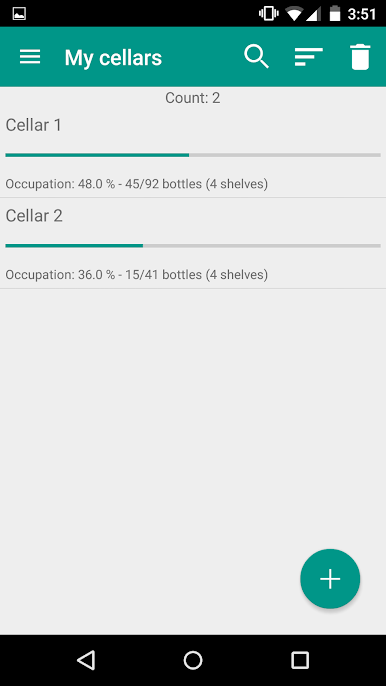
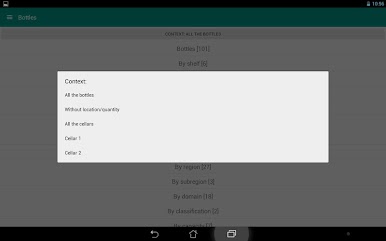
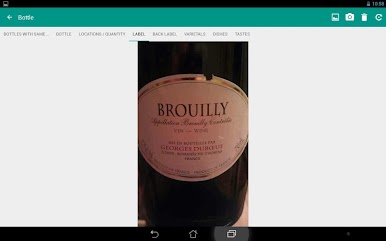
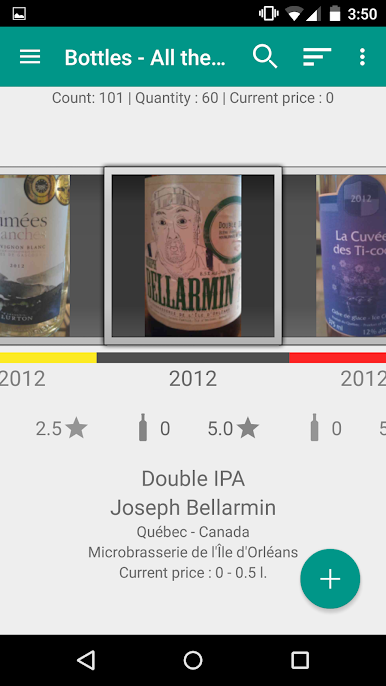

Play My cellars and tastes on PC. It’s easy to get started.
-
Download and install BlueStacks on your PC
-
Complete Google sign-in to access the Play Store, or do it later
-
Look for My cellars and tastes in the search bar at the top right corner
-
Click to install My cellars and tastes from the search results
-
Complete Google sign-in (if you skipped step 2) to install My cellars and tastes
-
Click the My cellars and tastes icon on the home screen to start playing

