


Optimity: Health & Rewards
Play on PC with BlueStacks – the Android Gaming Platform, trusted by 500M+ gamers.

Page Modified on: Jan 16, 2026
Play Optimity: Health & Rewards on PC
Are you ready to embark on a journey towards a healthier and happier you? Backed by over 30 years of behavioral science research and created by leading health experts, Optimity is designed to help you reach your health and financial goals daily.
You can:
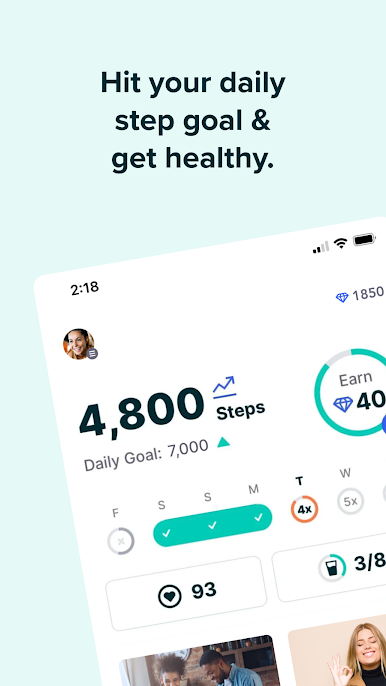
• Track your steps & Move Minutes
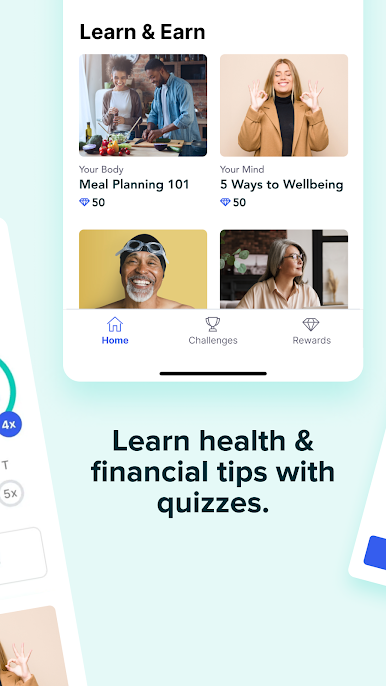
• Get daily health and financial tips
• Try home workouts
• Learn about nutrition, mental health and financial wellness
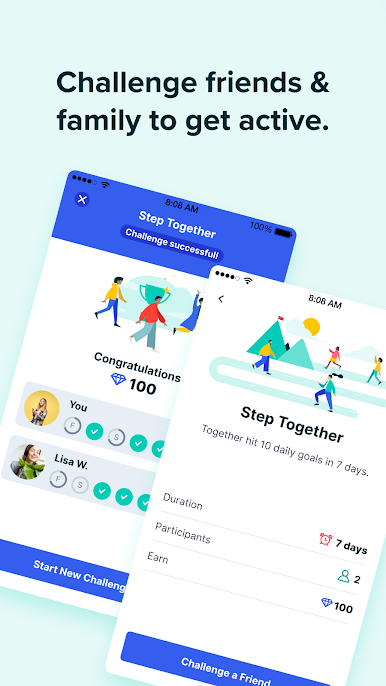
• Challenge friends
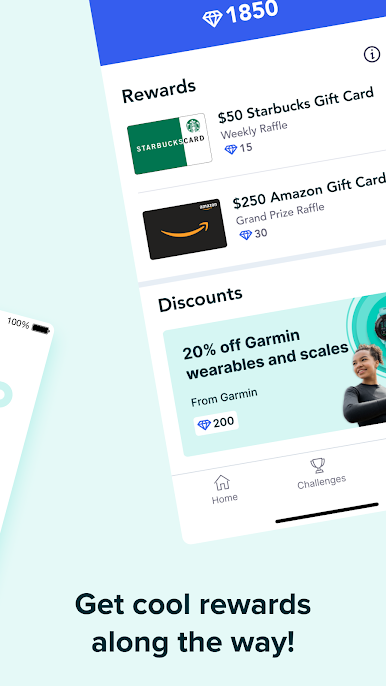
Earn rewards for:
• Reaching your daily steps goal
• Micro-learning through short, fun, 2-minute quizzes to help you live healthier and longer
• Completing challenges with friends and family
Rewards:
Prizes include gift cards, loyalty points like More Rewards Points, charity donations, and more. Special prizes are added monthly! The more active you are within the app, the better your chances to earn or win prizes.
Track steps on Optimity by syncing with Google Fit, Fitbit, Samsung Health, and more.
Download the Optimity app and start earning rewards today.
Play Optimity: Health & Rewards on PC. It’s easy to get started.
-
Download and install BlueStacks on your PC
-
Complete Google sign-in to access the Play Store, or do it later
-
Look for Optimity: Health & Rewards in the search bar at the top right corner
-
Click to install Optimity: Health & Rewards from the search results
-
Complete Google sign-in (if you skipped step 2) to install Optimity: Health & Rewards
-
Click the Optimity: Health & Rewards icon on the home screen to start playing

