

STARFIELD – Space Shooter
Play on PC with BlueStacks – the Android Gaming Platform, trusted by 500M+ gamers.

Page Modified on: May 9, 2026
Play STARFIELD – Space Shooter on PC or Mac
Play STARFIELD – Space Shooter by Myrtilos on PC or Mac with BlueStacks. Use a bigger screen, mouse and keyboard controls, and smoother performance while you play.
About the Game
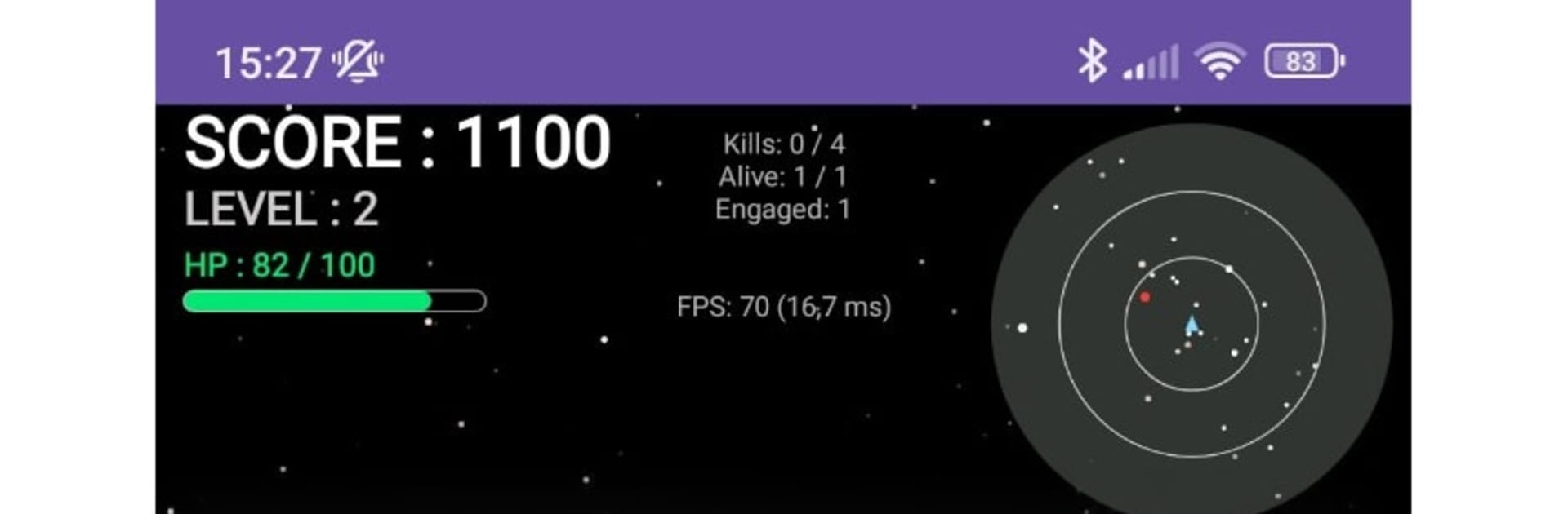
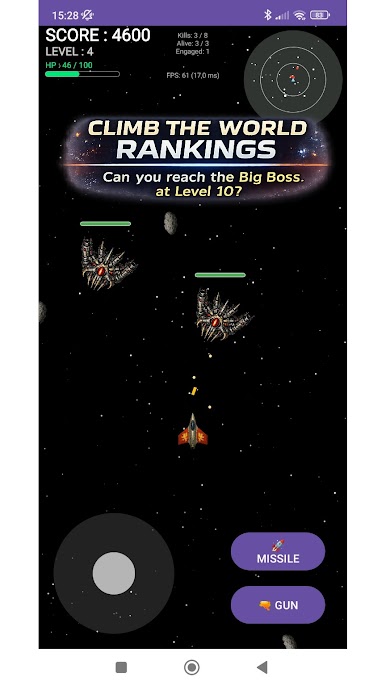
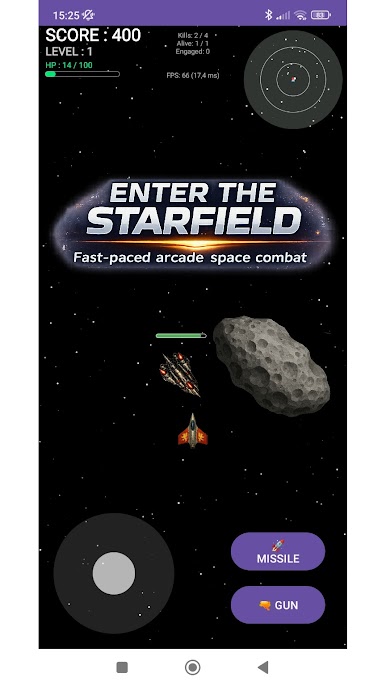
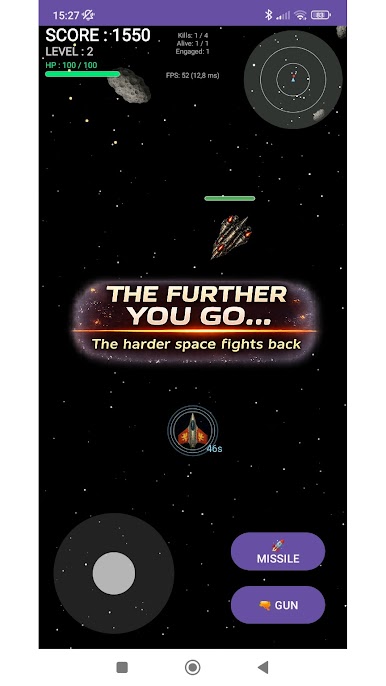
STARFIELD – Space Shooter is a high-velocity Arcade space game about squeezing out longer and better runs, one close call at a time. You pilot a slick little ship through asteroid fields and hostile swarms, scooping up power-ups and stacking points while the pressure keeps climbing. Make it to Level 10 and there’s a seriously tough boss waiting to see if your reflexes and decisions can hold up.
Game Features
- Pure reflex action: Jump straight into short, punchy runs where precision matters, chaos builds fast, and a single mistake can end it.
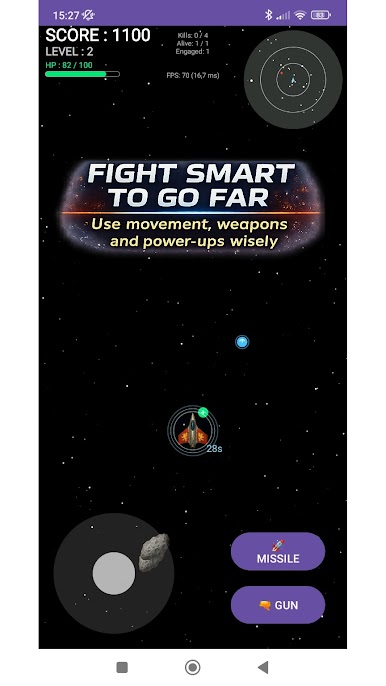
- 360° movement and smooth controls: Glide in any direction and aim freely for that twin-stick vibe—thread through fire, circle threats, and set up clean shots.
- Worldwide leaderboards: Compare your best runs with players around the globe, chase personal records, and take part in true leaderboard competition.
- Climbing challenge: Expect smarter foes, nastier patterns, and rising intensity that turns a simple space shootout into a difficult but fair test.
- Tactical space to maneuver: Open, scrolling arenas let you reposition on the fly—kite enemies, bail out of danger, or press the attack when you’ve got an opening.
- Weapons that matter: Balance steady blaster fire with limited missiles, time your power-ups, and manage resources so late waves don’t overwhelm you.
- The Level 10 boss: Survive the gauntlet, prioritize targets, adapt under pressure, then square off with a heavy-hitting capstone fight.
- Built for score attack fans: Perfect if you’re into arcade shooters, reflex-based gameplay, and pushing a little farther each run.
- Quick sessions, big replay value: Great for a few minutes or an hour—every attempt plays out differently depending on your choices.
- Subtle PC-friendly option: Also plays smoothly on BlueStacks if you prefer keyboard-and-mouse control without losing that snappy feel.
Ready to top the leaderboard? We bet you do. Let precise controls and sharp visuals optimized on BlueStacks lead you to victory.

Play STARFIELD – Space Shooter on PC. It’s easy to get started.
-
Download and install BlueStacks on your PC
-
Complete Google sign-in to access the Play Store, or do it later
-
Look for STARFIELD – Space Shooter in the search bar at the top right corner
-
Click to install STARFIELD – Space Shooter from the search results
-
Complete Google sign-in (if you skipped step 2) to install STARFIELD – Space Shooter
-
Click the STARFIELD – Space Shooter icon on the home screen to start playing

