


Mythic Arcade
Play on PC with BlueStacks – the Android Gaming Platform, trusted by 500M+ gamers.

Page Modified on: Sep 16, 2026
Play Mythic Arcade on PC
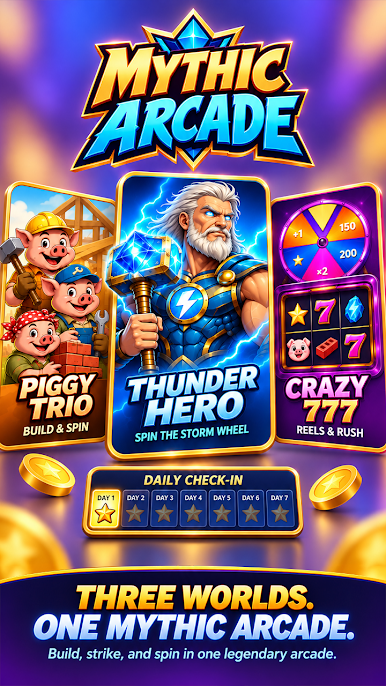
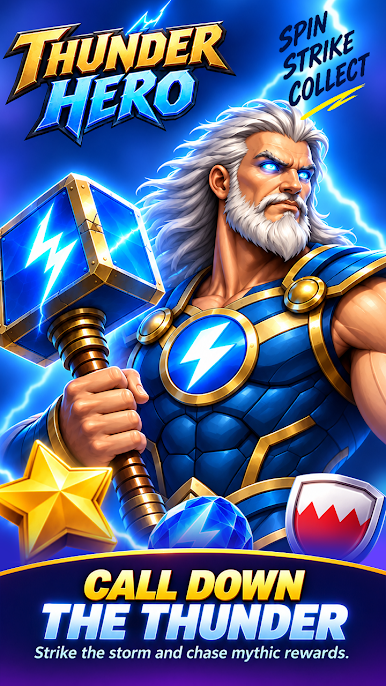
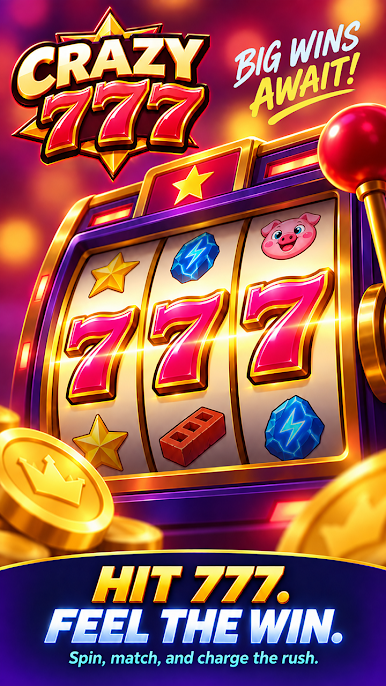
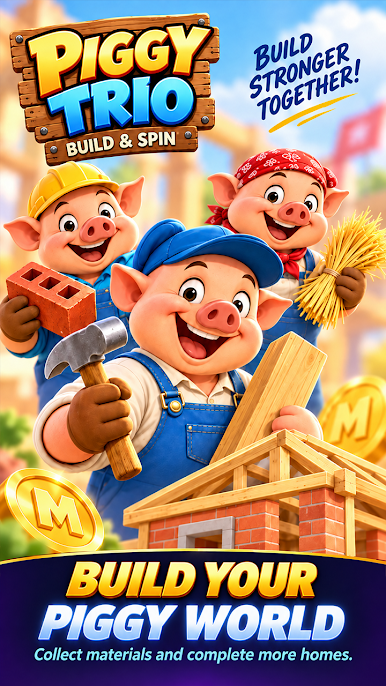
In Piggy Trio, spin for building materials and choose house blueprints. In Thunder Hero, spin an event wheel and tap highlighted runes during timed challenges. In Crazy 777, spin the reels, hold one reel for the next turn, and charge the Rush wheel.
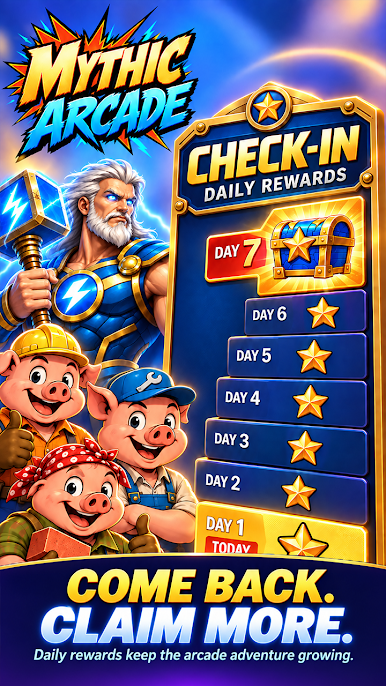
Local scores, collectible stickers, a seven-day check-in, and replay controls connect the three games. All gameplay points, materials, stickers, and rewards are virtual items for in-app play.
Highlights
Three distinct games in one illustrated hall
House building, timed rune challenges, and reel-hold play
Local scores, comic stickers, and a seven-day check-in
This game is intended for entertainment purposes only for users aged 18 and older.
The game does not offer the opportunity to win real money or prizes.
Success or practice in this social entertainment game does not imply success in real-money gambling.
Play Mythic Arcade on PC. It’s easy to get started.
-
Download and install BlueStacks on your PC
-
Complete Google sign-in to access the Play Store, or do it later
-
Look for Mythic Arcade in the search bar at the top right corner
-
Click to install Mythic Arcade from the search results
-
Complete Google sign-in (if you skipped step 2) to install Mythic Arcade
-
Click the Mythic Arcade icon on the home screen to start playing

