


Lite Video Tube & Play Tube Music
Play on PC with BlueStacks – the Android Gaming Platform, trusted by 500M+ gamers.

Page Modified on: Dec 02, 2025
Overview
Go, tube videos for you, Download now,Enjoy free funny videos and free tube musics yourself!
FEATURES:
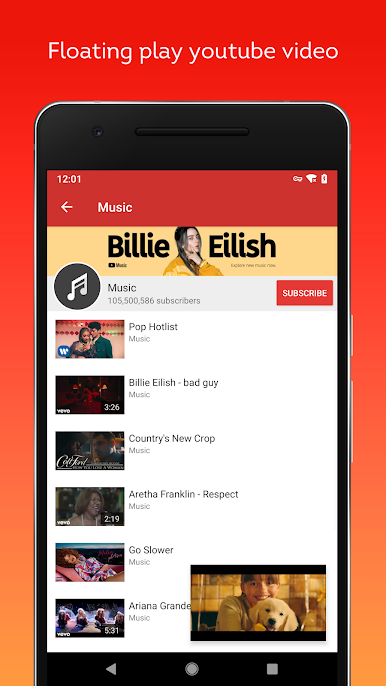
☆ Float play youtube videos
☆ Collection of favorite videos
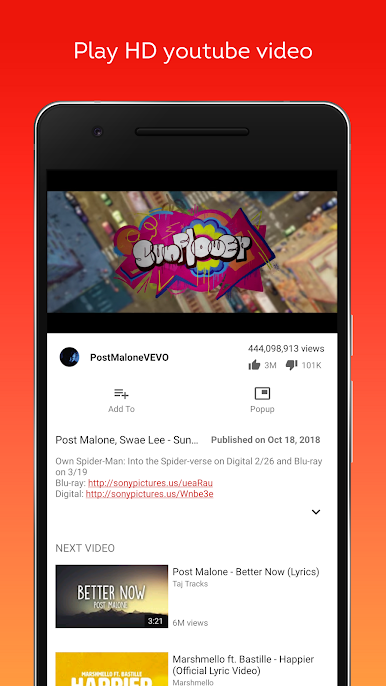
☆ Watch unlimited YouTube videos and music
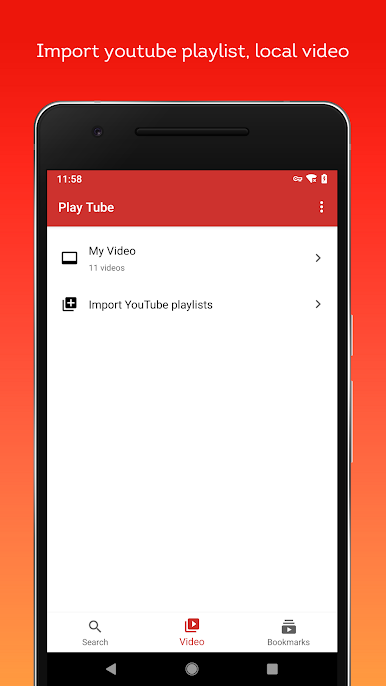
☆ Import your own YouTube playlist
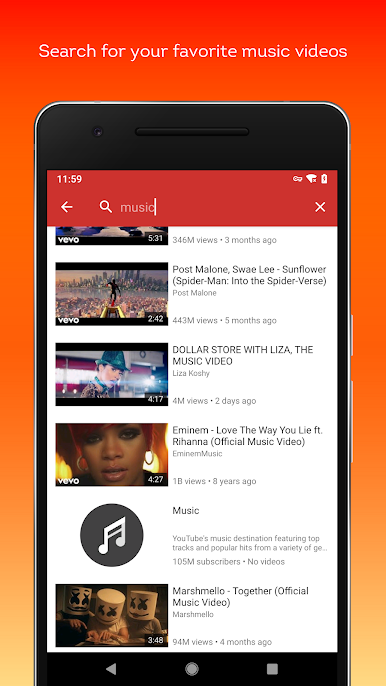
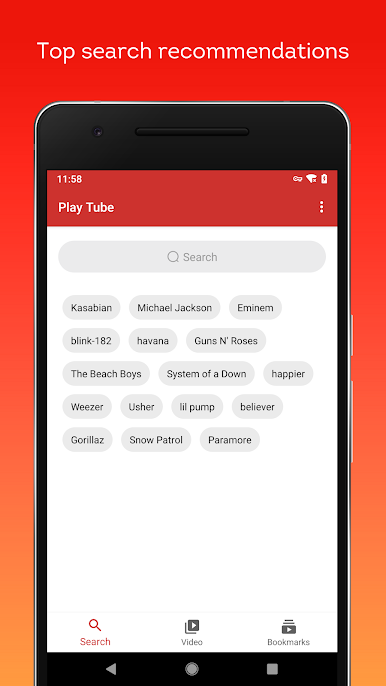
☆ Search videos, channels and playlists
☆ Watch your local video
☆ Display general information about a video
Important NOTE:
1. Lite Video Tube & Play Tube Music is using the third-party API source from YouTube. All the free video is provided by Youtube services. And you can search and play the videos on Youtube.
2. By complying with the API Terms of Use, we do not provide caching and downloading any tracks (not a video downloader)
3. Please use the following link to report any content that may infringe copyrights:
https://www.youtube.com/yt/copyright/
4.Playing music when the screen is off or on the lock screen is not allowed by YouTube terms of use.
Play Lite Video Tube & Play Tube Music on PC. It’s easy to get started.
-
Download and install BlueStacks on your PC
-
Complete Google sign-in to access the Play Store, or do it later
-
Look for Lite Video Tube & Play Tube Music in the search bar at the top right corner
-
Click to install Lite Video Tube & Play Tube Music from the search results
-
Complete Google sign-in (if you skipped step 2) to install Lite Video Tube & Play Tube Music
-
Click the Lite Video Tube & Play Tube Music icon on the home screen to start playing

