


N3Rally
Play on PC with BlueStacks – the Android Gaming Platform, trusted by 500M+ gamers.

Page Modified on: May 12, 2026
Main N3Rally on PC
Compete in Online Rankings
Aim for the top spot in the rankings with your favorite car!
Diverse Courses
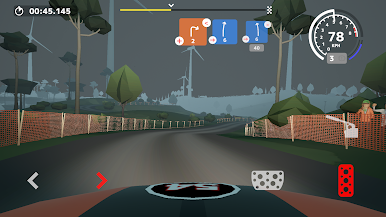
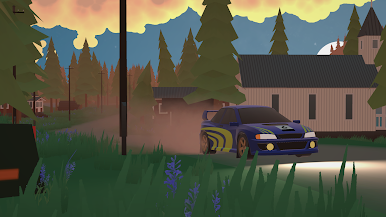
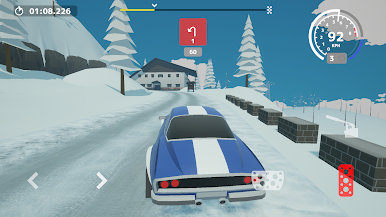
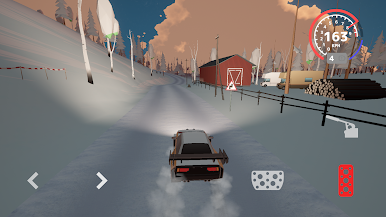
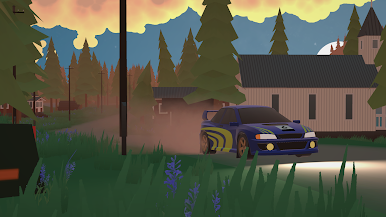
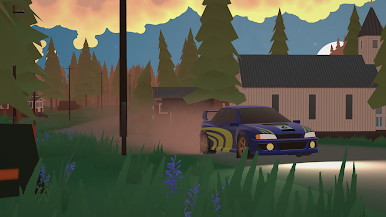
Explore over 7 locations and 35 stages featuring various landscapes and surfaces, from tarmac-focused tracks to gravel and snowy roads. Enjoy driving on different surfaces and at various times of the day.
Over 50 Cars
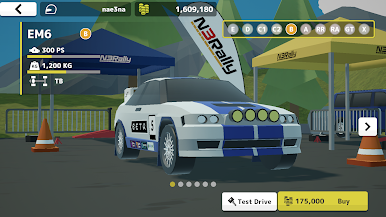
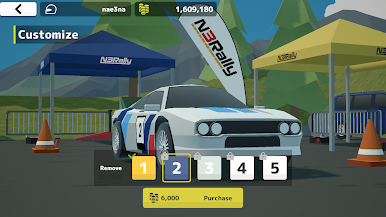
Choose from a wide range of cars, from production models to rally cars. Find your favorite car and enjoy customizing it.
Rally
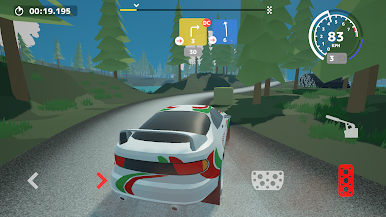
Experience rally events and single stages within the game. You can also race against rally cars in the same class.
Battle for the Top
Compete with players worldwide through cross-platform online rankings. Each stage has its own leaderboard. Strive for the fastest times and make your mark on the leaderboards.

Play N3Rally on PC. It’s easy to get started.
-
Download and install BlueStacks on your PC
-
Complete Google sign-in to access the Play Store, or do it later
-
Look for N3Rally in the search bar at the top right corner
-
Click to install N3Rally from the search results
-
Complete Google sign-in (if you skipped step 2) to install N3Rally
-
Click the N3Rally icon on the home screen to start playing

