


Draw Duel
Play on PC with BlueStacks – the Android Gaming Platform, trusted by 500M+ gamers.

Page Modified on: Oct 14, 2025
Play Draw Duel on PC or Mac
Explore a whole new adventure with Draw Duel, a Action game created by Lion Studios. Experience great gameplay with BlueStacks, the most popular gaming platform to play Android games on your PC or Mac.
About the Game
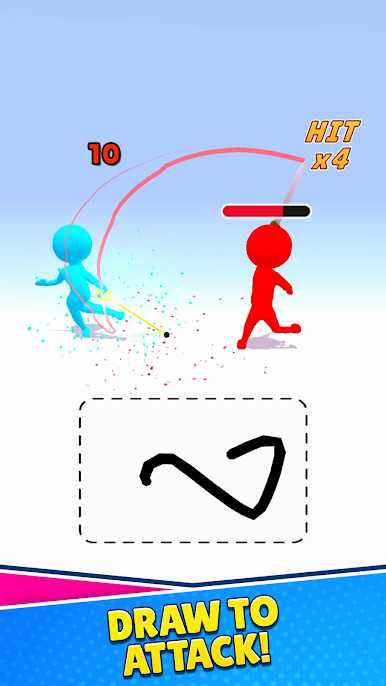
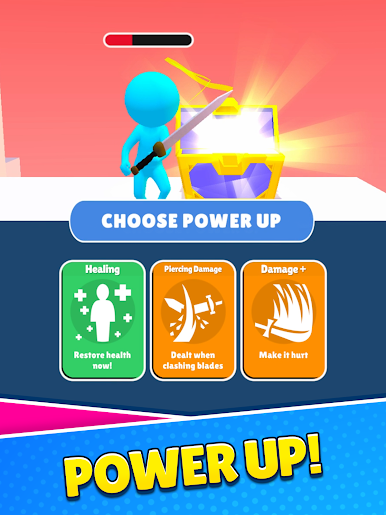
Draw Duel is all about turning your swipes into steel. This fast, skill-first Action game from Lion Studios puts a blade in your fingertip and asks you to outsmart, outmaneuver, and outdraw your opponent. Matches are quick, tense, and surprisingly strategic—one clean line can be a parry, a fake, or the winning cut.
Game Features
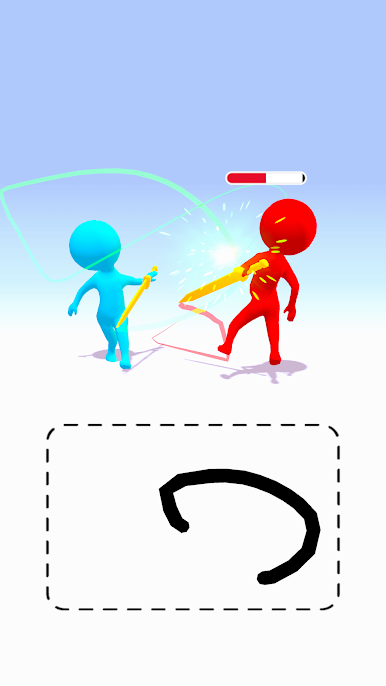
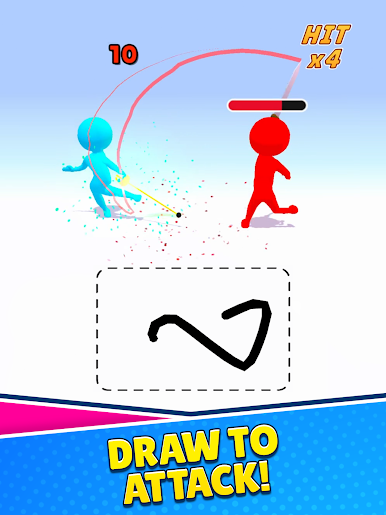
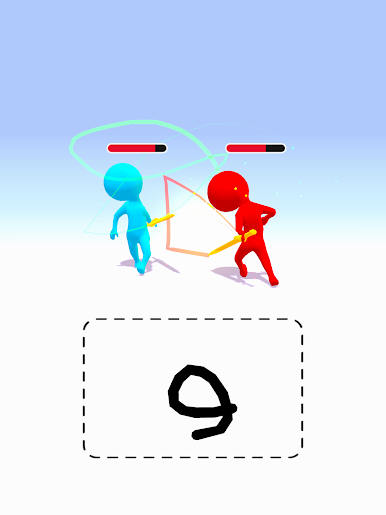
- Hand-drawn combat: No virtual buttons. Trace a path on the screen and your sword mirrors it instantly, making every movement feel personal and precise.
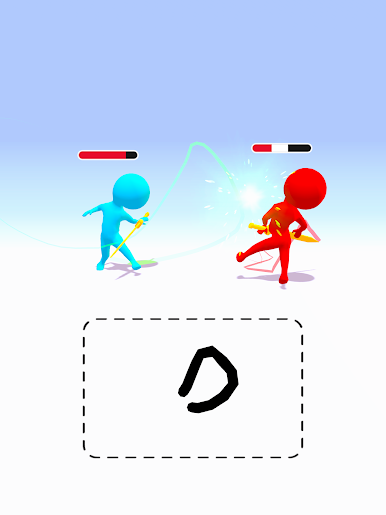
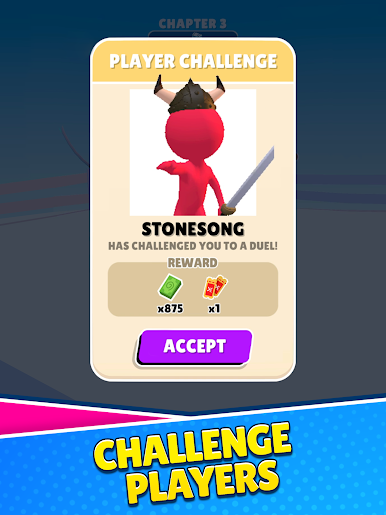
- Real-time duels: Read your rival, bait a swing, slip a block, and snap back with a counter. Timing and angles matter, not just speed.
- Satisfying physics: The blade has weight and momentum, so smooth lines and steady hands pay off. It feels intuitive the moment you start.
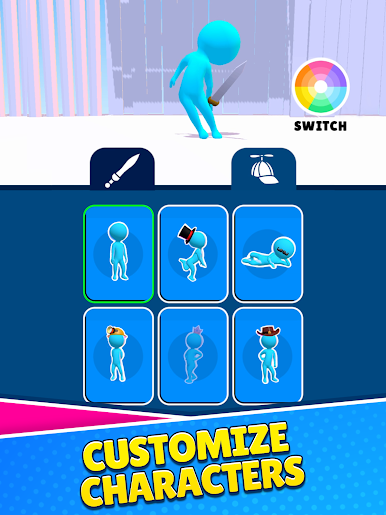
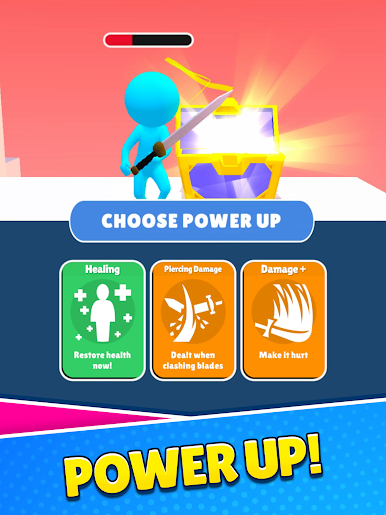
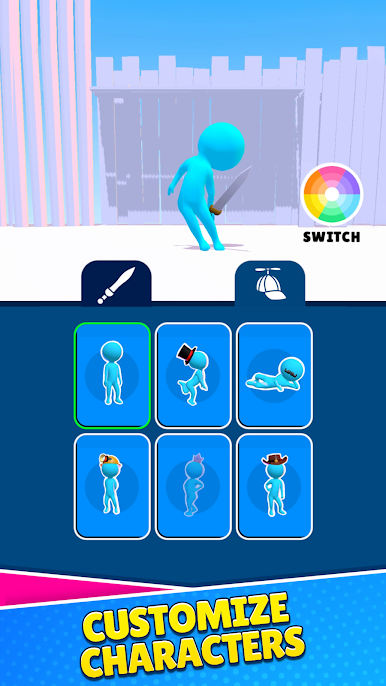
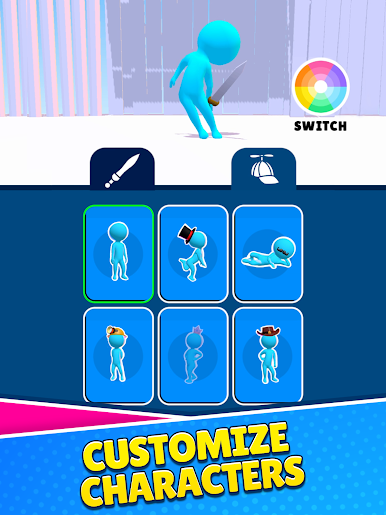
- Unlockable arsenal: Collect new swords and styles as you play. Try different looks and find the blade that fits your approach.
- Quick, snackable rounds: Hop in for a 30-second clash or grind through a streak. It’s easy to learn and just as easy to keep saying “one more.”
- Clean, responsive control: The sword tracks your finger with razor-sharp accuracy, making close calls and last-second saves feel earned.
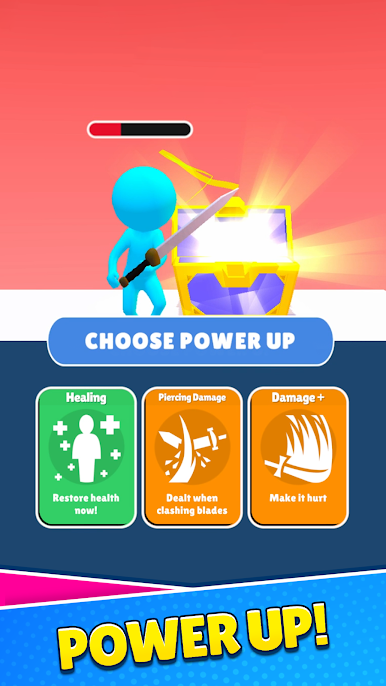
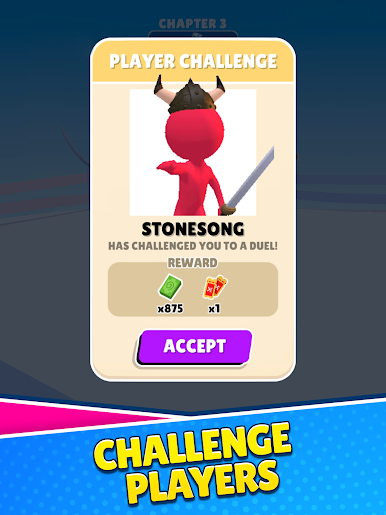
- Climb the ranks: Face tougher foes, refine your routes, and sharpen your instincts as your confidence (and collection) grows.
- Play on a bigger screen: Prefer more room for your swipes? You can also play Draw Duel on PC with BlueStacks for a roomier view without changing the feel.
Ready to top the leaderboard? We bet you do. Let precise controls and sharp visuals optimized on BlueStacks lead you to victory.

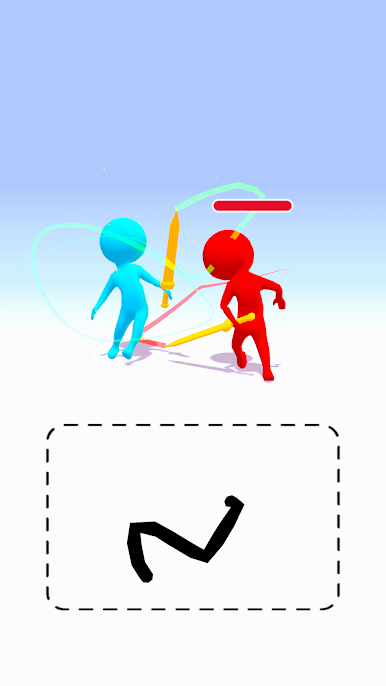
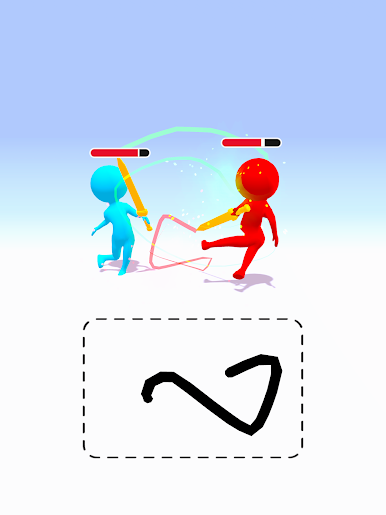
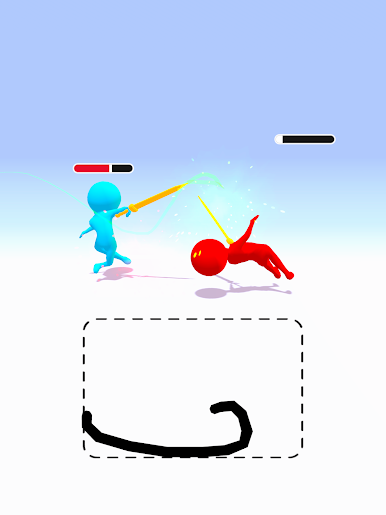
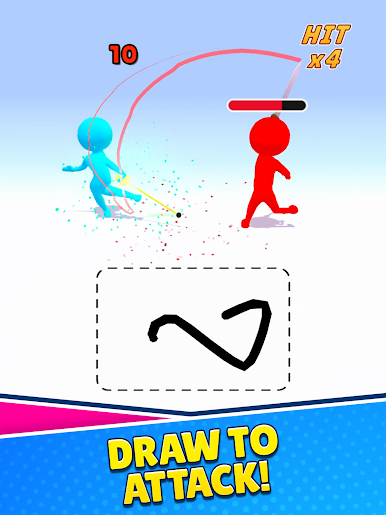
Play Draw Duel on PC. It’s easy to get started.
-
Download and install BlueStacks on your PC
-
Complete Google sign-in to access the Play Store, or do it later
-
Look for Draw Duel in the search bar at the top right corner
-
Click to install Draw Duel from the search results
-
Complete Google sign-in (if you skipped step 2) to install Draw Duel
-
Click the Draw Duel icon on the home screen to start playing

