


Nalabe Shift Work Calendar
Play on PC with BlueStacks – the Android Gaming Platform, trusted by 500M+ gamers.

Page Modified on: Oct 12, 2025
Run Nalabe Work Shifts on PC or Mac
What’s better than using Nalabe Work Shifts by NaLabe? Well, try it on a big screen, on your PC or Mac, with BlueStacks to see the difference.
About the App
Nalabe Work Shifts makes keeping track of your job schedule simple and, honestly, pretty stress-free. If you’re someone who juggles a shift-based routine or just likes having a tidy work calendar, this Productivity app from NaLabe might be exactly what you need. It packs useful features into an easy-to-use layout—nothing flashy, just straightforward calendar tools designed for real life.
App Features
-
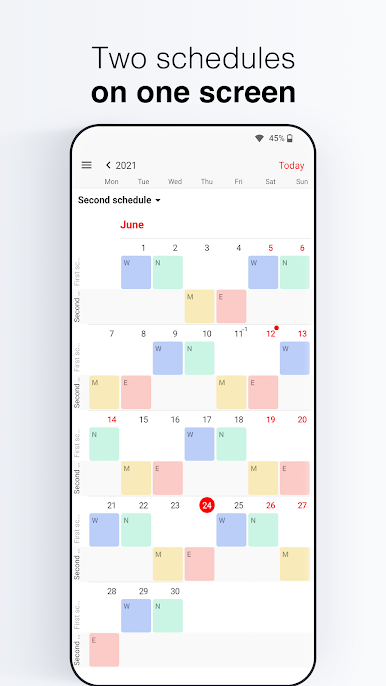
Shift Switching
Flip between different work schedules without fumbling around. Handy if you’ve got more than one gig or your hours keep changing. -
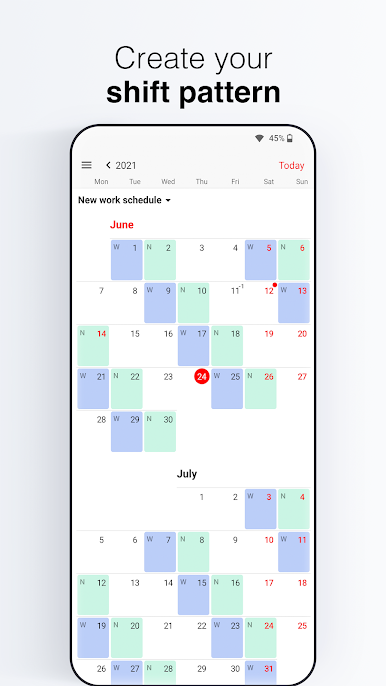
Easy Shift Creation and Editing
Add new shifts or tweak your current ones—whether your hours are staying the same or switching up, it just takes a tap or two. -
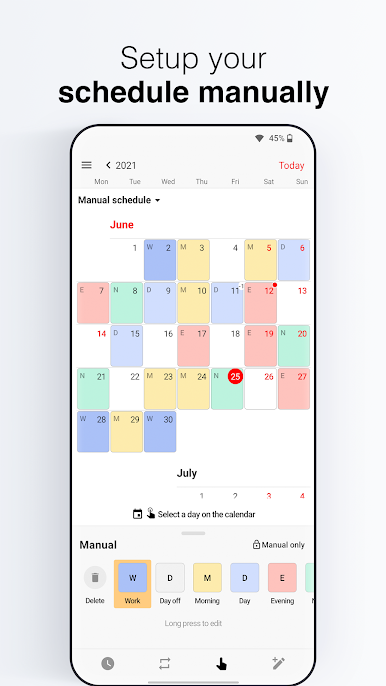
Manual Shift Entry
Prefer to set things up yourself? You can drop shifts right onto your calendar in manual mode, giving you full control. -
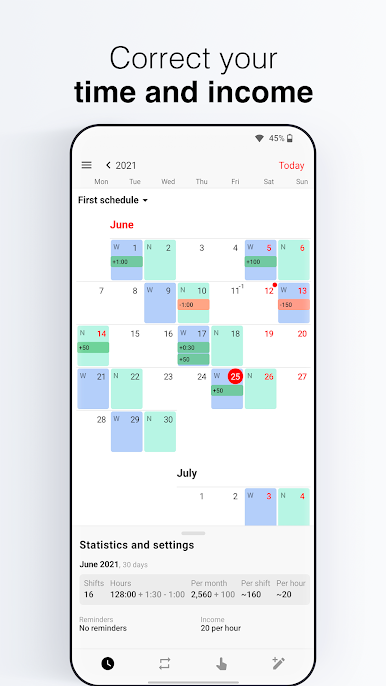
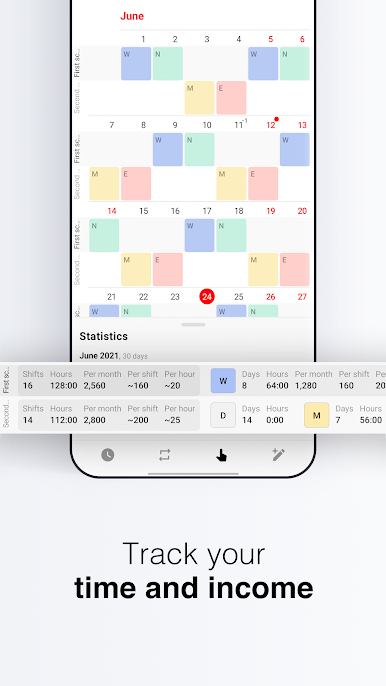
Automatic Earnings Calculator
See at a glance how much you’re making—hourly, daily, or monthly. Your paycheck totals show up right alongside your schedule. -
Push Reminders
Never forget a shift with timely notifications alerting you before you need to clock in. -
Holiday and Weekend Awareness
Stop wondering if you’re scheduled to work on a national holiday. The app’s calendar includes holidays and weekends automatically, so you’re always in the know. -
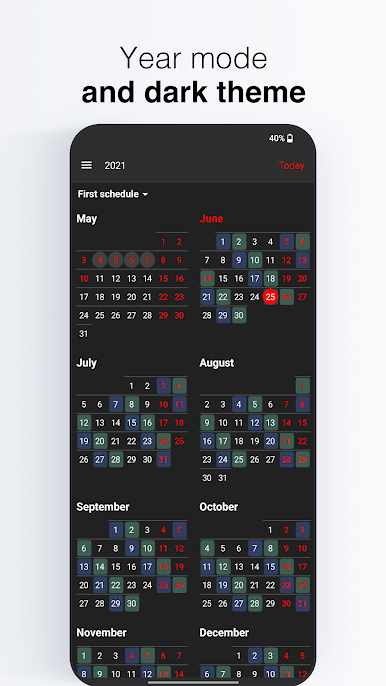
Light or Dark Theme
Switch between light and dark modes to match your vibe—or just to save your eyes during a late-night schedule check. -
Year Overview
Get the big picture with an annual mode, so you can spot vacation weeks or busy stretches, all at once. -
Personalized Display Settings
Adjust calendar cell size, choose if you want week numbers, pick your country’s holiday set, and decide which day should start your week. -
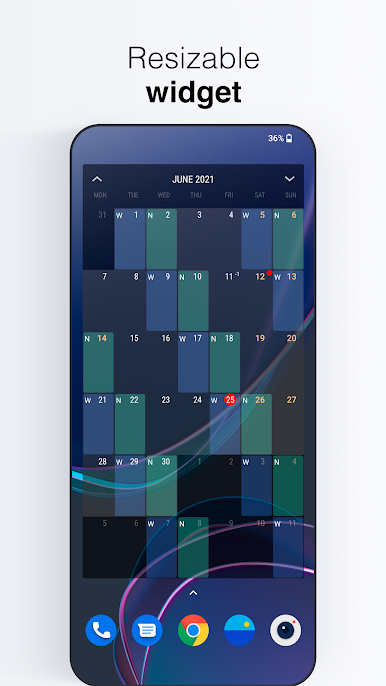
Flexible Calendar Widget
View your whole shift pattern right from your home screen with the widget. You can tweak transparency and themes, so it never feels out of place.
If you like organizing things on a bigger desktop or want your shift calendar alongside your other productivity tools, Nalabe Work Shifts works great with BlueStacks as well.
BlueStacks gives you the much-needed freedom to experience your favorite apps on a bigger screen. Get it now.
Play Nalabe Shift Work Calendar on PC. It’s easy to get started.
-
Download and install BlueStacks on your PC
-
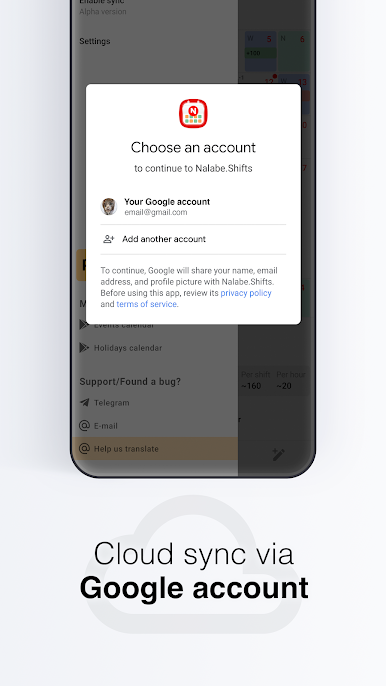
Complete Google sign-in to access the Play Store, or do it later
-
Look for Nalabe Shift Work Calendar in the search bar at the top right corner
-
Click to install Nalabe Shift Work Calendar from the search results
-
Complete Google sign-in (if you skipped step 2) to install Nalabe Shift Work Calendar
-
Click the Nalabe Shift Work Calendar icon on the home screen to start playing

