


Story Match - Life Stories
Play on PC with BlueStacks – the Android Gaming Platform, trusted by 500M+ gamers.

Page Modified on: Sep 21, 2026
Play Story Match - Life Stories on PC
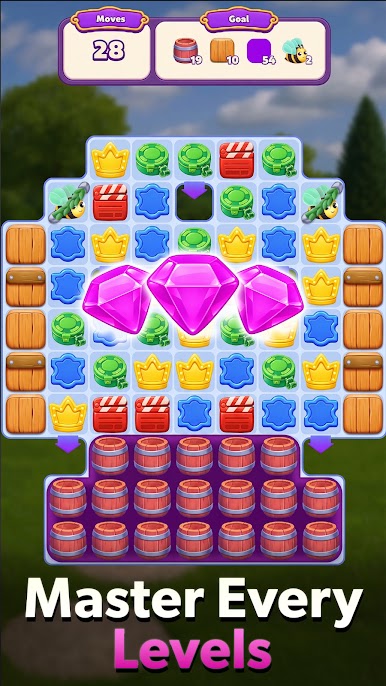
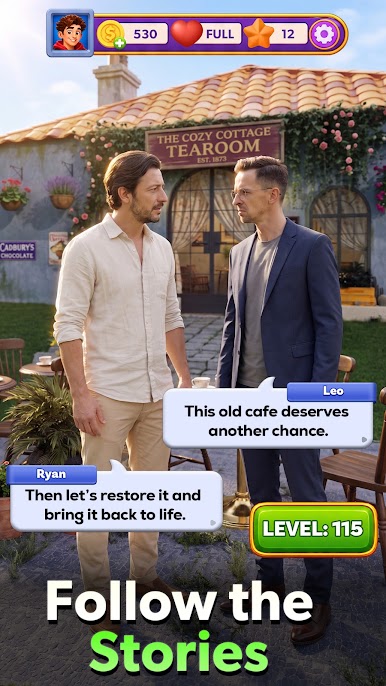
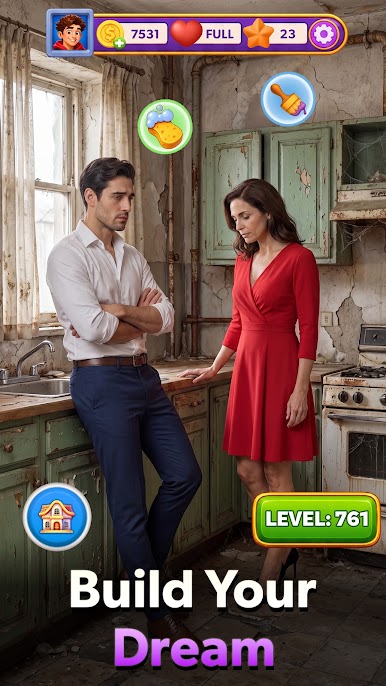
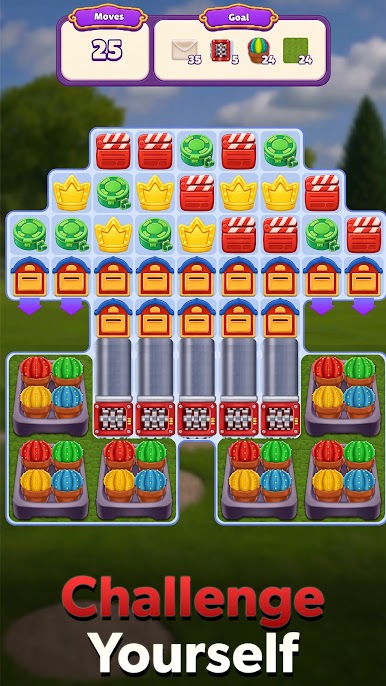
Swap colorful gems to clear tricky board obstacles and help characters rebuild their lives. Uncover deep secrets, emotional turns, and inspiring personal journeys as you progress through each chapter.
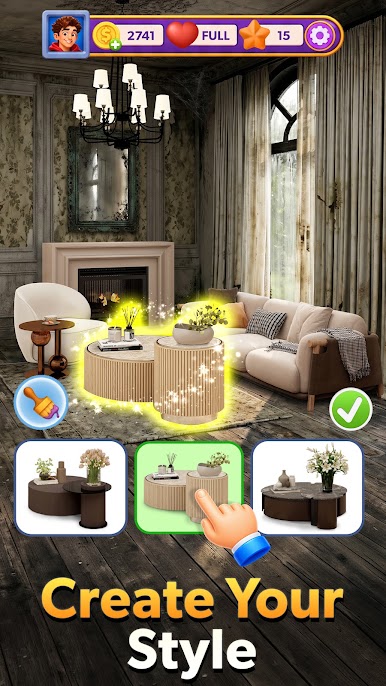
Express your creativity with full interior renovation. Decorate cozy bedrooms, design elegant living spaces, and customize every detail to match your personal style.
Enjoy hundreds of fun match 3 levels, unlock special boosters, play offline, and compete on global leaderboards. Download Story Match today to solve puzzles, design dream spaces, and follow captivating human stories!


Play Story Match - Life Stories on PC. It’s easy to get started.
-
Download and install BlueStacks on your PC
-
Complete Google sign-in to access the Play Store, or do it later
-
Look for Story Match - Life Stories in the search bar at the top right corner
-
Click to install Story Match - Life Stories from the search results
-
Complete Google sign-in (if you skipped step 2) to install Story Match - Life Stories
-
Click the Story Match - Life Stories icon on the home screen to start playing

