


XCIPTV PLAYER
Play on PC with BlueStacks – the Android Gaming Platform, trusted by 500M+ gamers.

Page Modified on: Oct 6, 2025
Overview
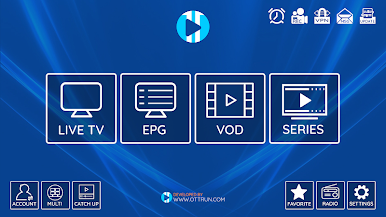
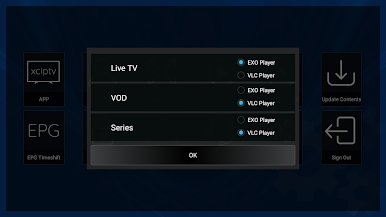
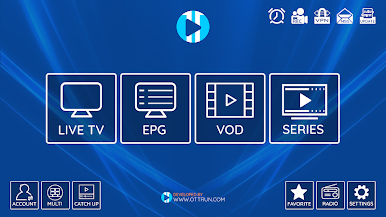
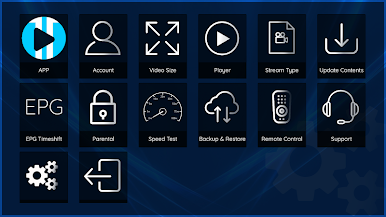
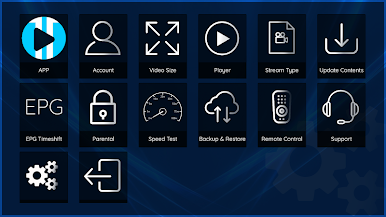
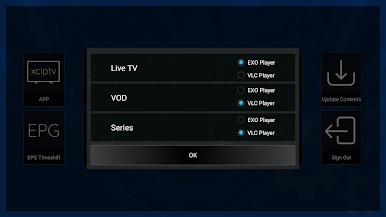
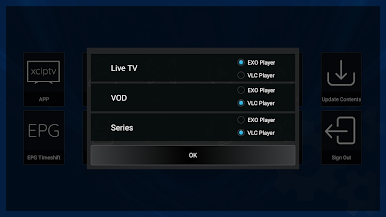
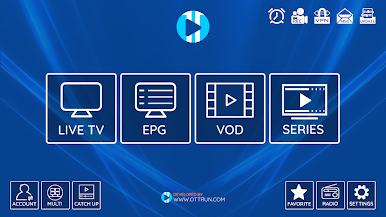
XCIPTV PLAYER comes with two built-in Media Players with Adaptive HLS Streaming. No 3rd party apps or players are required. Simple UI design for easy navigation.
XCIPTV PLAYER is using ExoPlayer and VLC Player. Easy to navigate using Android TV Remote and D-pad. This app can be installed on Android Phones, tablets, and TVs.
Explore XCIPTV PLAYER's Features:
- Built-in Players
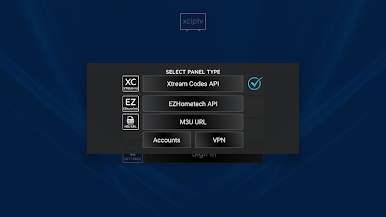
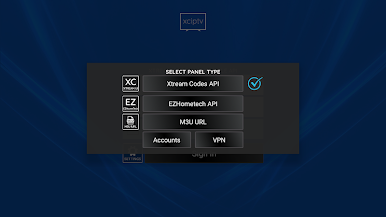
- EPG support for Xtream Codes Compatible API, EZHometech (EZServer), and M3U URL.
- Catchup with EPG
- VOD with IMDb's Info
- Series with season and episodes
- Add TV, VODs, and Series to Favorites
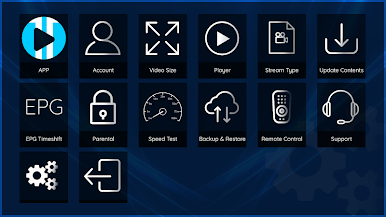
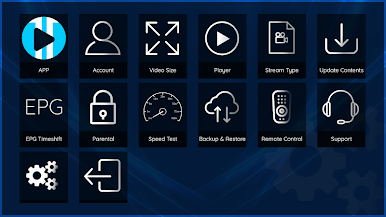
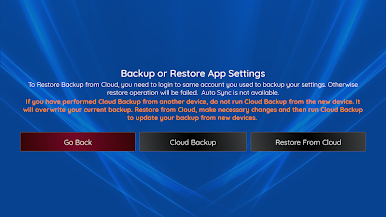
- Backup and Restore - Sync with multiple devices
- Schedule Recording to internal or external storage (DVR)
- Program Reminder from EPG View
- Schedule Recording from EPG View
IMPORTANT:
The official XCIPTV PLAYER does not contain any media content. This means that you should provide your own content from a local or remote storage location, or any other media carrier that you own. Any other means of watching illegal content which would otherwise be paid for is not endorsed or approved by Ottrun Team.
DISCLAIMER:
- XCIPTV PLAYER does not supply or include any media or content.
- Users must provide their own content
- XCIPTV PLAYER has no affiliation with any media content suppliers or providers.
- We do not endorse the streaming of copyright-protected material without the permission of the copyright holder.
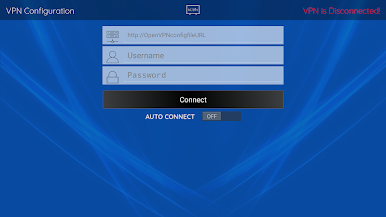
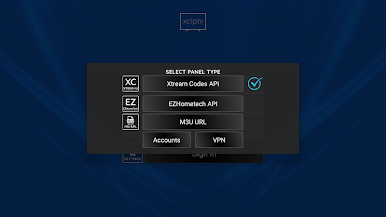
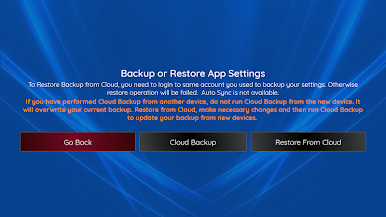
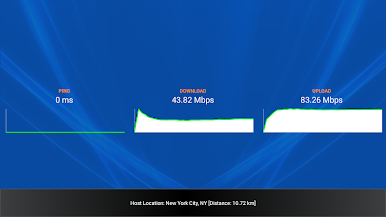
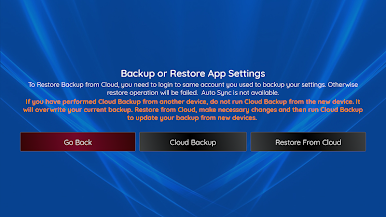
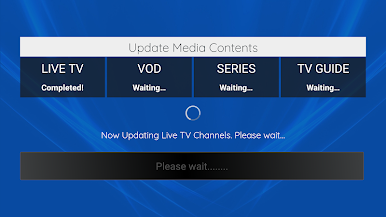
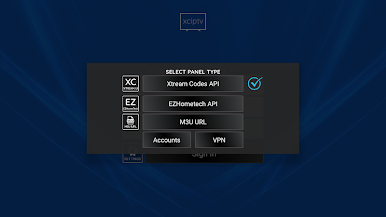
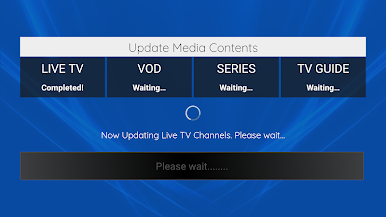
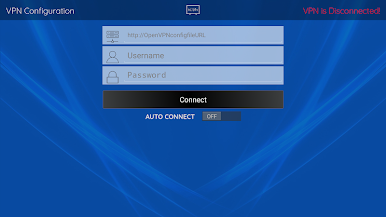
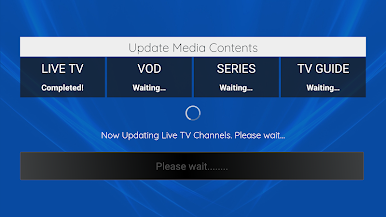
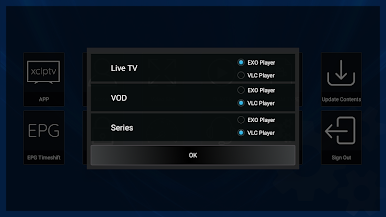
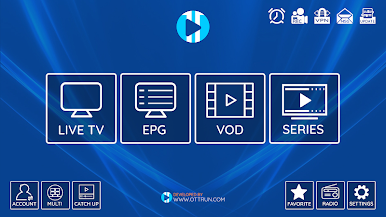
Play XCIPTV PLAYER on PC. It’s easy to get started.
-
Download and install BlueStacks on your PC
-
Complete Google sign-in to access the Play Store, or do it later
-
Look for XCIPTV PLAYER in the search bar at the top right corner
-
Click to install XCIPTV PLAYER from the search results
-
Complete Google sign-in (if you skipped step 2) to install XCIPTV PLAYER
-
Click the XCIPTV PLAYER icon on the home screen to start playing

