


Rope Sort!
Play on PC with BlueStacks – the Android Gaming Platform, trusted by 500M+ gamers.

Page Modified on: Oct 29, 2026
Play Rope Sort! on PC
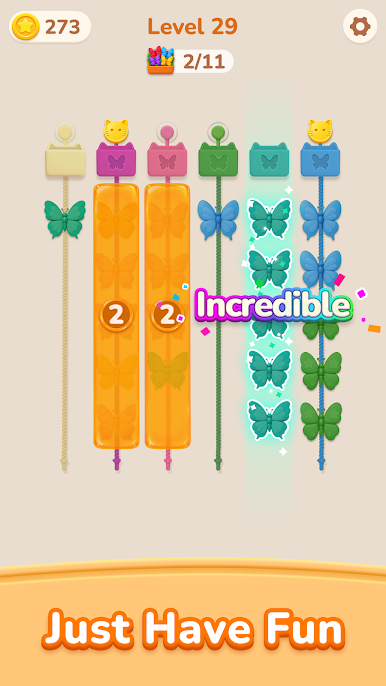
Whether you love classic water sort puzzles, ball sort games, or cozy craft themes, Rope Sort delivers an addictive, stress-free logic challenge for players of all ages.
Simple & Satisfying Gameplay:
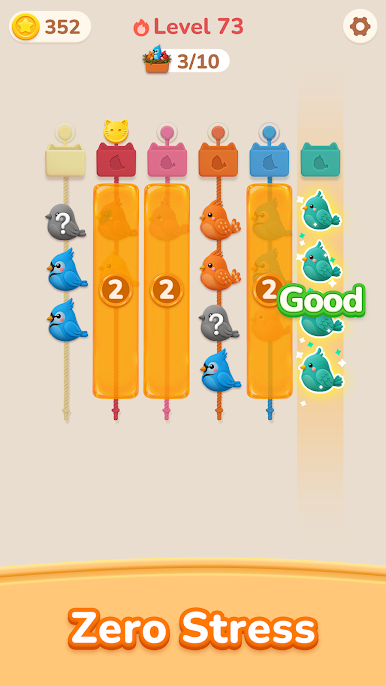
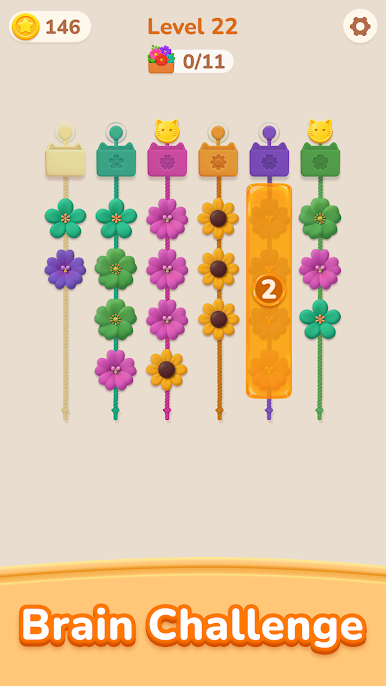
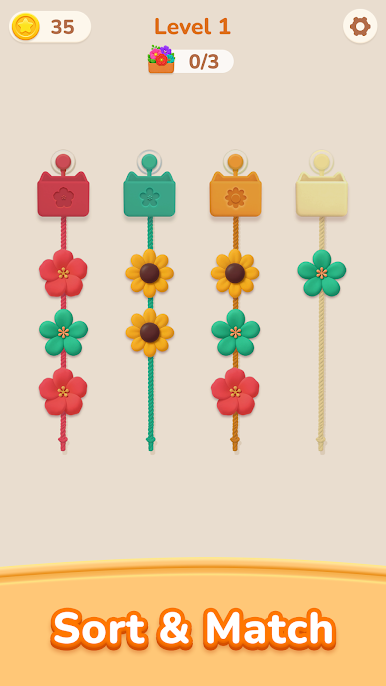
🧵 Pick & Slide: Easily tap and drag a yarn ball (or connected chains of the same color) from one rope to another.
🧶 Match by Color: Place your yarn onto an empty spool or align it with a matching yarn ball at the free end.
🧺 Complete & Pack: Fill a full spool with matching shades to watch the yarn bundle pack away into your cozy collection basket!
💡 Plan Ahead: Manage limited rope slots, think ahead, and master every move before running out of space.
Exciting Puzzle Mechanics:
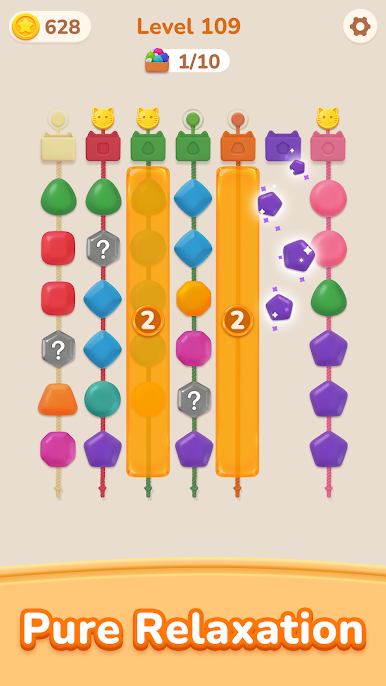
❓ Mystery Yarn Balls: Shift outer yarns to reveal hidden mystery colors and unlock unexpected sorting possibilities.
🔒 Locked Spools & Obstacles: Complete targeted color matches to unlock blocked strands and open up new tactical pathways.
✨ Helpful Boosters: Need an extra hand? Use Undo, smart Hints, or Add an Extra Rope to conquer tricky brain teasers.
Why You'll Love Rope Sort:
🌈 Cozy Tactile Feedback: Enjoy crisp visual animations, vibrant wool textures, and satisfying audio snaps with every slide.
🧠 Brain Training at Your Pace: Sharpen your logic, spatial planning, and problem-solving skills without time pressure or move limits.
📴 Offline Play: Enjoy deep offline puzzle gameplay wherever you go—no Wi-Fi or data connection required.
Take a peaceful break, organize the colorful yarn balls, and master the art of Rope Sort!
Play Rope Sort! on PC. It’s easy to get started.
-
Download and install BlueStacks on your PC
-
Complete Google sign-in to access the Play Store, or do it later
-
Look for Rope Sort! in the search bar at the top right corner
-
Click to install Rope Sort! from the search results
-
Complete Google sign-in (if you skipped step 2) to install Rope Sort!
-
Click the Rope Sort! icon on the home screen to start playing

