


Neighbor Nun. Scary Escape 3D
Play on PC with BlueStacks – the Android Gaming Platform, trusted by 500M+ gamers.

Page Modified on: Feb 01, 2026
Overview
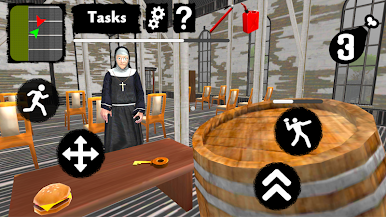
Very often you noticed that this nun behaves strangely. She often said hello, watched you and laughed. You decided not to tell your parents about it and find out her secrets alone. One fine day, you decided to enter this huge church and find out what secret your new evil neighbor is hiding. As soon as she saw you, she became very angry and began to run after you. You managed to escape to your home. You told your parents and your granny about it, but they did not believe it. She seemed friendly to them and they did not believe your words. After these events, you decided to investigate what is happening at this scary house and to find a key to his scary evil secret!
Explore the huge church house and don’t get caught. Hide from the nun neighbor and escape from her. Reveal her terrible evil secret! Enter the building and complete the different seek & hide missions.
Main Game Advantages:
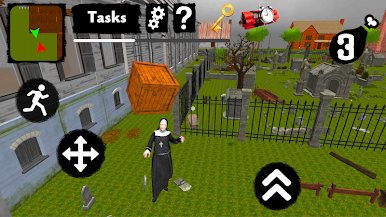
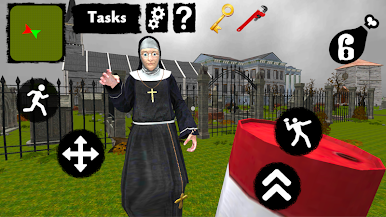
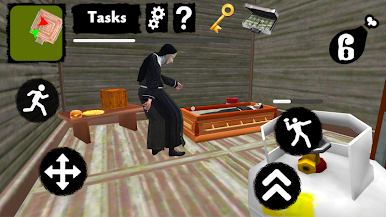
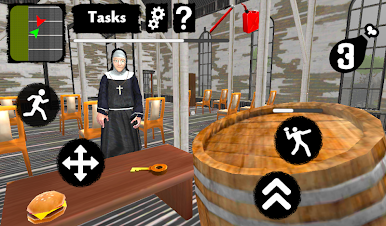
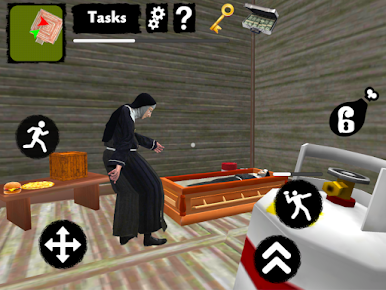
- Popular Escape gameplay! Explore the huge mystic house, seek for useful objects, throw objects at the evil enemy for stunning and at the windows to break them!
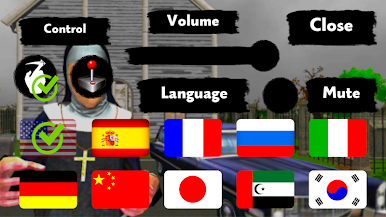
- Control and sound settings. Set up controls as you like. You can adjust the sound, sensitivity, and even choose between the touchpad and joystick!
- Multilingual Game. There are 10 languages in the game! English, Spanish, Russian, German, Italian, French, Arabic, Chinese, Korean and Japanese! Choose your Language in the Main Menu Settings.
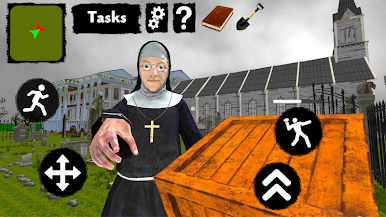
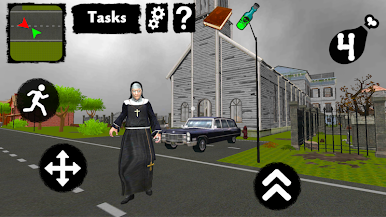
- Cool graphics and huge location! You will enjoy this High Quality location with a large scary church house and many interactive items and events.
Enjoy the Best hide & escape game about the Neighbor Nun!
Play Neighbor Nun. Scary Escape 3D on PC. It’s easy to get started.
-
Download and install BlueStacks on your PC
-
Complete Google sign-in to access the Play Store, or do it later
-
Look for Neighbor Nun. Scary Escape 3D in the search bar at the top right corner
-
Click to install Neighbor Nun. Scary Escape 3D from the search results
-
Complete Google sign-in (if you skipped step 2) to install Neighbor Nun. Scary Escape 3D
-
Click the Neighbor Nun. Scary Escape 3D icon on the home screen to start playing

