


Nemo Filipino Tagalog
Play on PC with BlueStacks – the Android Gaming Platform, trusted by 500M+ gamers.

Page Modified on: Aug 14, 2024
Run FREE Tagalog by Nemo on PC or Mac
Let BlueStacks turn your PC, Mac, or laptop into the perfect home for FREE Tagalog by Nemo, a fun Education app from Nemo Apps LLC.
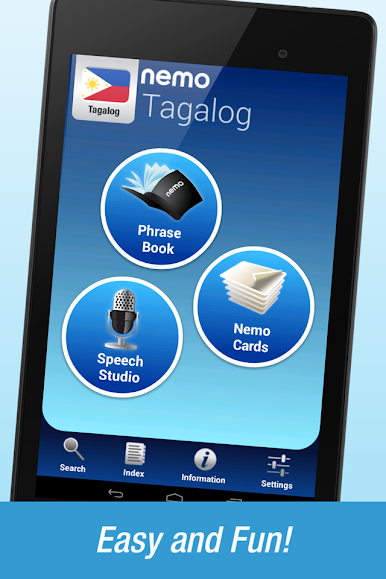
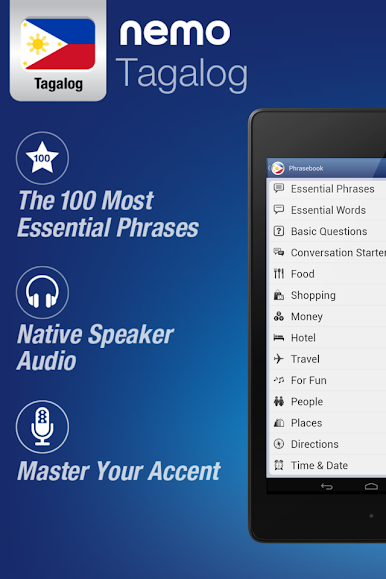
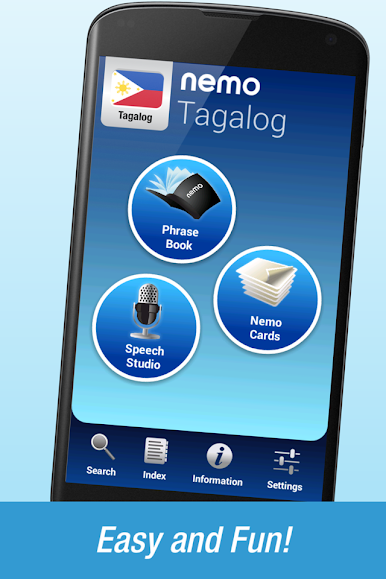
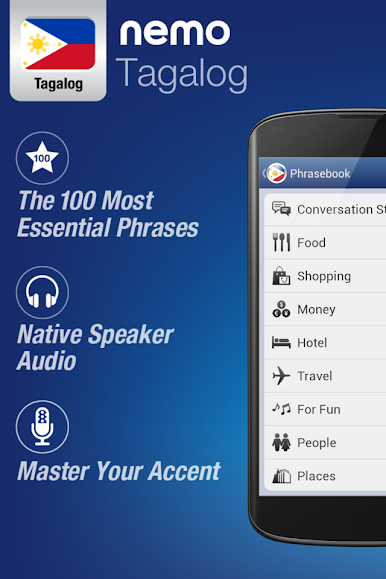
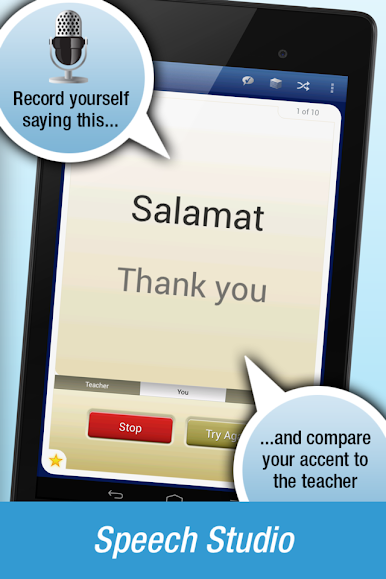
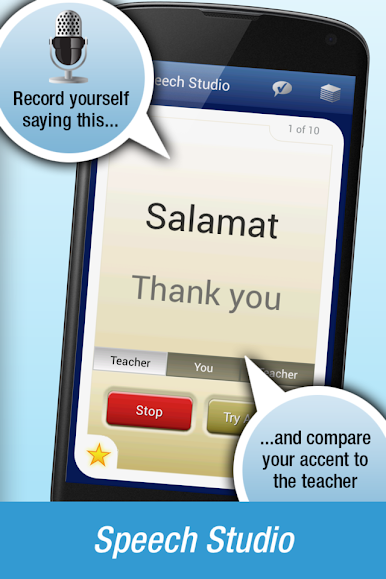
So, playing FREE Tagalog by Nemo on PC with BlueStacks actually feels really straightforward and friendly, even if someone’s totally new to the language. It’s not full of stiff lessons or exams — more like a colorful phrasebook that talks back. Every word and phrase comes with clear audio from someone who actually speaks Tagalog, so it’s really easy to get the sounds right. If you want to practice speaking, there’s this thing where you record yourself and listen side-by-side with how a native says it, which is kind of wild the first time you try—hearing the differences can help a lot with accent.
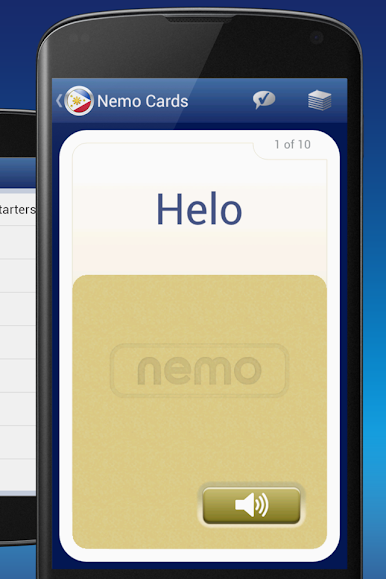
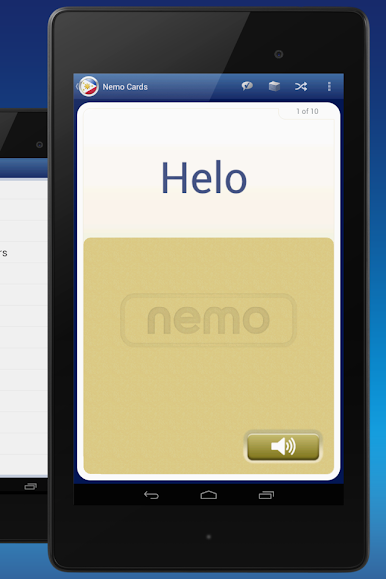
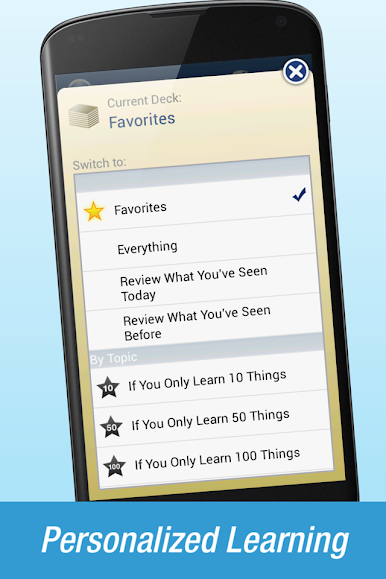
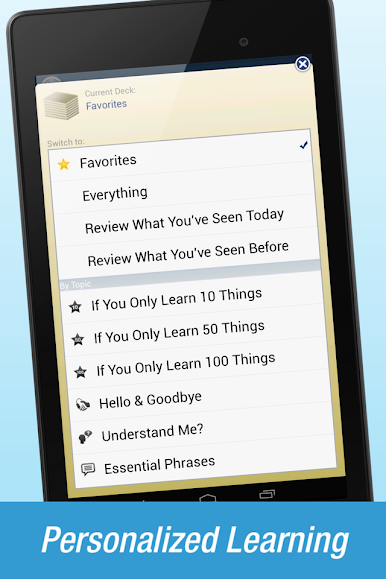
The app isn’t pushy about daily goals or streaks. People can pick it up for a few minutes whenever, tap through some flashcards, and move on. The flashcards can be tweaked to work on whatever feels tricky, like just listening or practicing pronunciation. There are ready-made essential word lists, so if someone only wants to get the basics before a trip, those lists are right there. Or, for more ambitious folks, it’ll help work up to harder stuff as well. There’s a simple search if someone wants to look up a word fast or play the audio to ask someone in Tagalog, which helps when traveling. Another cool part is that everything works offline, so no need to worry about Wi-Fi. Seeing all this on a bigger PC screen through BlueStacks makes shuffling through vocab and practicing way easier, especially if someone likes to have everything open and organized. The whole thing feels geared towards being practical and flexible—no pressure, just useful language practice, whenever someone wants it.
BlueStacks gives you the much-needed freedom to experience your favorite apps on a bigger screen. Get it now.
Play Nemo Filipino Tagalog on PC. It’s easy to get started.
-
Download and install BlueStacks on your PC
-
Complete Google sign-in to access the Play Store, or do it later
-
Look for Nemo Filipino Tagalog in the search bar at the top right corner
-
Click to install Nemo Filipino Tagalog from the search results
-
Complete Google sign-in (if you skipped step 2) to install Nemo Filipino Tagalog
-
Click the Nemo Filipino Tagalog icon on the home screen to start playing

