


Neopets: Companion App
Play on PC with BlueStacks – the Android Gaming Platform, trusted by 500M+ gamers.

Page Modified on: Jan 29, 2026
Play Neopets: Companion App on PC
Key Features:
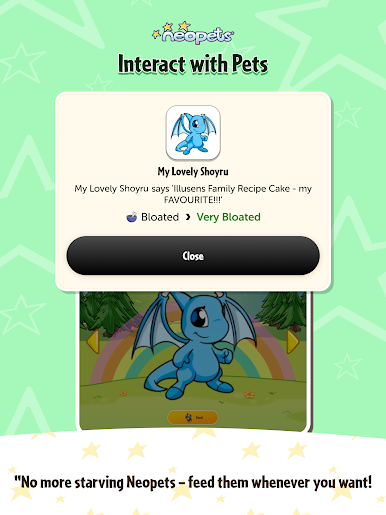
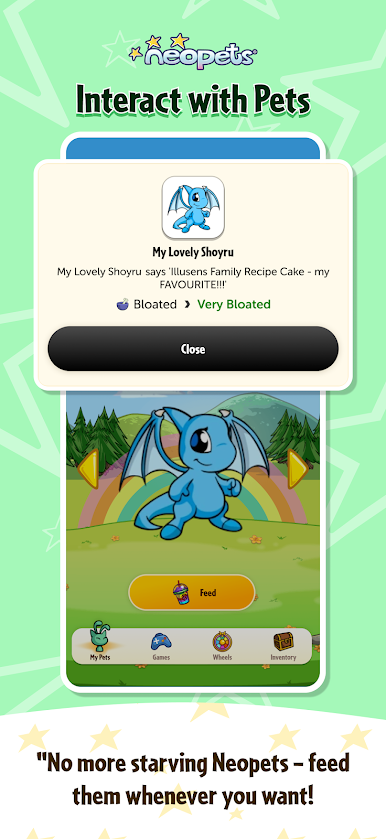
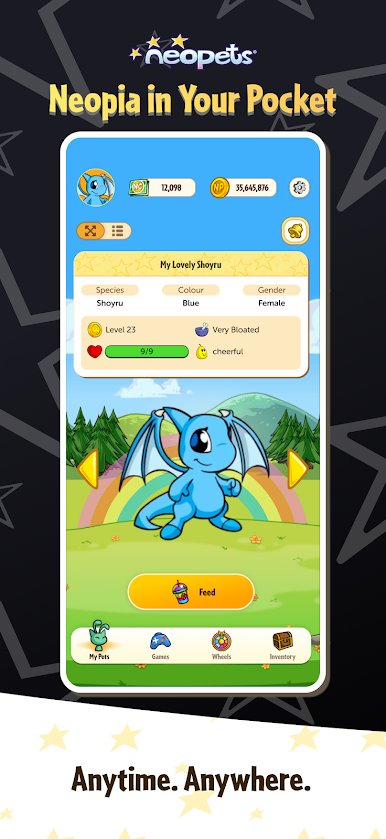
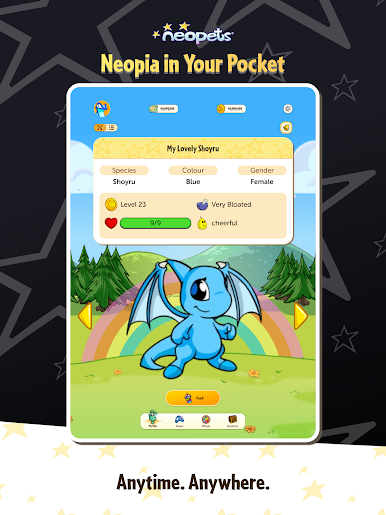
View & Feed Pets: Never worry about hungry Neopets again. Check in on all your pets and feed them wherever you are.
Inventory Access: Browse and manage your items straight from your mobile device.
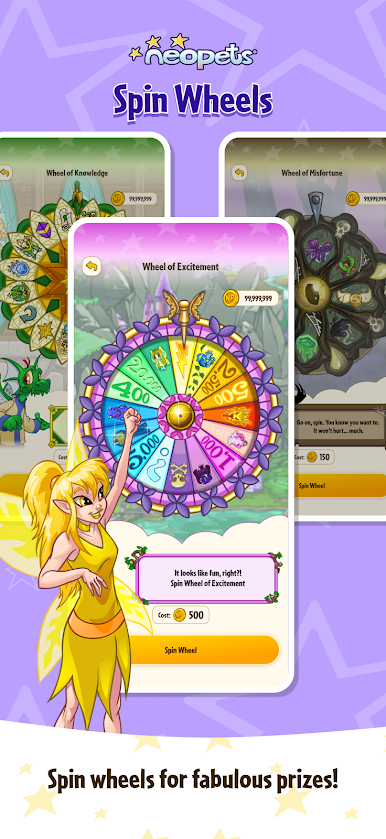
Spin Classic Wheels: Spin three beloved Neopia wheels daily, right from the app, for your chance at fabulous prizes!
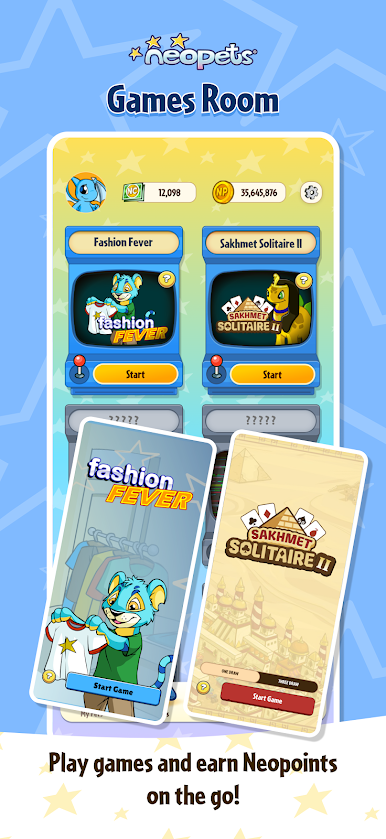
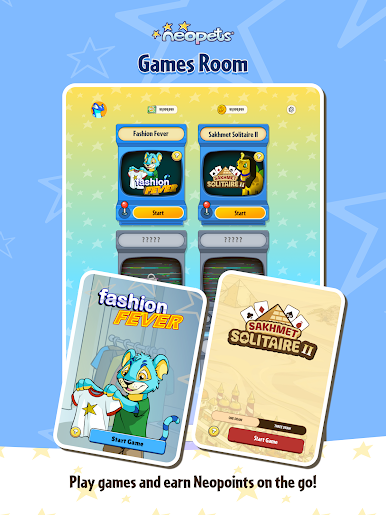
Mini-Games on the Go: Play mobile versions of your favourites. Sync your scores with your main Neopets account and earn Neopoints while you play.
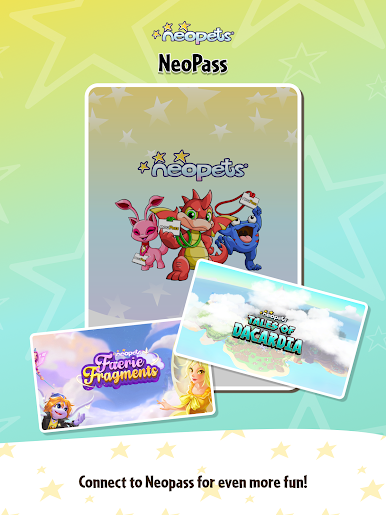
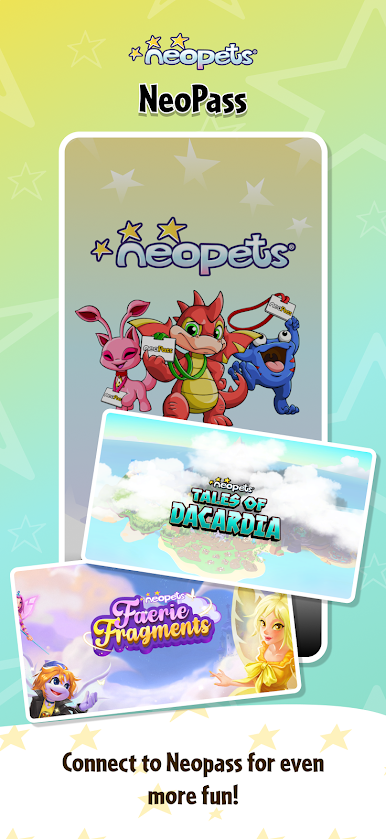
NeoPass Login: Seamlessly connect to your existing Neopets account with NeoPass. Your pets, items, and progress travel with you.
Please Note:
This is an early version of the Neopets Companion App. We’re just getting started! Currently, the app includes core features with more updates, games, and activities planned for the future. Your feedback will help shape the next chapters of Neopia on mobile.
Free to Download:
The Neopets Companion App is completely free to download and play.
Play Neopets: Companion App on PC. It’s easy to get started.
-
Download and install BlueStacks on your PC
-
Complete Google sign-in to access the Play Store, or do it later
-
Look for Neopets: Companion App in the search bar at the top right corner
-
Click to install Neopets: Companion App from the search results
-
Complete Google sign-in (if you skipped step 2) to install Neopets: Companion App
-
Click the Neopets: Companion App icon on the home screen to start playing

