

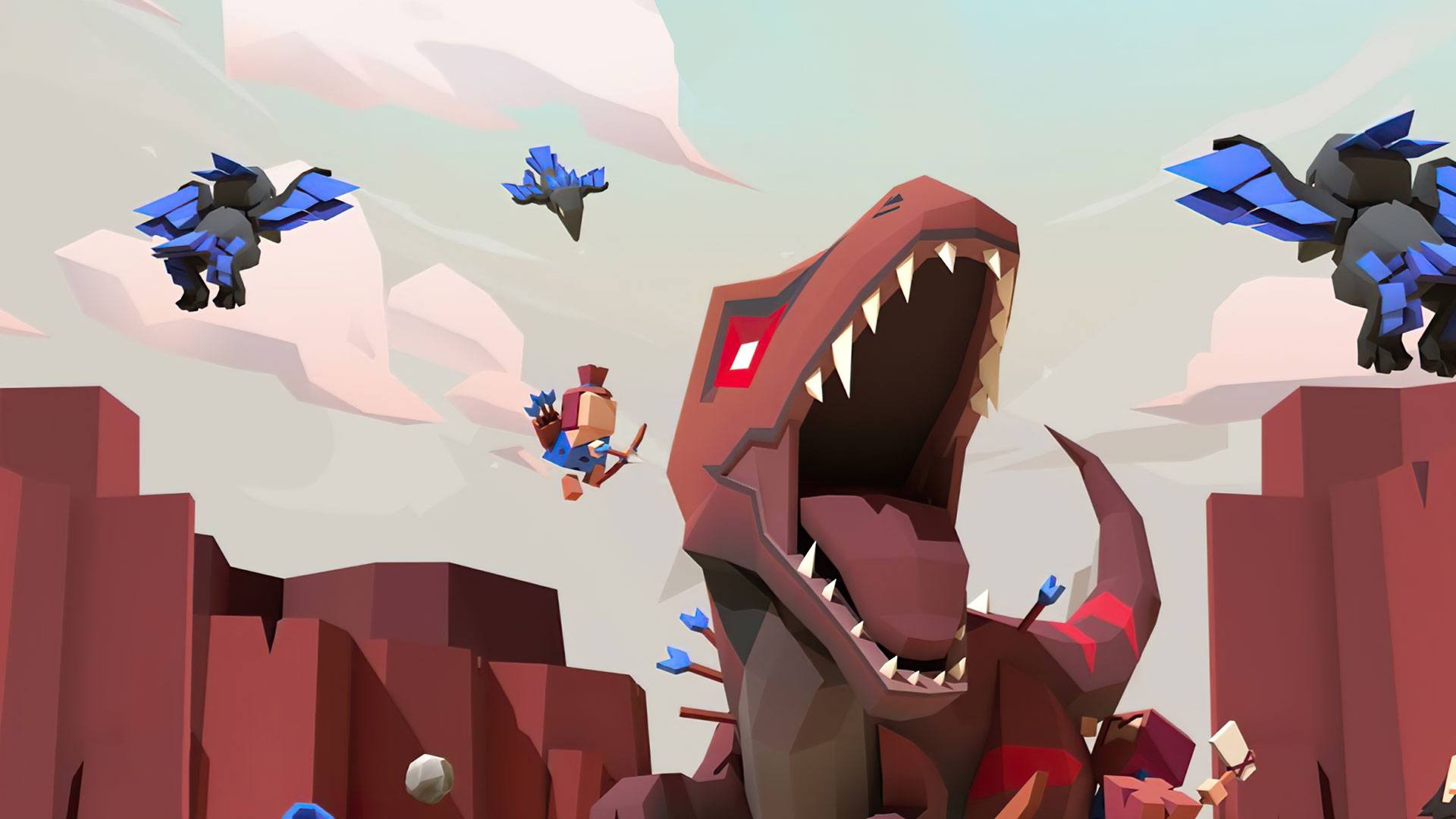
Dino Clash: Tribal War
Play on PC with BlueStacks – the Android Gaming Platform, trusted by 500M+ gamers.

Page Modified on: Nov 17, 2022
Play Dino Clash: Tribal War on PC or Mac
Dino Clash: Tribal War is a Simulation game developed by Nanali Studios. BlueStacks app player is the best PC platform (emulator) to play this Android game on your PC or Mac for an immersive gaming experience!
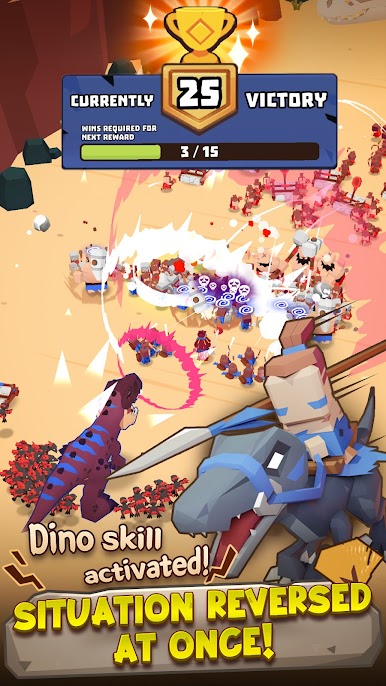
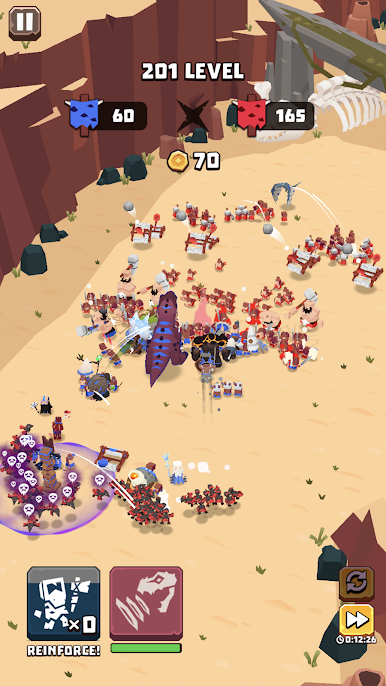
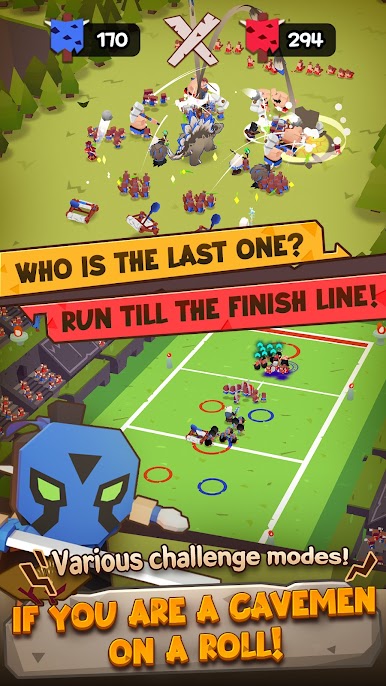
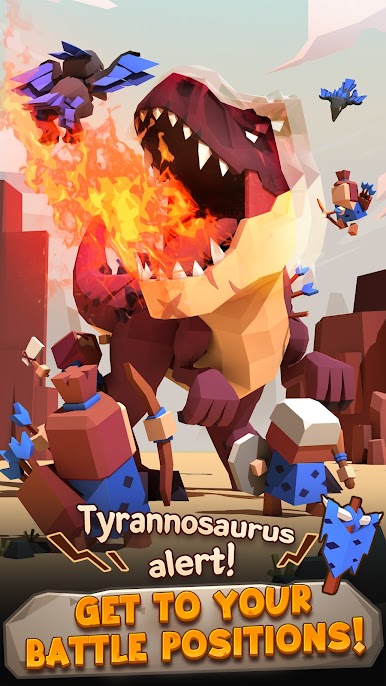
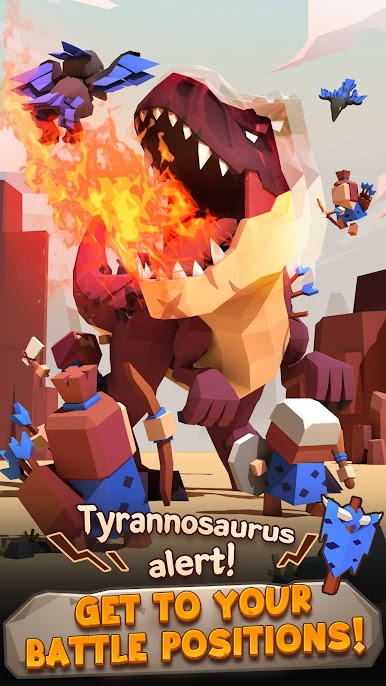
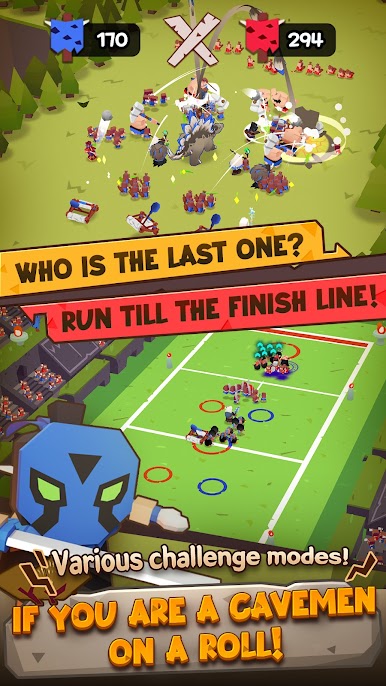
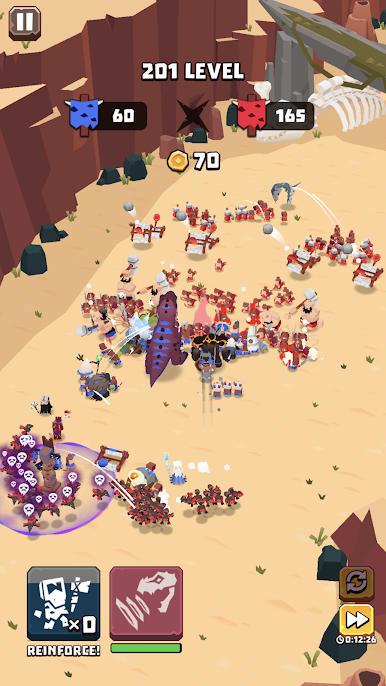
Play Dino Clash: Tribal War on PC and enjoy this war strategy game from the large and gorgeous display on your PC! Get ready to fight prehistoric cavemen and huge dinosaurs!
In the Dino Clash: Tribal War PC game, you are in a prehistoric era with rival cavemen surrounding you. These opposing tribes have armies of cavemen that constantly go to war with neighboring tribes.
With angry chieftains and wild dinosaurs at their command, can your strategy and battle skills bring you victory? Enjoy a war strategy game where you can use the enemy reptiles to your advantage!
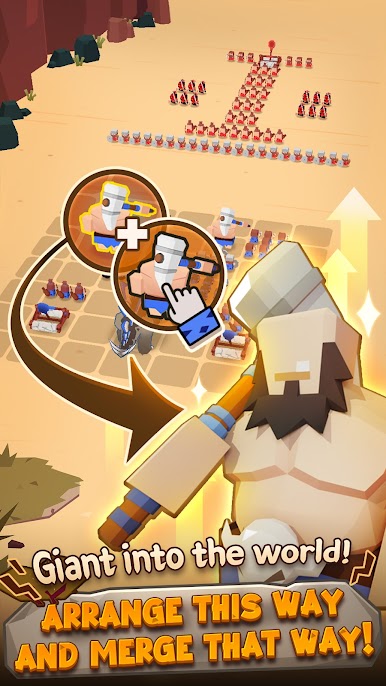
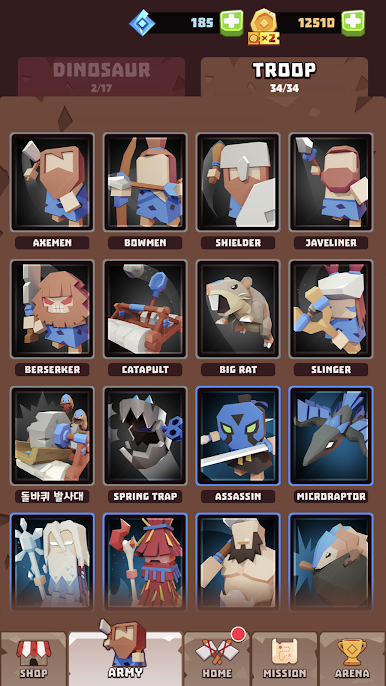
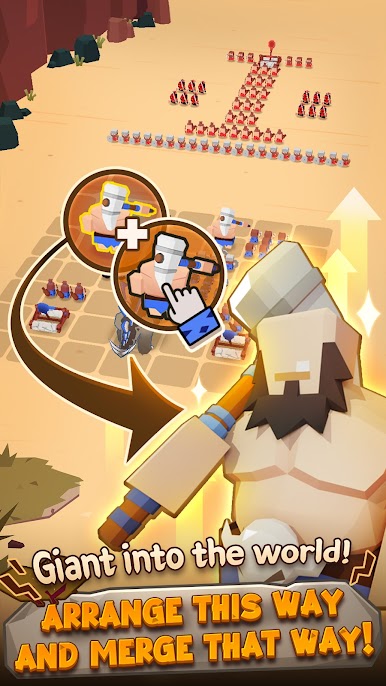
Lure the dinosaurs to your side, recruit a large team of skilled fighters, and defeat the opposing tribes!
Download Dino Clash: Tribal War on PC today for a thrilling war strategy game experience!

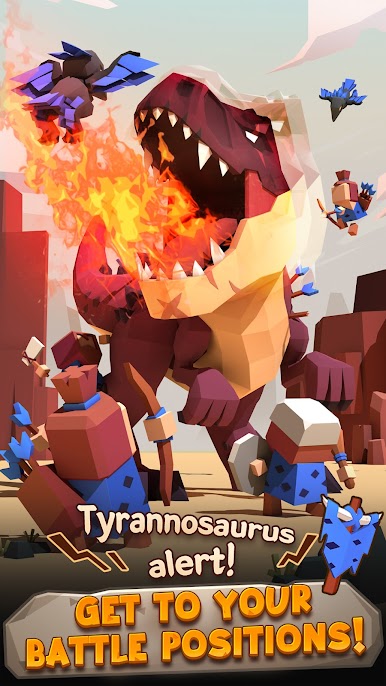

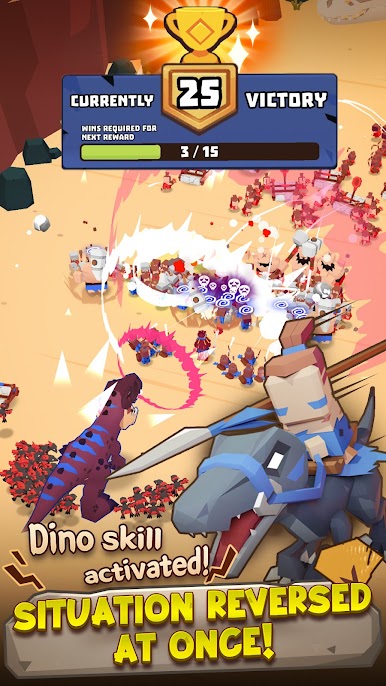

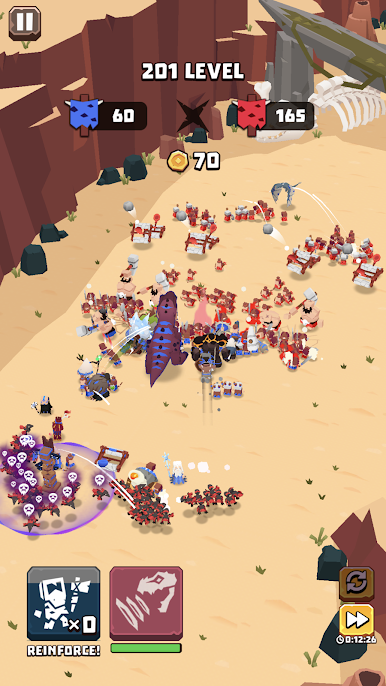
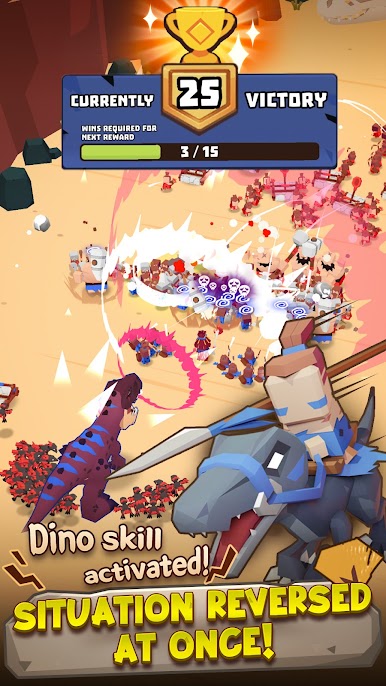

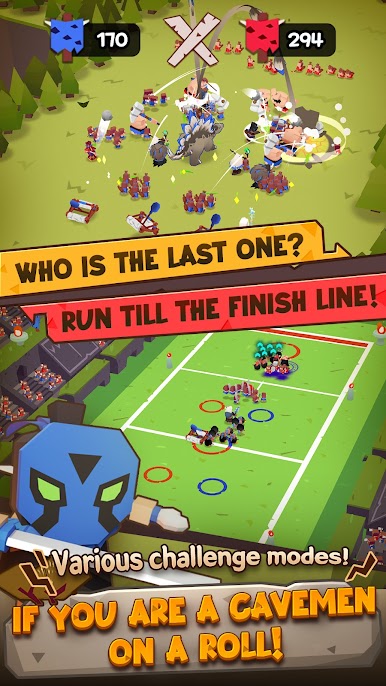

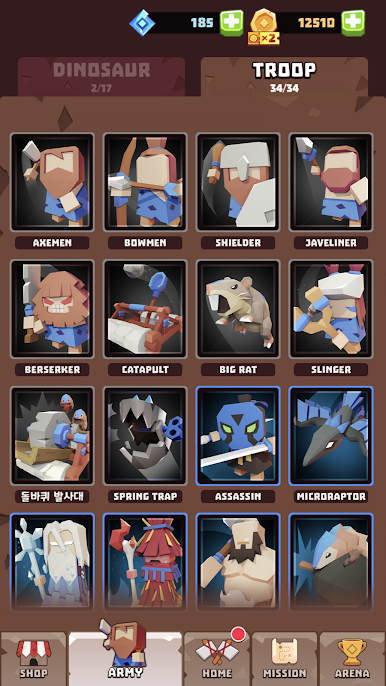

Play Dino Clash: Tribal War on PC. It’s easy to get started.
-
Download and install BlueStacks on your PC
-
Complete Google sign-in to access the Play Store, or do it later
-
Look for Dino Clash: Tribal War in the search bar at the top right corner
-
Click to install Dino Clash: Tribal War from the search results
-
Complete Google sign-in (if you skipped step 2) to install Dino Clash: Tribal War
-
Click the Dino Clash: Tribal War icon on the home screen to start playing

