

BrownDust2 - Full Burst RPG
Play on PC with BlueStacks – the Android Gaming Platform, trusted by 500M+ gamers.

Page Modified on: Feb 19, 2026
Main BrownDust2 - Full Burst RPG on PC
■ A New Adventure RPG with Console-Level Graphics ■
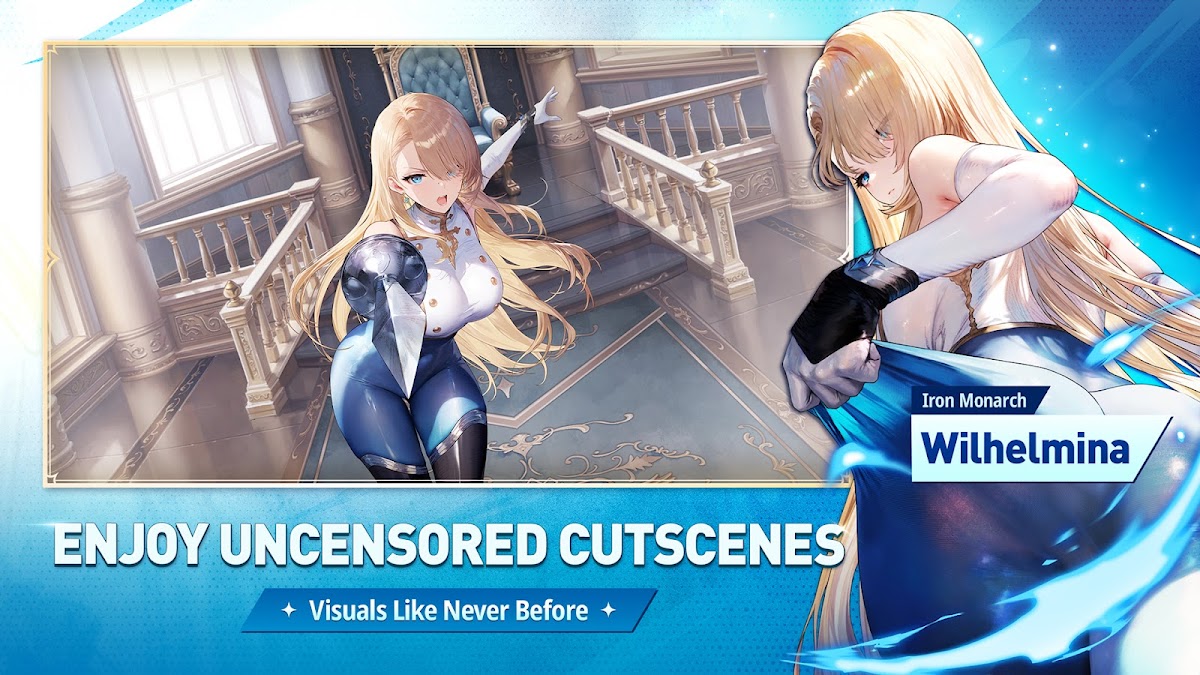
Experience High-End 2D graphics with overwhelming detail!
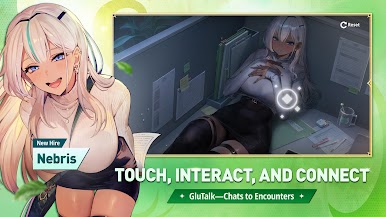
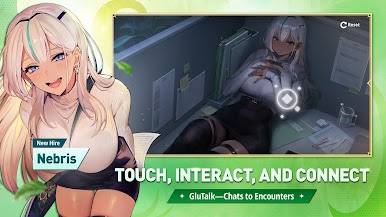
Enjoy the diverse charms of Live 2D characters drawn by top-tier illustrators,
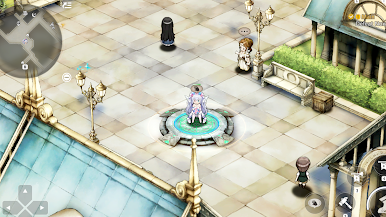
along with beautifully designed fields that add excitement to your adventures.
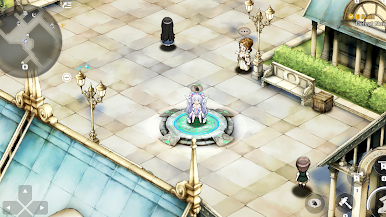
■ Immersive Adventures in Both Landscape and Vertical Mode ■
A user-friendly interface optimized for both landscape and vertical screens!
Experience a whole new level of immersion as you explore the expanded world.
■ Console-Style Game Pack that Transcends Time and Space with a Captivating Storyline ■
The game pack system evokes the nostalgia of classic console games!
Immerse yourself in a thrilling storyline that unfolds in a multi-universe world and discover what lies beyond.
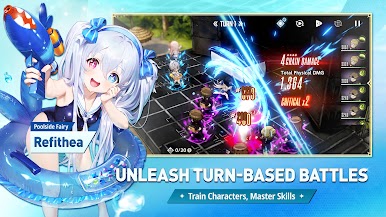
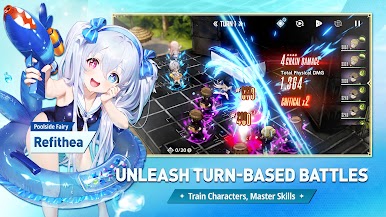
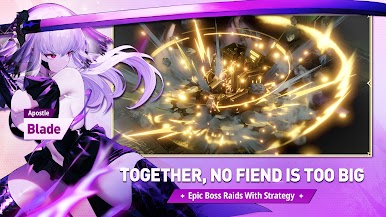
■ The core of Browndust: battle system with a quarter-view perspective ■
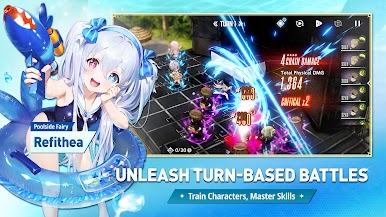
A 3x4 simulation battle system that maximizes the tension!
Don't miss the excitement of thrilling battles during adventures with well-designed intuitive turn-based battles
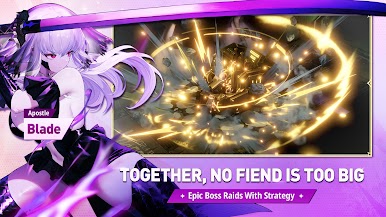
■ User-vs-User PvP and Evil Castle to Complete Your Adventure ■
Constantly test your own strategies and experience the joy of victory!
Complete your adventure while enjoying the Evil Castle content that tests your limits.









Play BrownDust2 - Full Burst RPG on PC. It’s easy to get started.
-
Download and install BlueStacks on your PC
-
Complete Google sign-in to access the Play Store, or do it later
-
Look for BrownDust2 - Full Burst RPG in the search bar at the top right corner
-
Click to install BrownDust2 - Full Burst RPG from the search results
-
Complete Google sign-in (if you skipped step 2) to install BrownDust2 - Full Burst RPG
-
Click the BrownDust2 - Full Burst RPG icon on the home screen to start playing

