


Tiny War: Kingdom Defense
Play on PC with BlueStacks – the Android Gaming Platform, trusted by 500M+ gamers.

Page Modified on: Nov 17, 2026
Overview
Pick cards, deploy units, and crush wave after wave in fast roguelike defense battles.
Tiny War: Kingdom Defense — a tactical roguelike defense game where you lead the charge.
■ Every run plays different! Roguelike card combat!
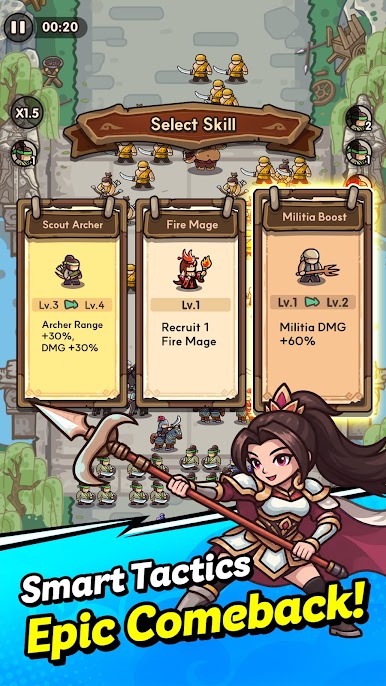
Pick one of 3 random cards mid-battle!
Upgrade a unit you've been building, or grab a new one — every pick stacks into a build unique to that run.
No two runs play the same. Before you know it, you're already hitting "one more round."
■ Your comp decides the fight! Strategic unit defense!
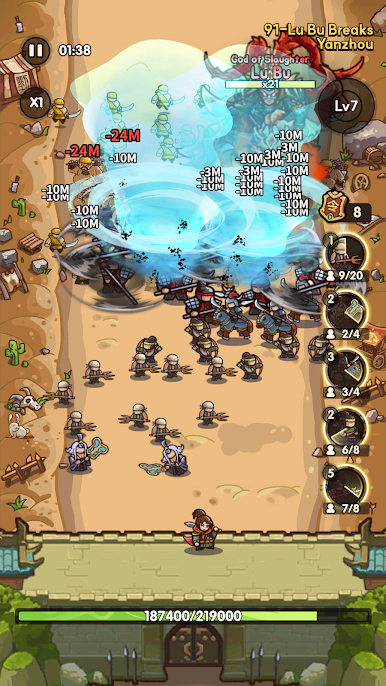
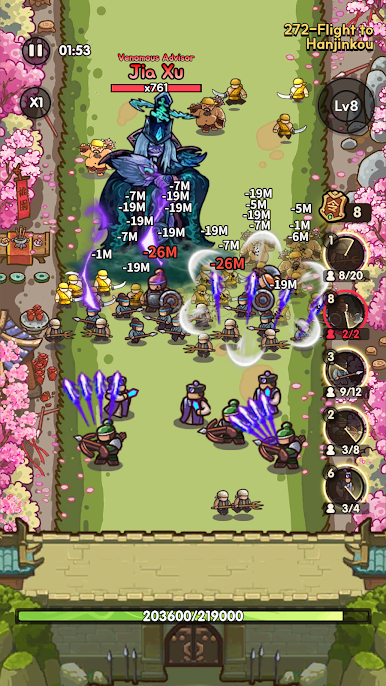
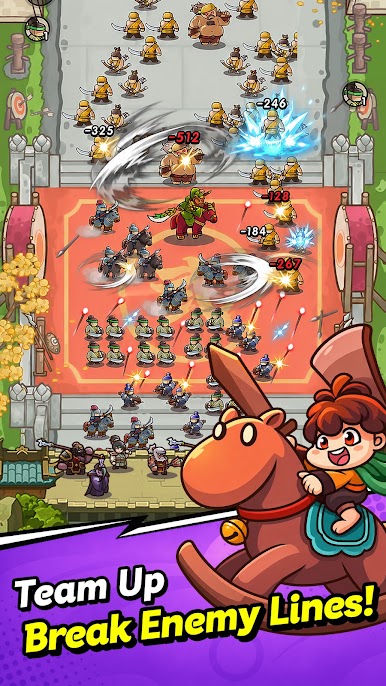
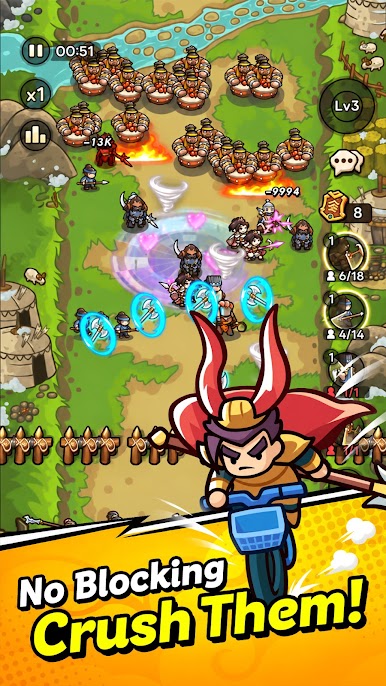
Melee, ranged, cavalry, magic, summons — mix unique unit types and build your frontline!
Wall up with spearmen while ice mages freeze enemies in their tracks. Or go full AoE and torch the field with lightning and fire.
There's no right answer. Find the comp that fits your playstyle.
■ Legendary warriors join the fight! Warlord & Strategist lineup!
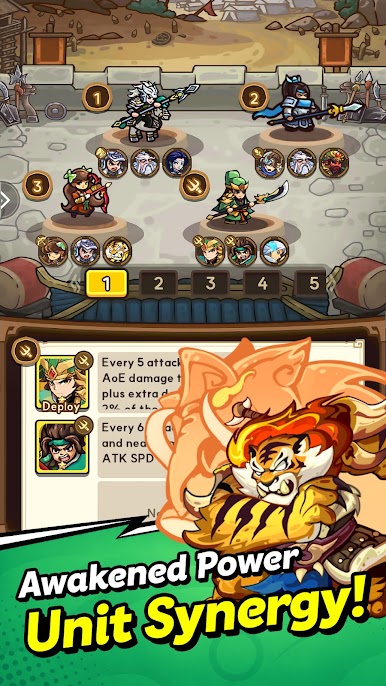
Set in the world of the Romance of the Three Kingdoms — collect and level up iconic warriors like Guan Yu and Lu Bu.
Warlords charge into battle and turn the tide. Strategists buff your army from the backline, giving you an edge before the fight begins.
■ Your kingdom keeps earning while you're away! Offline rewards!
Resources pile up over time, even when you're offline.
The more stages you've cleared, the bigger the haul. Log in, collect, gear up, and get back to battle.
■ Solo or squad up! Co-op & alliance wars!
Stuck on a tough stage? Invite a friend and take it on together.
Join an alliance for daily missions, training, and competitive wars — the battlefield only gets bigger.
5 minutes is all it takes.
Tiny War: Kingdom Defense — start your first battle today.
■ Join the Community!
Global Community (Discord): https://discord.com/invite/Ch2HeUN8W9
Korean Community (Naver Cafe): https://cafe.naver.com/ntkdefense
Official X (Twitter): https://x.com/ntkdefense_jp



Play Tiny War: Kingdom Defense on PC. It’s easy to get started.
-
Download and install BlueStacks on your PC
-
Complete Google sign-in to access the Play Store, or do it later
-
Look for Tiny War: Kingdom Defense in the search bar at the top right corner
-
Click to install Tiny War: Kingdom Defense from the search results
-
Complete Google sign-in (if you skipped step 2) to install Tiny War: Kingdom Defense
-
Click the Tiny War: Kingdom Defense icon on the home screen to start playing

