


Dunk City Dynasty
Play on PC with BlueStacks – the Android Gaming Platform, trusted by 500M+ gamers.

Page Modified on: Apr 16, 2026
Main Dunk City Dynasty on PC
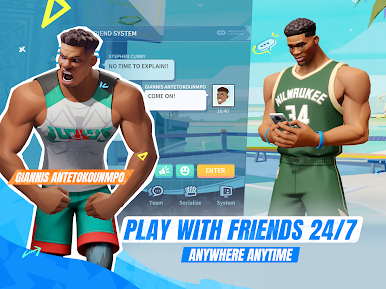
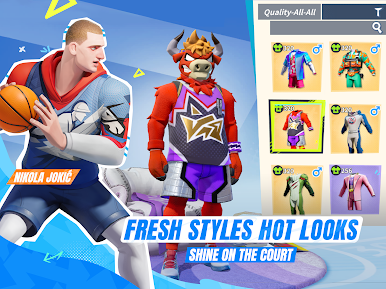
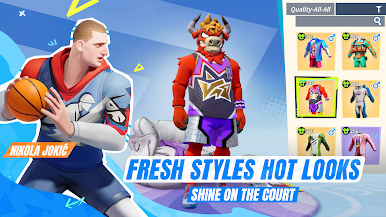
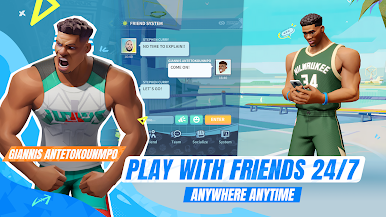
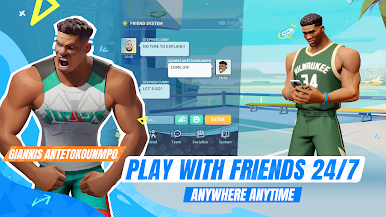
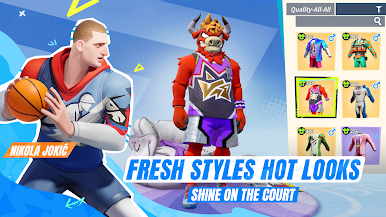
You can also team up with friends or customize your favorite players' outfits, from NBA jerseys to stylish streetwear, to create a unique look.
Join the Dunk City Dynasty and experience the exciting NBA competition on the streets with your friends today!
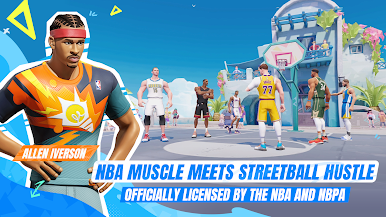
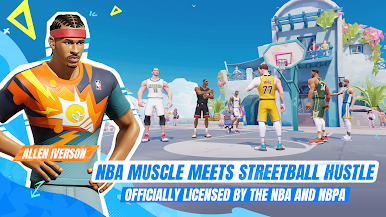
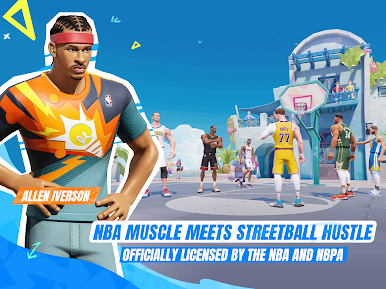
[OFFICIALLY LICENSED BY THE NBA AND NBPA STREET BASKETBALL MOBILE GAME]
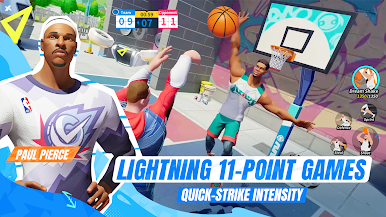
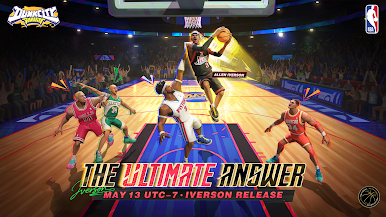
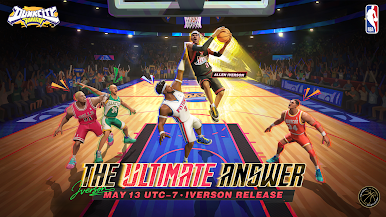
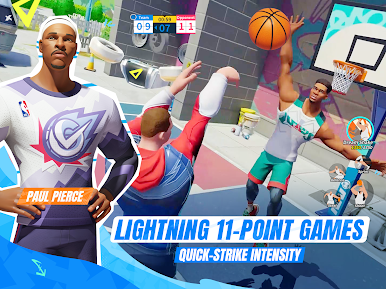
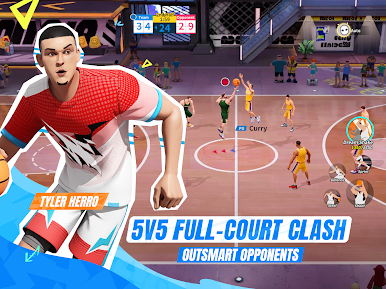
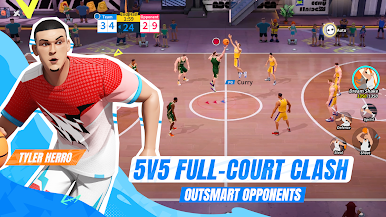
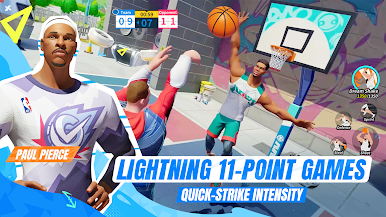
Licensed by NBA and NBPA, Dunk City Dynasty lets you dominate the streets with your favorite stars! Enjoy smooth controls to pull off signature moves like deep threes, poster dunks, and step-back jumpers, all while recreating those iconic NBA moments!
[DIFFERENT TEAMS, BUILD YOUR DREAM LINEUP]
Pick your squad from NBA teams like the Golden State Warriors, Los Angeles Lakers, New York Knicks, Houston Rockets, Miami Heat, Milwaukee Bucks and Portland Trail Blazers. Pick from basketball stars including Stephen Curry, Kevin Durant, Paul George, James Harden andLuka Dončić and more! The best part? You can train and upgrade your players’ skills as you watch them grow.
[FOLLOW US]
Official Website:https://www.dunkcitymobile.com/
Facebook: https://www.facebook.com/dunkcitydynastyGLO/
X: https://x.com/intent/follow?screen_name=citydynastyglo
Instagram:https://www.instagram.com/dunkcitydynastyglobal/
YouTube:https://www.youtube.com/@dunkcitydynastyGLO
TikTok: https://www.tiktok.com/@dunkcitydynastyglobal?lang=en
Discord:https://discord.gg/kaESvZBb8t

Play Dunk City Dynasty on PC. It’s easy to get started.
-
Download and install BlueStacks on your PC
-
Complete Google sign-in to access the Play Store, or do it later
-
Look for Dunk City Dynasty in the search bar at the top right corner
-
Click to install Dunk City Dynasty from the search results
-
Complete Google sign-in (if you skipped step 2) to install Dunk City Dynasty
-
Click the Dunk City Dynasty icon on the home screen to start playing

