

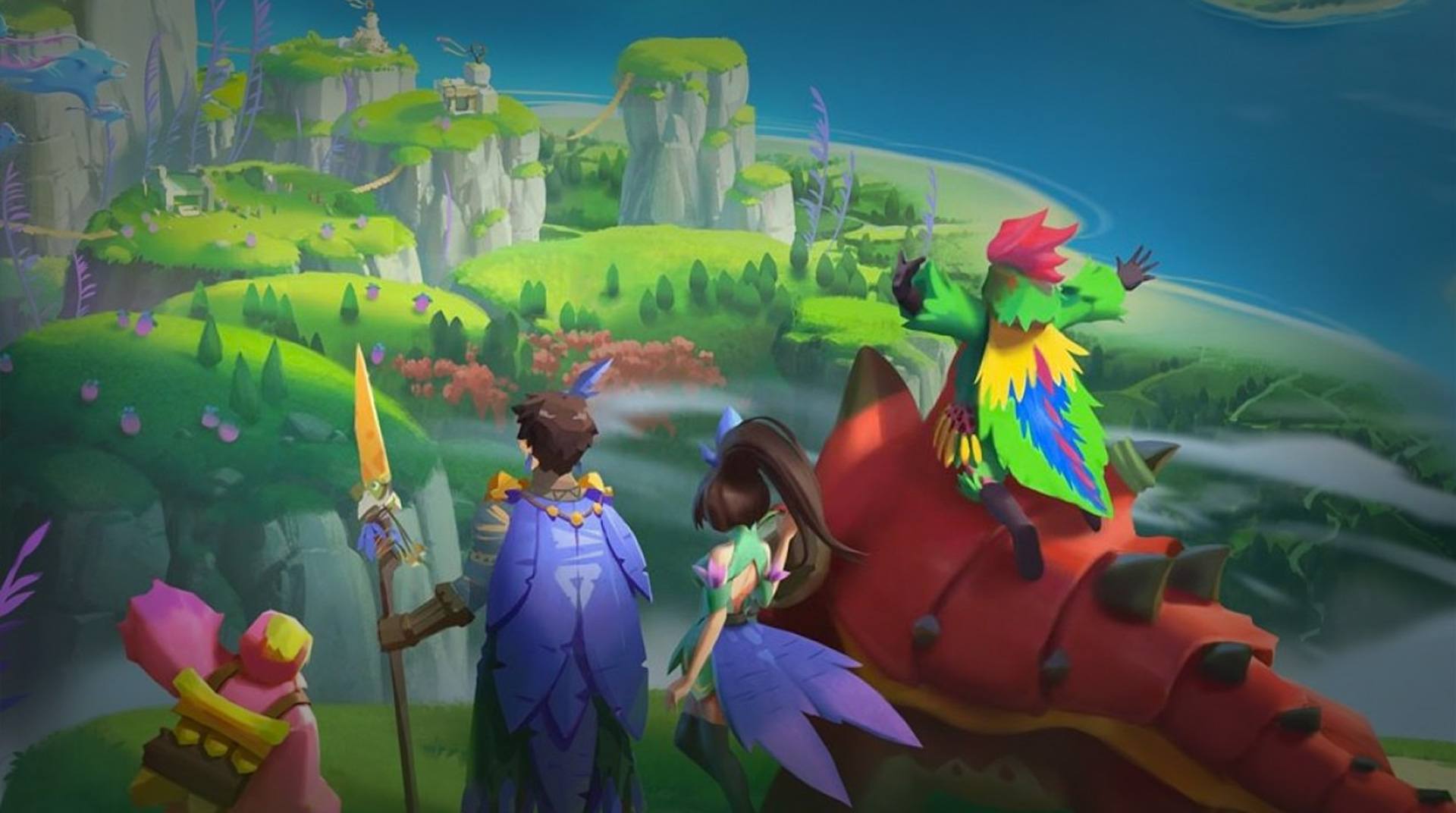
Dawn of Isles
Play on PC with BlueStacks – the Android Gaming Platform, trusted by 500M+ gamers.

Page Modified on: Jun 3, 2021
Play Dawn of Isles on PC or Mac
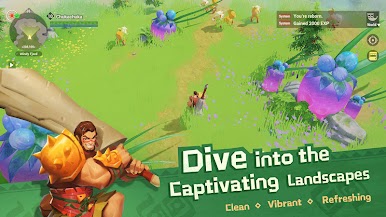
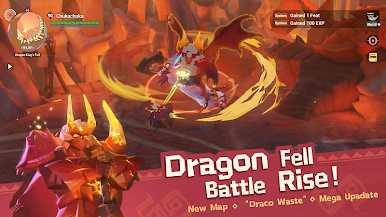
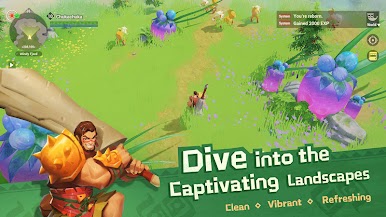
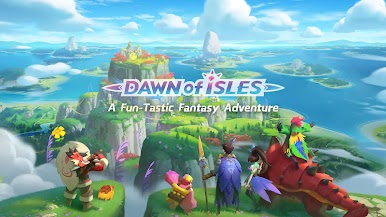
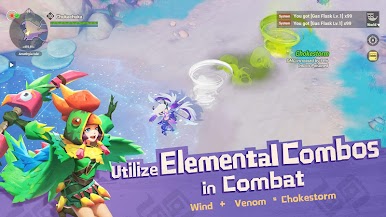
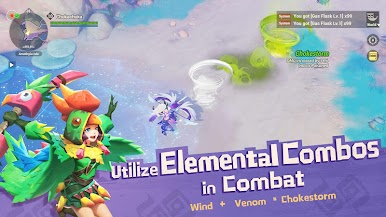
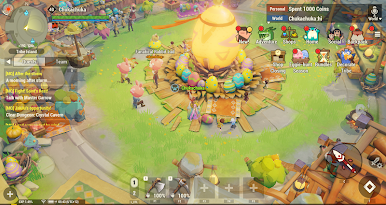
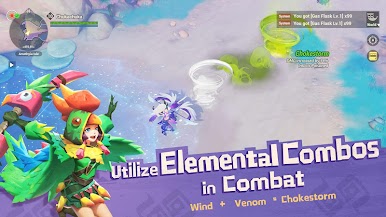
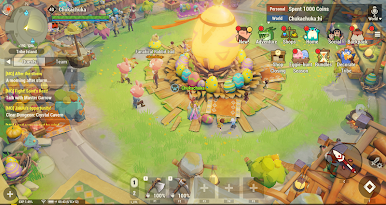
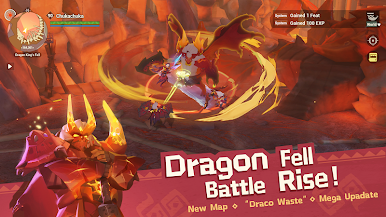
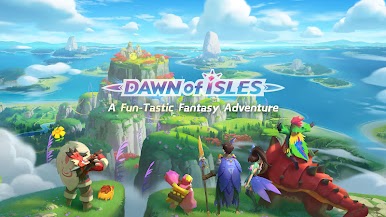
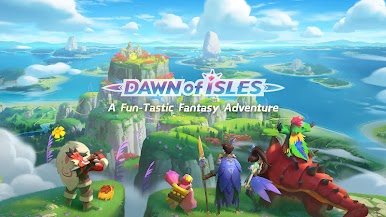
Dawn of Isles is one of those games that will capture your attention as soon as you start playing it. You will find a colorful world, surrounded by warm beaches and unmeasurable seas, filled with adventures and opportunities.
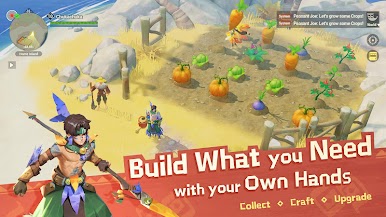
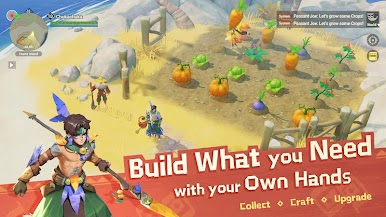
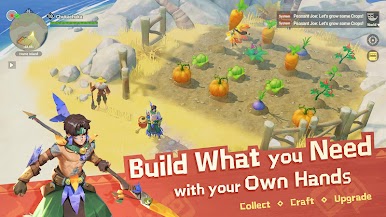
This MMORPG will keep you hooked for hours! Start off by discovering your own workbench and build tools to progress within the game. You will have to cut trees, grow crops and even fish for your meals, in order to gather the necessary energy and experience to keep you going.
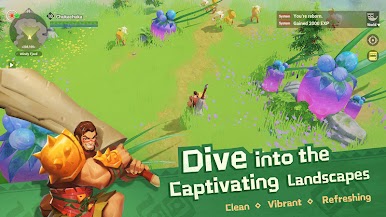
If you play Dawn of Isles on PC with BlueStacks, you can enjoy a refreshing game, walk on the vast landscapes and meet new friends that can assist you in your battles.

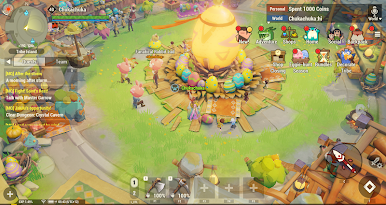

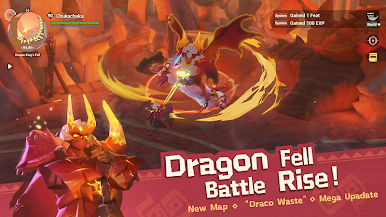




Play Dawn of Isles on PC. It’s easy to get started.
-
Download and install BlueStacks on your PC
-
Complete Google sign-in to access the Play Store, or do it later
-
Look for Dawn of Isles in the search bar at the top right corner
-
Click to install Dawn of Isles from the search results
-
Complete Google sign-in (if you skipped step 2) to install Dawn of Isles
-
Click the Dawn of Isles icon on the home screen to start playing

