


The King of Fighters AFK
Play on PC with BlueStacks – the Android Gaming Platform, trusted by 500M+ gamers.

Page Modified on: Sep 11, 2026
Main The King of Fighters AFK on PC
Play now and battle to become the best fighter in the world!
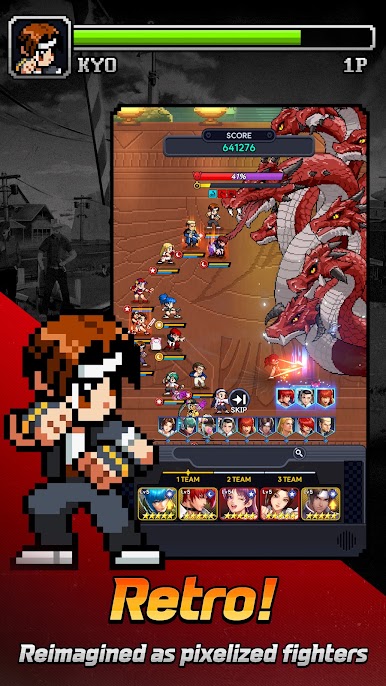
▶ The action-packed series KOF has been reimagined as an idle game!
KOF is back with a retro look and feel!
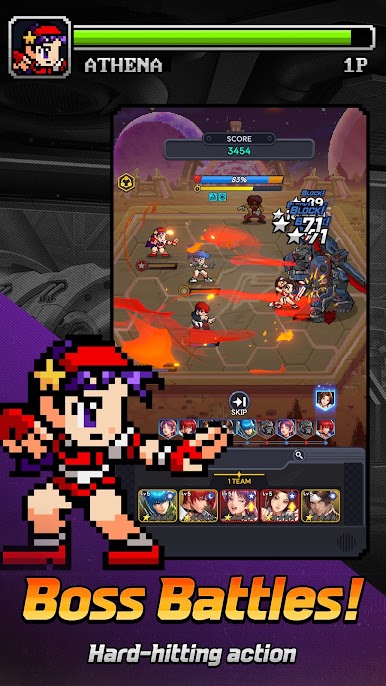
Power up your pixel fighters and beat your opponents!
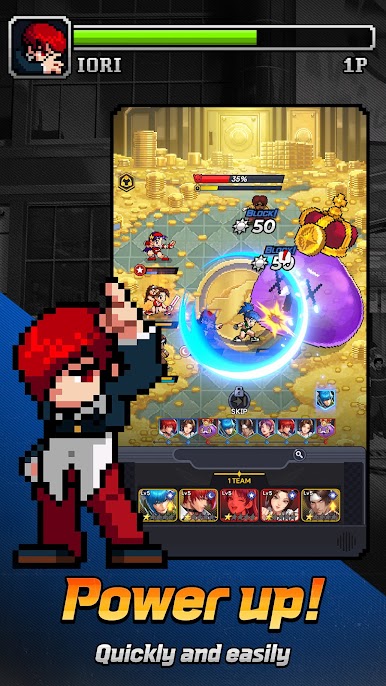
▶ Infinite power! Infinite fun! Power up with one tap!
No more tedious grinding! Tap once to boost your Combat Power!
Welcome to the world of quick & easy power ups!
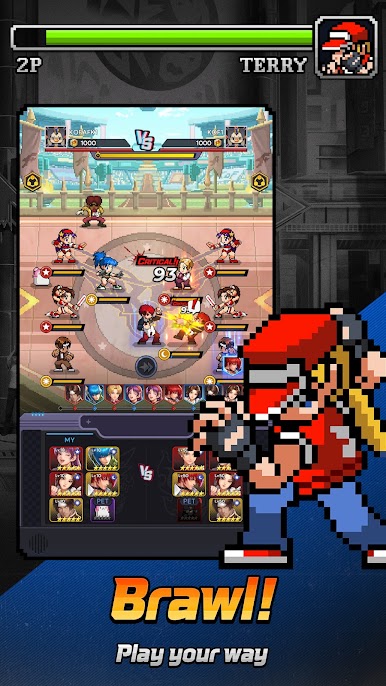
▶ KOF enhanced! Duke it out in big 5 vs. 5 fights!
The fight is now on a bigger scale! Emerge victorious in exciting 5 vs. 5 team battles.
Bigger moments and even bigger fights await!
▶ Strategize to become the King of Fighters!
Adapt to each fight with different placements and combinations!
Form the ultimate team and make your way to the top!
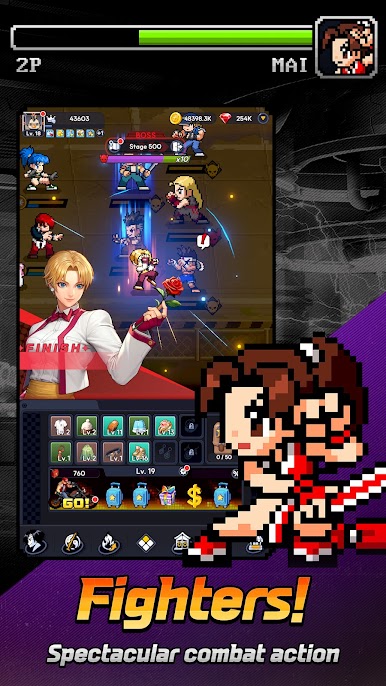
▶ You are the hero in THE KING OF FIGHTERS AFK!
Join forces with other Fighters and stop the factions trying to ruin the tournament!
Set off on a journey to become the champion of KOF!
▶ Tons of events, tons of rewards!
Join them all and quickly power up!
Get rewards just by logging in, and use them to make the strongest team of fighters in the tournament!
Get the latest news and learn more on the official community pages!
- Official Site: https://kofafk.netmarble.com/
- Official Forums: https://forum.netmarble.com/kofafk
- Official YouTube: https://www.youtube.com/@KOFAFK
- Official instagram : https://www.instagram.com/kof_afk/
Specifications
- Minimum specifications: Android 9.0 or higher, 4GB RAM
※ This app offers in-app purchases. You can disable this feature by adjusting your device’s settings.
※ By downloading this game, you are agreeing to our Terms of Service and Privacy Policy.
- Terms of Service: https://help.netmarble.com/terms/terms_of_service_en
- Privacy Policy: https://help.netmarble.com/terms/privacy_policy_en?lcLocale=en

Play The King of Fighters AFK on PC. It’s easy to get started.
-
Download and install BlueStacks on your PC
-
Complete Google sign-in to access the Play Store, or do it later
-
Look for The King of Fighters AFK in the search bar at the top right corner
-
Click to install The King of Fighters AFK from the search results
-
Complete Google sign-in (if you skipped step 2) to install The King of Fighters AFK
-
Click the The King of Fighters AFK icon on the home screen to start playing

