


AOA: Always on Display
Play on PC with BlueStacks – the Android Gaming Platform, trusted by 500M+ gamers.

Page Modified on: Oct 2, 2025
Play AOA: Always on Display on PC
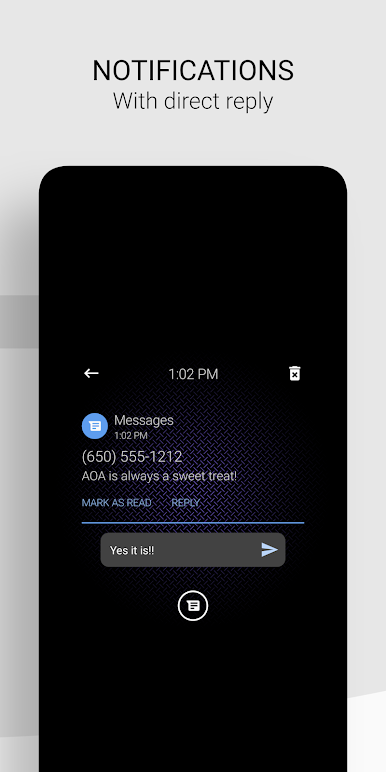
With AOA you are able to respond directly to any instant message such as SMS, Facebook messenger, WhatsApp, and many others. You can delete notifications or dismiss and save them for later. AOA is a must have for any device.
AOA is fully customizable but it comes pre-setup as soon as you install it on your device. All you have to do is just turn off your screen and watch AOA do its thing!
⭐ Awesome Features ⭐
• Beautifully crafted always on display (AOD)
• Password protected screen unlock and notification view
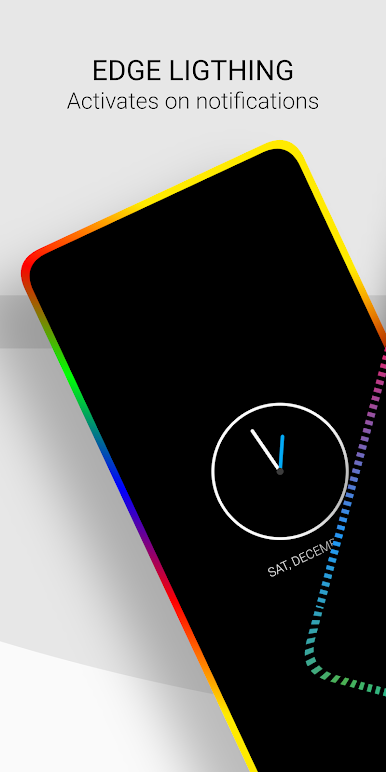
• Edge lighting with infinite colors
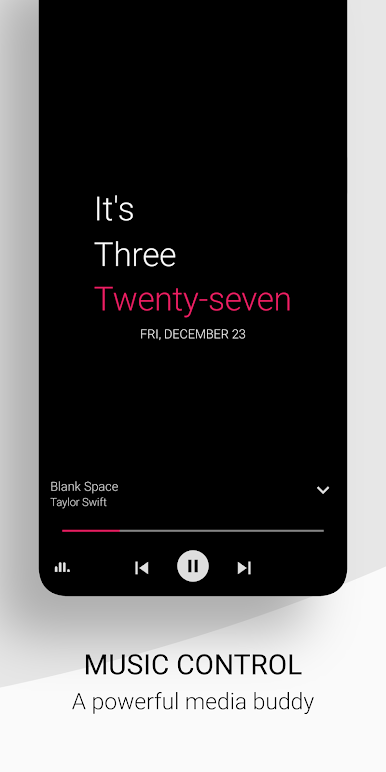
• Powerful music controls
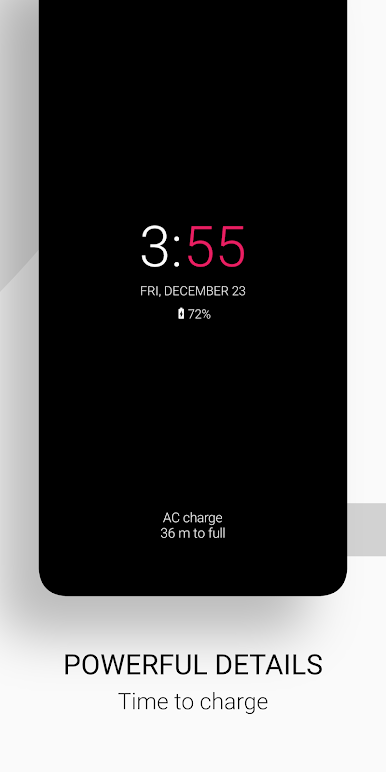
• Battery status display with time to charge
• Multiple screen orientations with notch support
• Calendar view with custom events
• Reply to instant messages directly from your AOA screen
• Sketch pad to take notes, or draw on the go
• Notifications with badge count
• Custom start/end times
• Interactive notifications with action buttons and gestures; Swipe left to dismiss, right to hide
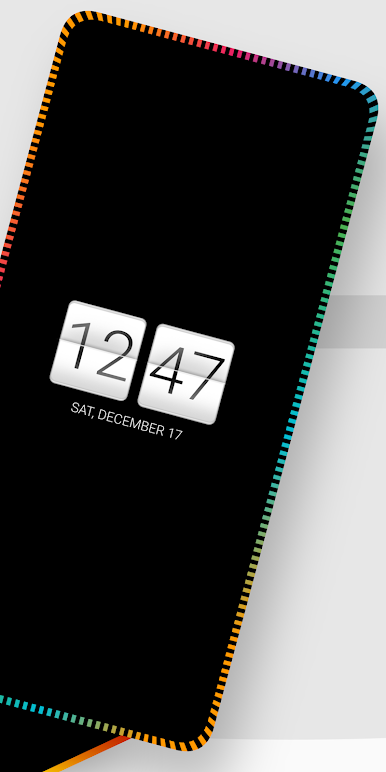
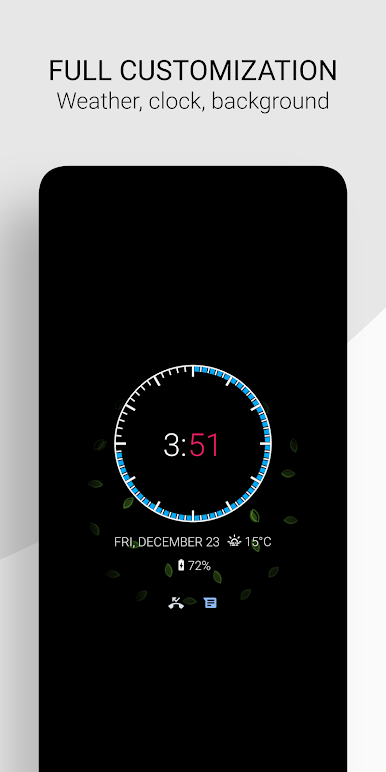
• Many clocks such as animated, analog, digital, or stickers
• Screen brightness control
• Preset HD backgrounds with the ability to upload your own
• Launcher shortcuts such as calendar, flashlight, camera, calculator
• Ability to set custom App shortcuts
• Full customization with many settings such as colors, icons, fonts, text size
• Automatic rules for better battery life
• Auto movement to prevent AMOLED/OLED burn-in
• Pocket mode for on the go
• Memo option with sticky notes
• Tasker plugin
"Jesus saith unto him, I am the way, the truth, and the life: no man cometh unto the Father, but by me" - John 14:6
Play AOA: Always on Display on PC. It’s easy to get started.
-
Download and install BlueStacks on your PC
-
Complete Google sign-in to access the Play Store, or do it later
-
Look for AOA: Always on Display in the search bar at the top right corner
-
Click to install AOA: Always on Display from the search results
-
Complete Google sign-in (if you skipped step 2) to install AOA: Always on Display
-
Click the AOA: Always on Display icon on the home screen to start playing

