


CrimeRadar: Dispatch Alerts
Play on PC with BlueStacks – the Android Gaming Platform, trusted by 500M+ gamers.

Page Modified on: Oct 21, 2026
Play CrimeRadar: Dispatch Alerts on PC
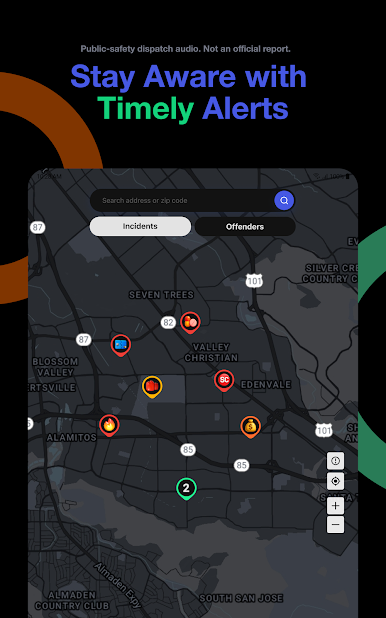
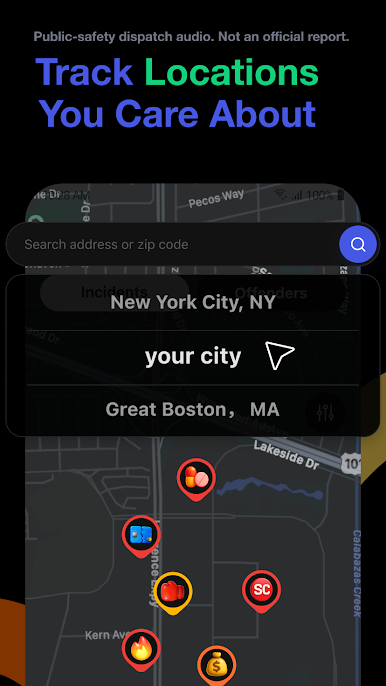
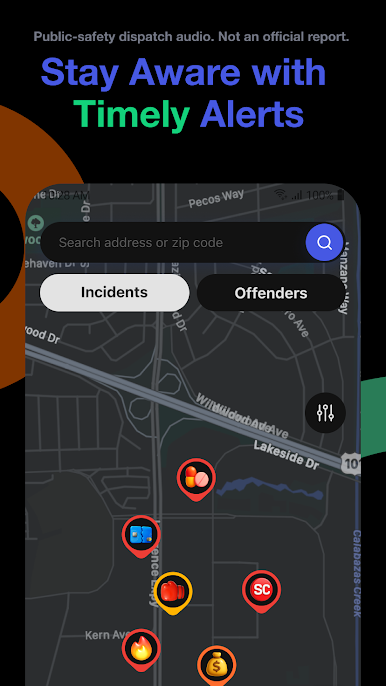
Safety Alerts: From wildfires to highway accidents and police callouts, stay aware with notifications based on live dispatch audio
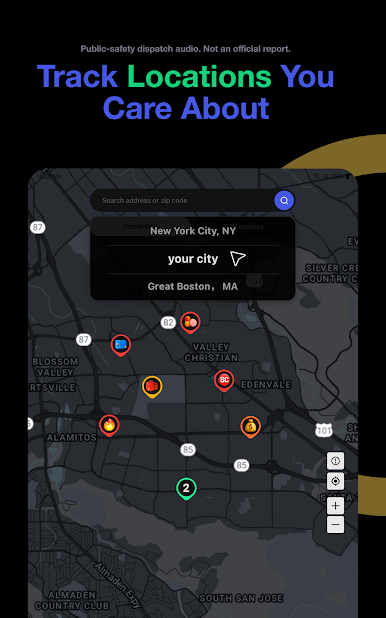
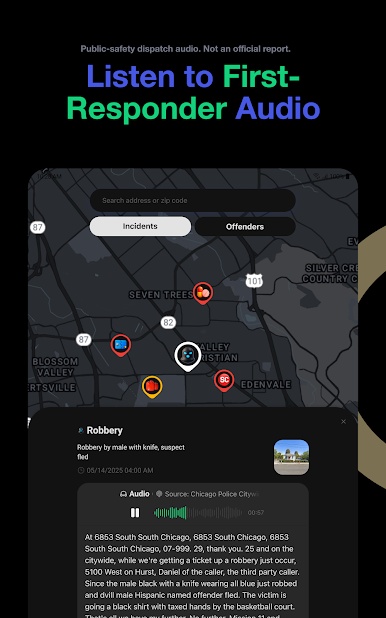
Safety Map: View recent dispatch activity, linked directly to the original audio for context
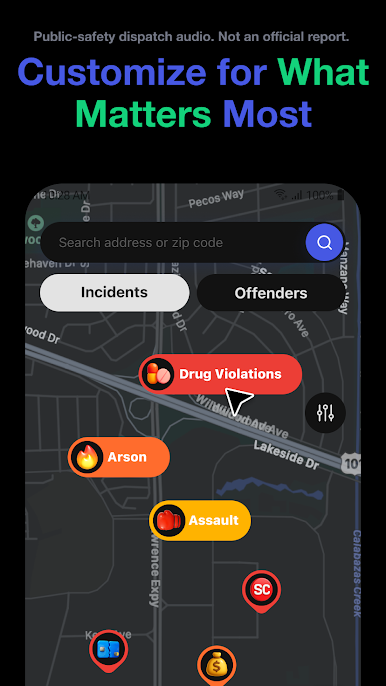
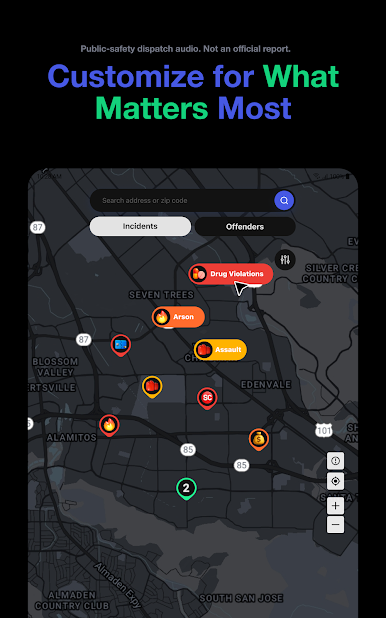
Customizable Filters: Choose the types of activity you want to track via the map, alerts, and incident logs
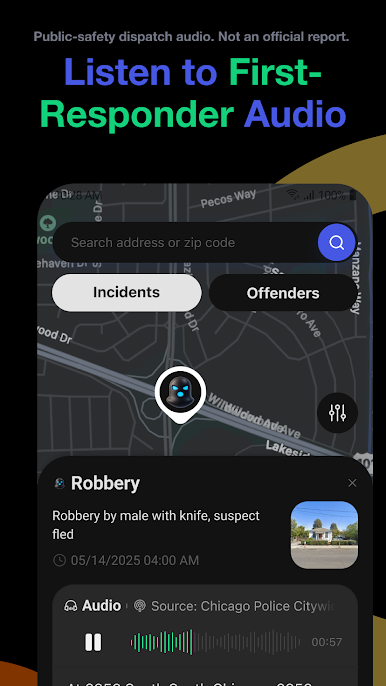
First-Responder Radio: Tap any event to listen to original communications for yourself
Have feedback? Contact us at feedback@crimeradar.us
Terms of Service: https://uscrimeradar.com/terms
Privacy Policy: https://uscrimeradar.com/privacy
Play CrimeRadar: Dispatch Alerts on PC. It’s easy to get started.
-
Download and install BlueStacks on your PC
-
Complete Google sign-in to access the Play Store, or do it later
-
Look for CrimeRadar: Dispatch Alerts in the search bar at the top right corner
-
Click to install CrimeRadar: Dispatch Alerts from the search results
-
Complete Google sign-in (if you skipped step 2) to install CrimeRadar: Dispatch Alerts
-
Click the CrimeRadar: Dispatch Alerts icon on the home screen to start playing

