


MapleStory Worlds
Play on PC with BlueStacks – the Android Gaming Platform, trusted by 500M+ gamers.

Page Modified on: Jul 22, 2026
Main MapleStory Worlds on PC
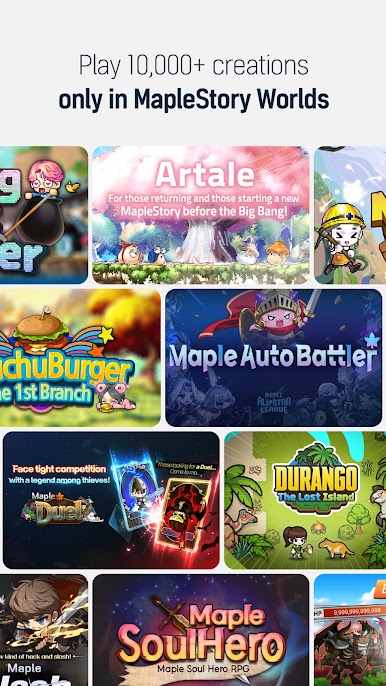
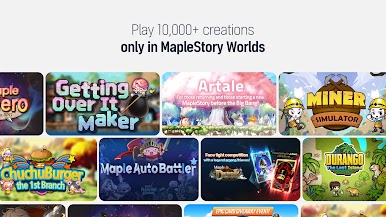
Play 10,000+ worlds in one place, all for free.
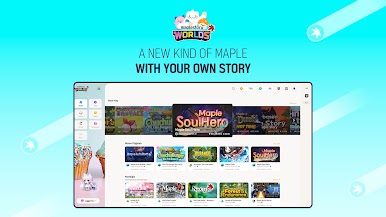
From avatars to worlds, build everything according to your vision!
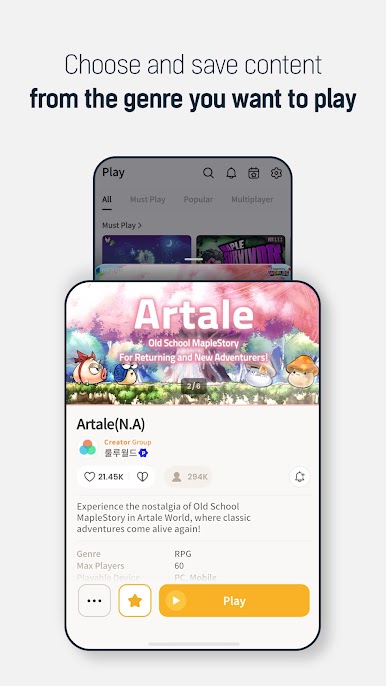
■ Extremely Popular Worlds
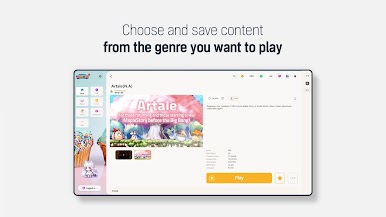
【Artale】 The classic MapleStory MMORPG world that players have been waiting for!
Relive memories with your friends.
【ChronoStory】Have fun progressing and exploring! Meet the classic Maple Story of the past.
【Maple Star】Re-live the time between the Big Bang and Legend updates! Experience MapleStory's glorious past.
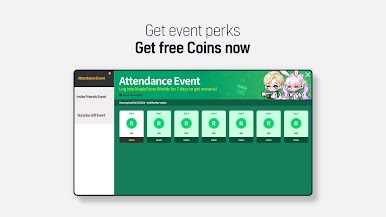
■ Events in progress!
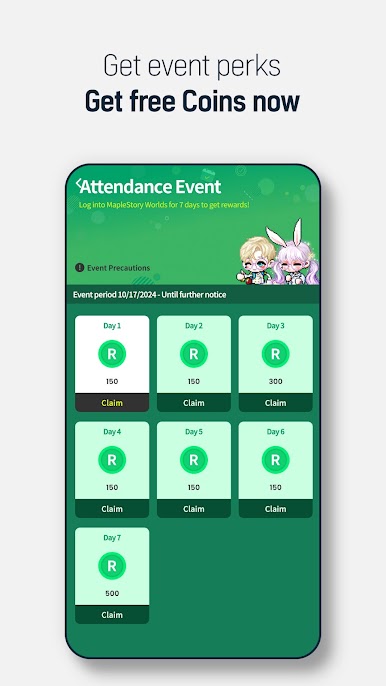
Join the 【Attendance Event】 to get rewards for checking in,
the 【Invite Friends Event】 to get gifts for you and a friend,
and MapleStory Worlds' very own 【Surprise Gift Event】!
You can also earn Reward Coins!
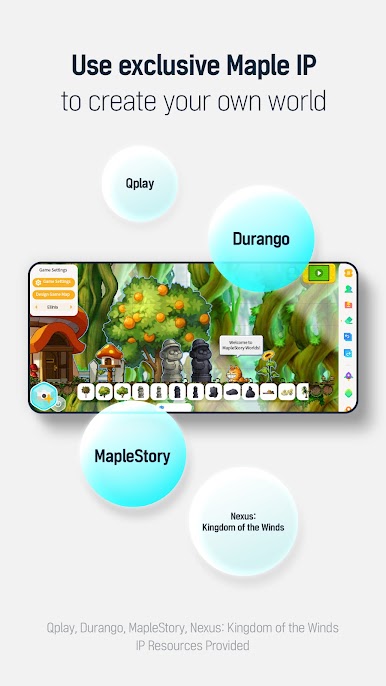
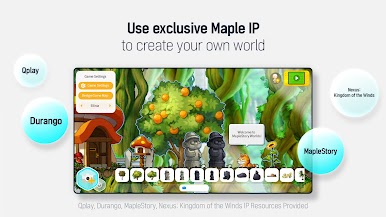
■ Infinite Sandbox World, Building Creative Worlds
Use all kinds of maps, monsters, objects, and even avatar items!
Make magic by crafting unique worlds with the official assets provided by MapleStory Worlds.
You can create your own assets too!
From simple map customization to professional game creation, you can create anything you can imagine in a Sandbox world!
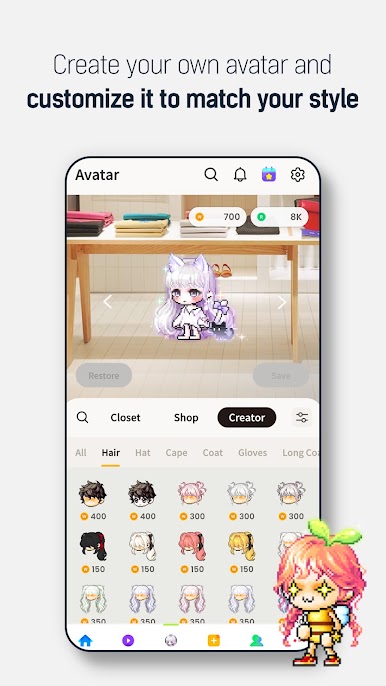
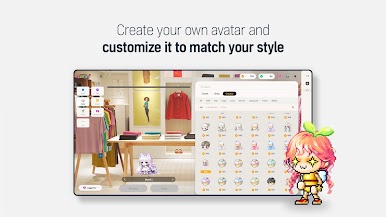
■ Customize your very own one-of-a-kind avatar!
Customize your avatar from head to toe to make it your own.
You can create your own avatar items or buy unique costumes created by other users.
■ Social Functions
Add friends you met in MapleStory Worlds and chat with them!
Once you become friends, you can log into the same world they're in to play alongside them.
■ Whenever, Wherever, Together!
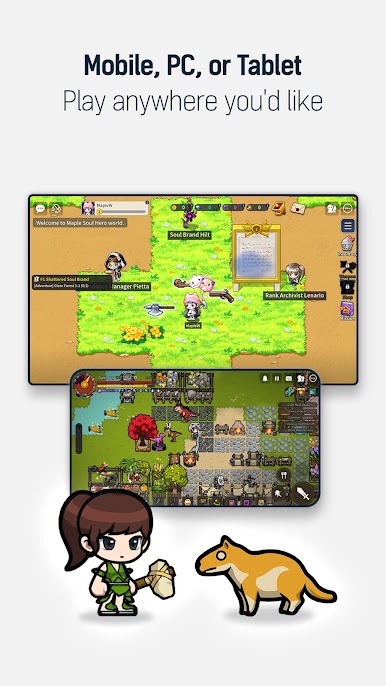
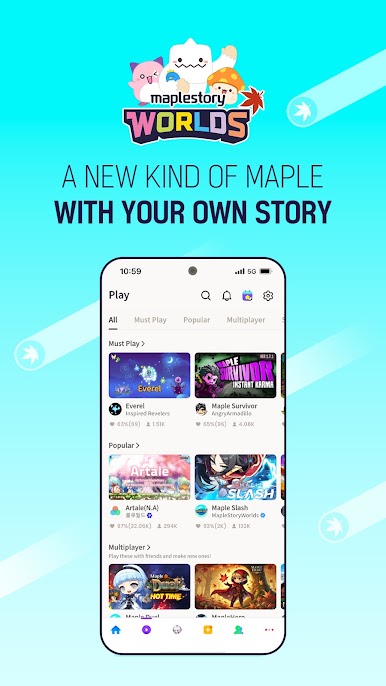
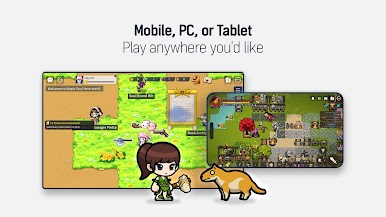
Play cross-platform with others on PC and mobile in MapleStory Worlds!
■ Official Community
Check out the latest MapleStory Worlds news here!
【Official Website】: https://maplestoryworlds.nexon.com
【Creator Center】: https://maplestoryworlds-creators.nexon.com
【Official Discord(WEST)】: https://discord.gg/YansfK5gwC
【Official Discord(SEA)】: https://discord.gg/maplestoryworlds-sea
■ App Permissions Information
You will need to grant access to use the following services.
[Optional Permissions]
Photos/Media/Files: Required for saving and uploading photos and videos.
Camera: Required for capturing photos or recording videos, so they can be uploaded later.
Audio Recording: Required for in-game voice chat.
Notifications: Allow the app to send related notifications.
※ You can still use the service even if you don't grant optional permissions.
[Permissions Management]
▶ Android 6.0 or Higher: Settings > Apps > Select Application > Permissions > Not Allowed
▶ Below Android 6.0: Update the OS to revoke permissions or uninstall the app.
※ The app may not request individual permissions, in which case, you can use the methods above to change permissions.
Play MapleStory Worlds on PC. It’s easy to get started.
-
Download and install BlueStacks on your PC
-
Complete Google sign-in to access the Play Store, or do it later
-
Look for MapleStory Worlds in the search bar at the top right corner
-
Click to install MapleStory Worlds from the search results
-
Complete Google sign-in (if you skipped step 2) to install MapleStory Worlds
-
Click the MapleStory Worlds icon on the home screen to start playing

