

KineMaster - Video Editor
Play on PC with BlueStacks – the Android Gaming Platform, trusted by 500M+ gamers.

Page Modified on: Jun 18, 2026
Run KineMaster - Video Editor on PC or Mac
Upgrade your experience. Try KineMaster – Video Editor, the fantastic Video Players & Editors app from KineMaster, Video Editor Experts Group, from the comfort of your laptop, PC, or Mac, only on BlueStacks.
About the App
KineMaster – Video Editor makes pro-style editing feel easy, whether you’re cutting a short clip for socials or stitching together a full-on vlog. It’s packed with smart tools, creative effects, and a massive library of assets, so you can focus on telling your story instead of wrestling with menus. Prefer a bigger screen when you edit? It works smoothly on BlueStacks too.
App Features
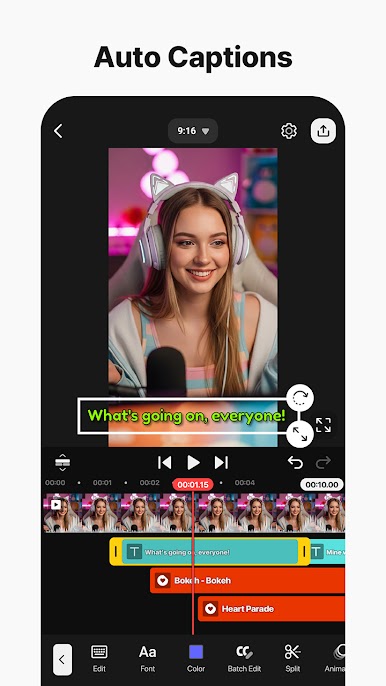
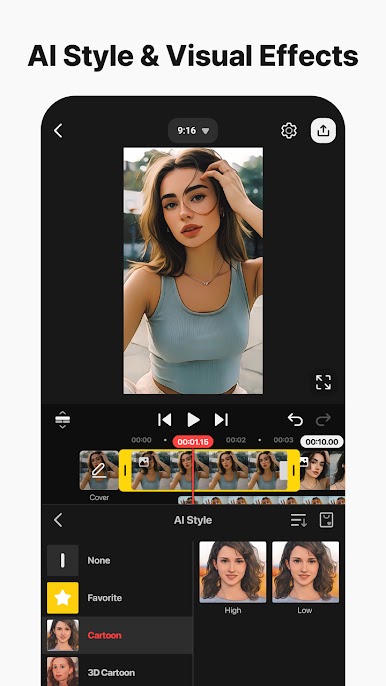
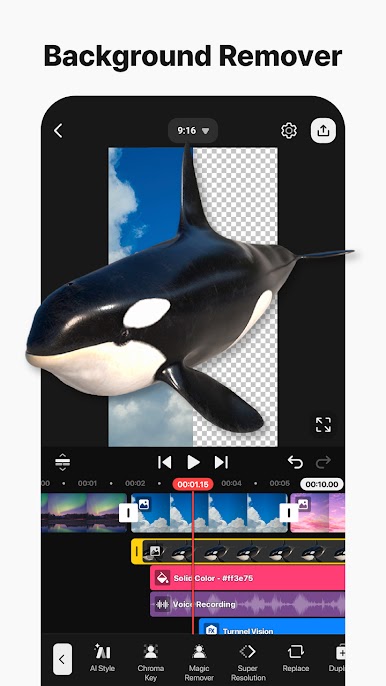
- Smart AI tools: Generate captions from your audio, turn text into natural-sounding voiceovers, clean up background noise, and even separate vocals from music. You can match music to your video’s mood, remove busy backgrounds, track moving objects, upscale low-res shots, and add artsy styles with a tap.
- Pro controls made simple: Animate any layer with keyframes—tweak position, size, and rotation precisely. Use green screen to combine footage like a pro, and play with speed to reverse, slow down, or build time-lapse moments that hit just right.
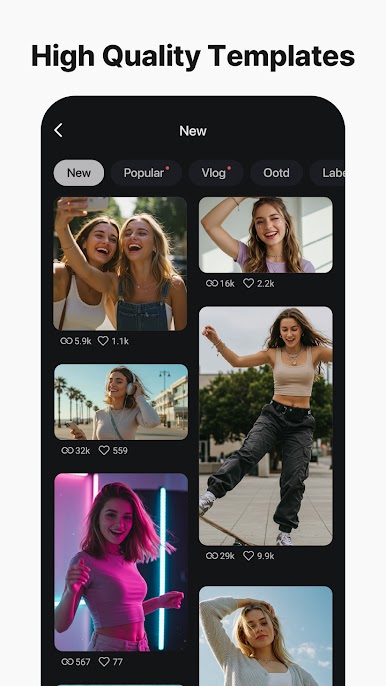
- Templates that save time: Start fast with thousands of ready-made projects. Swap in your own clips and you’re good. Save your creations as shareable templates with Mix, and keep projects safe with KineCloud so you can pick up where you left off on another day or device.
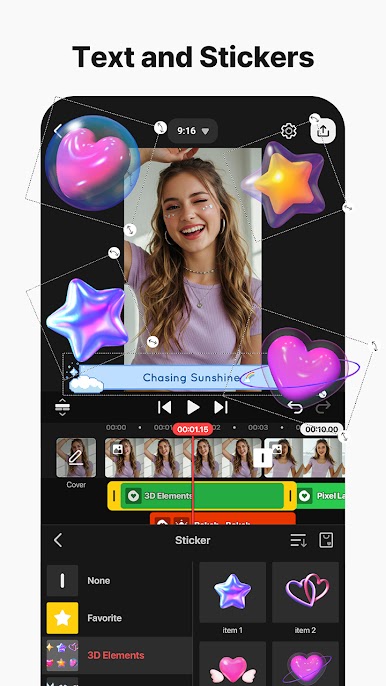
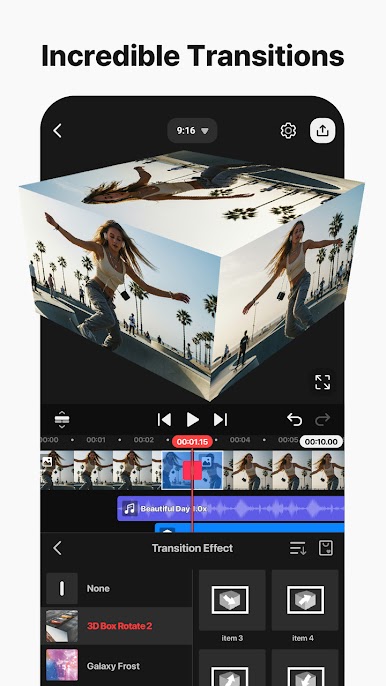
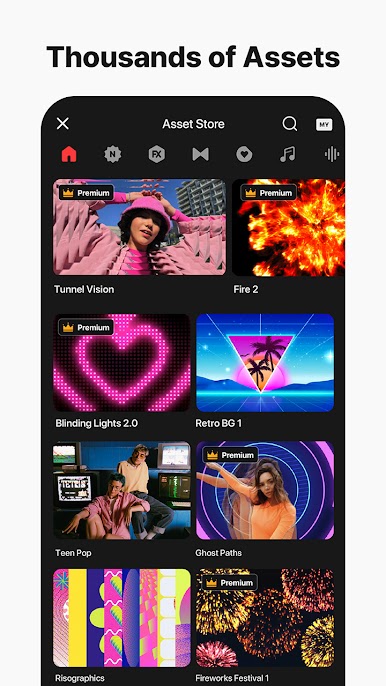
- Huge asset library: Grab effects, transitions, stickers, clip graphics, sound effects, royalty-free music, stock footage, backgrounds, fonts, and color filters. Everything’s organized and ready to drop into your timeline.
- Exports your way: Share crisp 4K at up to 60 FPS when quality matters, or export lighter files that are perfect for quick uploads to YouTube, TikTok, Instagram, and more. Need alpha channel? Export with a transparent background for easy compositing.
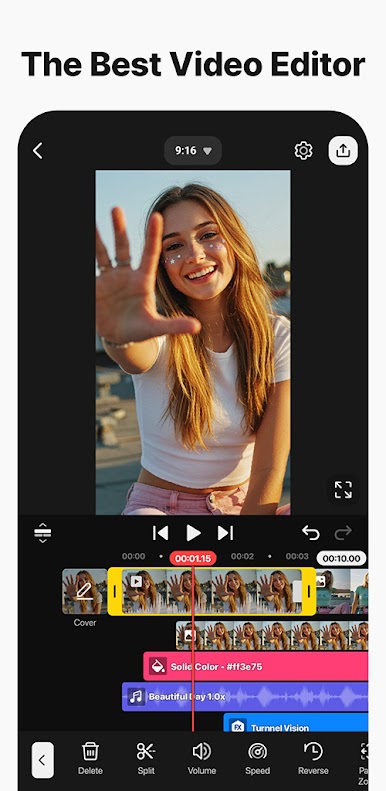
- Fast, precise editing workflow: Edit in portrait or landscape. Stack multiple layers of video, photos, and GIFs. Use snap-to guides to line things up, rely on plenty of undo/redo steps, and preview edits full screen before you hit save.
Big screen. Bigger performance. Use BlueStacks on your PC or Mac to run your favorite apps.
Play KineMaster - Video Editor on PC. It’s easy to get started.
-
Download and install BlueStacks on your PC
-
Complete Google sign-in to access the Play Store, or do it later
-
Look for KineMaster - Video Editor in the search bar at the top right corner
-
Click to install KineMaster - Video Editor from the search results
-
Complete Google sign-in (if you skipped step 2) to install KineMaster - Video Editor
-
Click the KineMaster - Video Editor icon on the home screen to start playing

