


Pop Epoch: Civilization Tycoon
Play on PC with BlueStacks – the Android Gaming Platform, trusted by 500M+ gamers.

Page Modified on: Oct 21, 2026
Play Pop Epoch: Civilization Tycoon on PC or Mac
Explore a whole new adventure with Pop Epoch: Civilization Tycoon, a Strategy game created by Nex Wave Games. Experience great gameplay with BlueStacks, the most popular gaming platform to play Android games on your PC or Mac.
About the Game
Pop Epoch: Civilization Tycoon is a Strategy game about guiding a small tribe into a thriving society that spans eras. You’ll shape how your world grows—from rough shelters to modern skylines—by juggling resources, research, and tough calls that actually matter. Prefer a bigger view while you plan? It plays smoothly on BlueStacks without getting in the way.
Game Features
- From campfire to skyline: Start with bare-bones huts and simple tools, then expand into bustling cities as new ages unlock and your world transforms step by step.
- Smart resource juggling: Keep food, timber, ore, and industry in balance so citizens stay happy, buildings keep rising, and research never stalls.
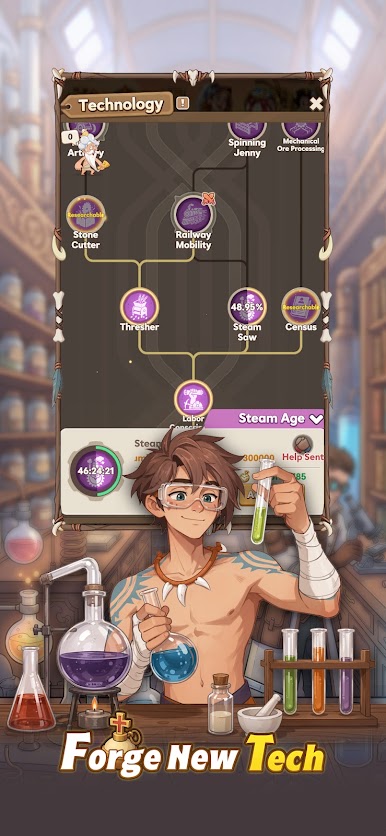
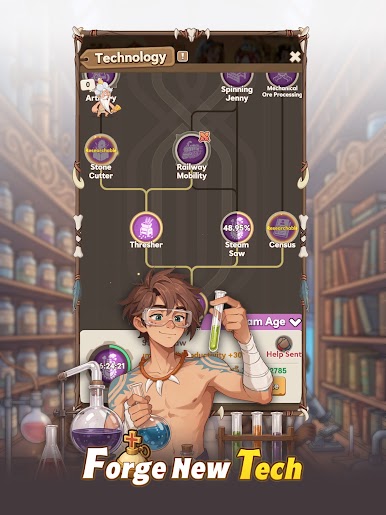
- Research tree that matters: Choose technologies that steer your path—economic upgrades, cultural advances, or cutting-edge warfare—with each pick changing how your civilization plays.
- Famous allies across time: Team up with icons like Archimedes, Joan of Arc, Shakespeare, and Socrates, using their unique strengths to boost production, culture, or combat.
- Build, craft, and automate: Set up production chains, queue improvements, and fine-tune layouts so progress keeps rolling even when the map gets busy.
- Command with steel and strategy: Train infantry, cavalry, and support units, organize formations, and defend your borders—or press the advantage—when rivals appear.
- Challenges in every era: Tackle shortages, respond to threats, and ride momentum into the next epoch, each bringing fresh systems and a new look for your cities.
- Play-your-way pacing: Go deep on optimization or take it chill with steady check-ins; either approach rewards clear planning and good instincts.
Get ready for a buttery smooth, high-performance gaming action only on BlueStacks.








Play Pop Epoch: Civilization Tycoon on PC. It’s easy to get started.
-
Download and install BlueStacks on your PC
-
Complete Google sign-in to access the Play Store, or do it later
-
Look for Pop Epoch: Civilization Tycoon in the search bar at the top right corner
-
Click to install Pop Epoch: Civilization Tycoon from the search results
-
Complete Google sign-in (if you skipped step 2) to install Pop Epoch: Civilization Tycoon
-
Click the Pop Epoch: Civilization Tycoon icon on the home screen to start playing

