


Infinite Stairs
Play on PC with BlueStacks – the Android Gaming Platform, trusted by 500M+ gamers.

Page Modified on: Jan 18, 2026
Main Infinite Stairs on PC
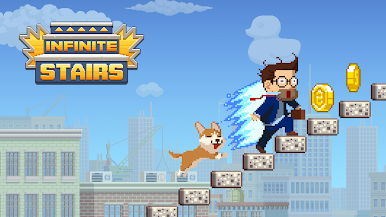
The Iconic Korean Arcade Game, Loved by 50 Million Players
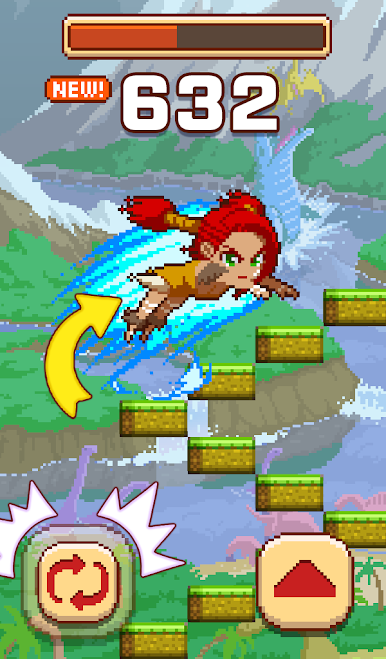
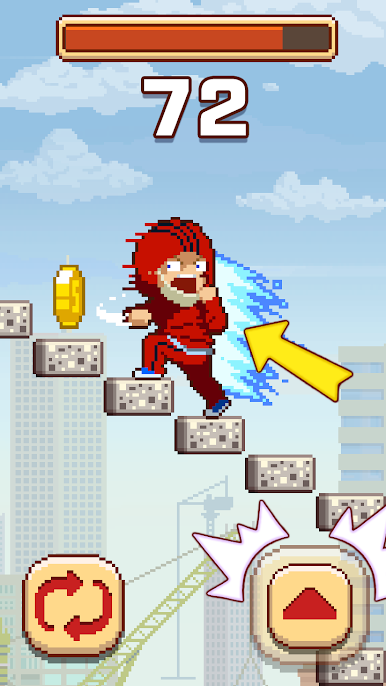
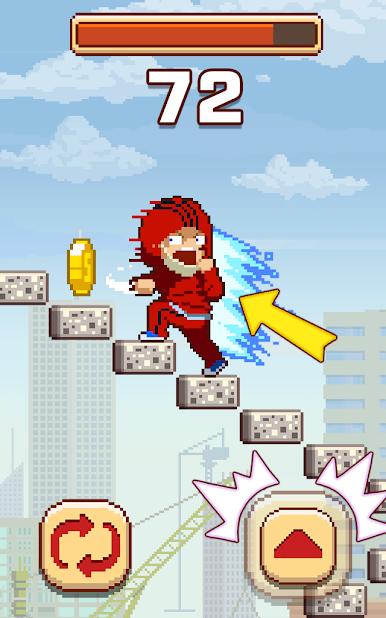
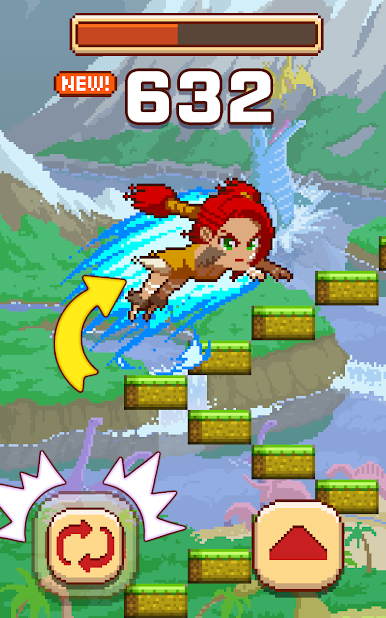
Just press the button and climb the stairs—simple yet incredibly addictive action arcade gameplay!
Free to play, easy to control, and fun for everyone—from preschoolers to kids, teens, and adults.
Play with popular characters like Brain Rot, Catch! Teenieping, Shinbi Apartment, and Demon Hunters,
and collect from over 1,000 unique characters!
- Boost your focus and reflexes
- Featured on Google Play & App Store
- 10 years running, 50M downloads worldwide"
"
■ Game Modes
- PVP Battles: 1v1, 2v2, or even 1v4! Show your friends who’s the fastest!
- Co-op Mode (4P): Team up with friends to defeat monsters and conquer the stairs
- Event Mode: Seasonal maps, special rules, and exclusive characters
■ Quick Fun in Just 30 Seconds
- A short game before school
- During lunch or study breaks
- A quick round while relaxing in the evening
■ Collect Over 1,000 Items
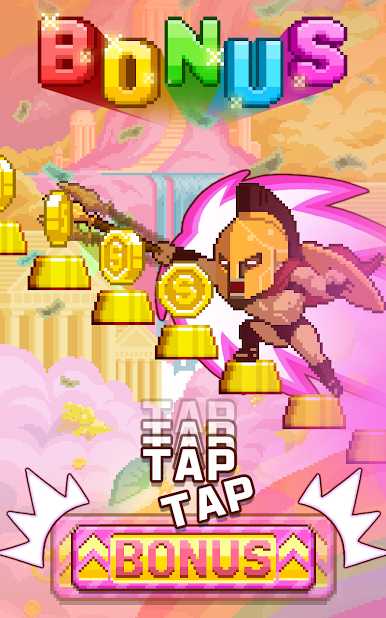
- Retro pixel-style characters & backgrounds
- Weekly rewards and skins
- Funny characters that’ll make your friends say, “What is THAT?!”
■ Offline Support
- 100% Free, no Wi-Fi or mobile data required
- Play anywhere—home, school, or on the subway"
"
Recommended For
- Fans of fast reflex games
- Players who enjoy short but intense gameplay
- Collectors with a competitive spirit
- Friends who love quick PVP matches
- Fans of timing, rhythm, or classic arcade-style games"
"Call it Infinite Stairs, Infinity Stairs, Stairs, or anything you like—you’ll still find the fun!
- PVP battles like #BrawlStars
- Similar excitement as #Roblox mini-games
- Co-op fun like #Minecraft with friends
- As fast and thrilling as #CookieRun"
"Once you start, you won’t be able to stop—fall in love with the endless charm of Infinite Stairs!
※ Some modes may require an internet connection.
※ Link your Google account to safely save your game progress."













Play Infinite Stairs on PC. It’s easy to get started.
-
Download and install BlueStacks on your PC
-
Complete Google sign-in to access the Play Store, or do it later
-
Look for Infinite Stairs in the search bar at the top right corner
-
Click to install Infinite Stairs from the search results
-
Complete Google sign-in (if you skipped step 2) to install Infinite Stairs
-
Click the Infinite Stairs icon on the home screen to start playing

