


Monster Hunter Now
Play on PC with BlueStacks – the Android Gaming Platform, trusted by 500M+ gamers.

Page Modified on: Apr 15, 2026
Main Monster Hunter Now on PC
🌎 Hunt monsters in the real world:
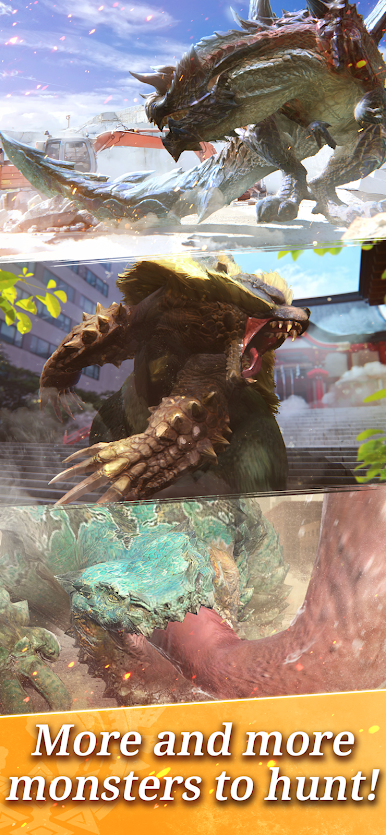
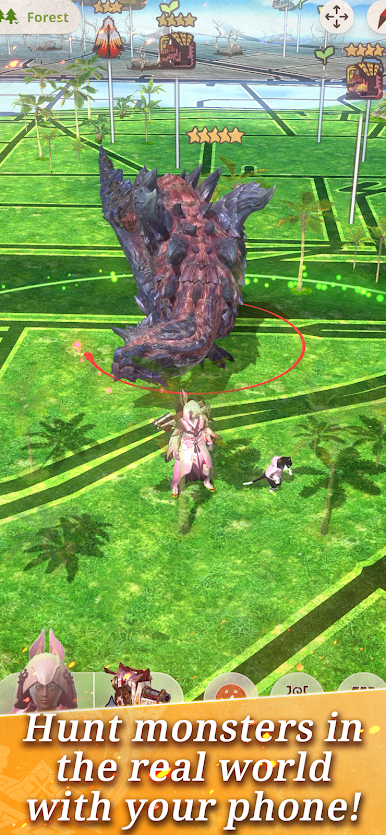
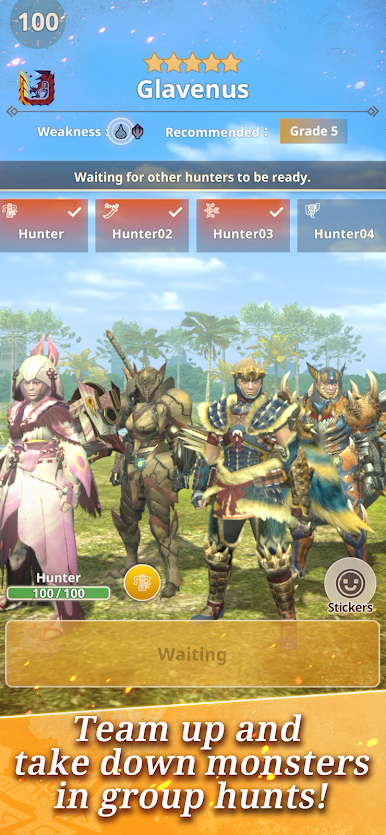
Embark on a global quest to track down and hunt some of the most formidable monsters from the Monster Hunter universe as they appear in our world. Forge powerful weapons and team up with fellow hunters to track down larger-than-life monsters and take them head-on.
⚔️ Authentic hunting action carefully adapted to mobile:
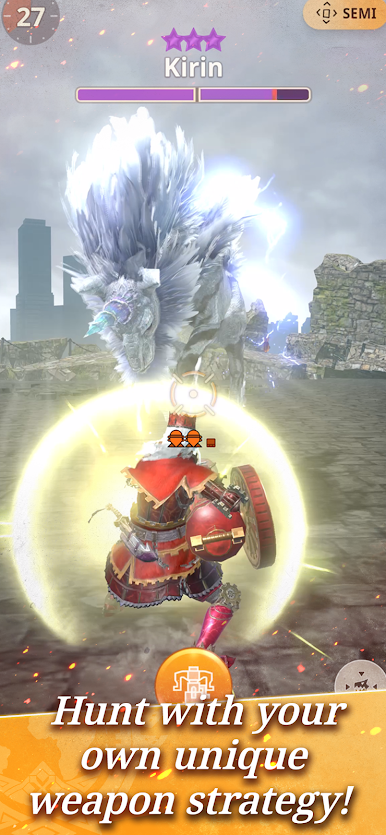
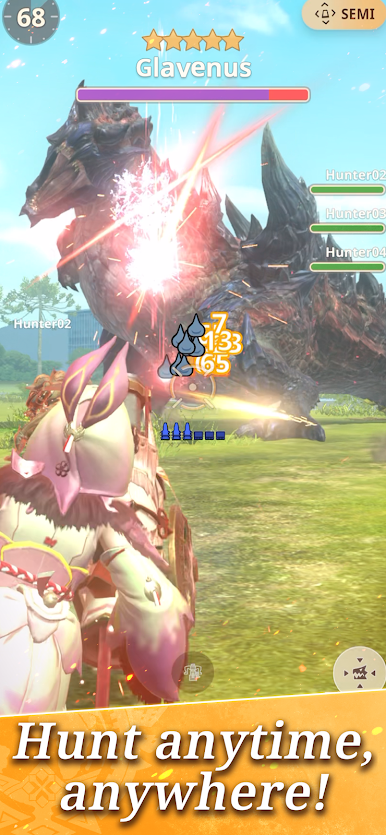
Discover a variety of monsters depending on the habitat around you – Forest, Desert or Swamp – and engage in thrilling hunts solo, or band together with fellow hunters to take on these large monsters. The simplified tap-based controls and high-fidelity graphics enable you to engage in enjoyable hunting action wherever you go.
📷 See monsters around you with the AR Camera:
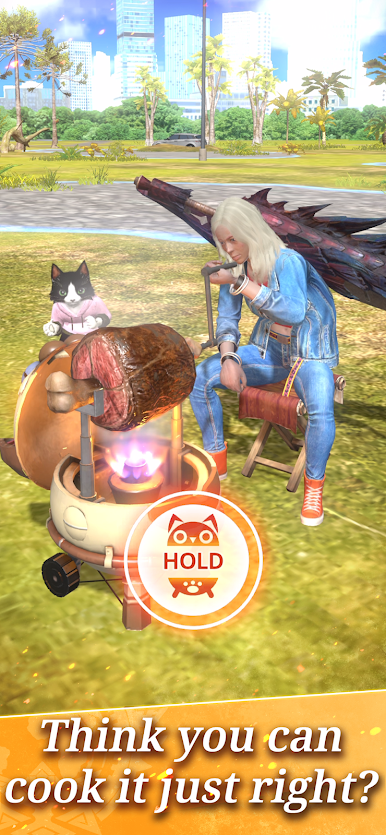
Experience what it’s like to have these iconic monsters appear in the real world with exclusive AR Camera features.
⏱️ Master the hunt in 75 seconds:
Can you complete the hunt within 75 seconds? Master the weapons, craft armor sets and hone your skills – exploit weaknesses and utilize every element at your disposal to take on the hunt.
🔴 Mark monsters even with your phone in the pocket:
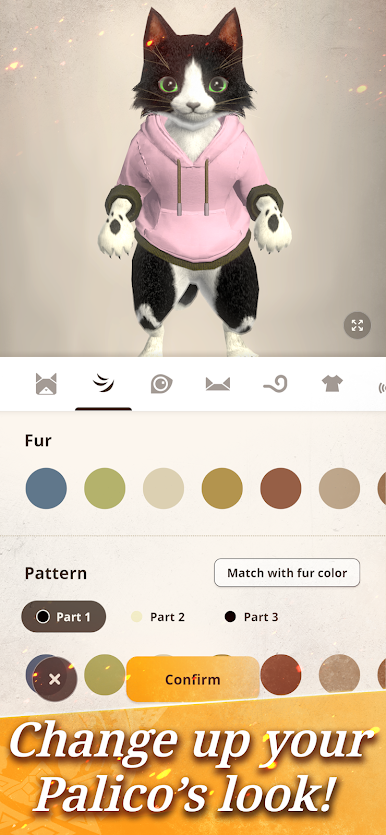
With Adventure Sync, you can use a Paintball to track monsters while you explore your town and bring the hunt to your doorstep afterwards. As you explore, your Palico can mark passing monsters with Palico Paintballs, even while you aren’t actively playing, allowing you to return to them later, ensuring that the action never stops.

Play Monster Hunter Now on PC. It’s easy to get started.
-
Download and install BlueStacks on your PC
-
Complete Google sign-in to access the Play Store, or do it later
-
Look for Monster Hunter Now in the search bar at the top right corner
-
Click to install Monster Hunter Now from the search results
-
Complete Google sign-in (if you skipped step 2) to install Monster Hunter Now
-
Click the Monster Hunter Now icon on the home screen to start playing

