


Pokémon GO
Play on PC with BlueStacks – the Android Gaming Platform, trusted by 500M+ gamers.

Page Modified on: Aug 27, 2026
Run Pokémon GO on PC or Mac
Explore a whole new adventure with Pokémon GO, a Adventure game created by Scopely Explore, Inc.. Experience great gameplay with BlueStacks, the most popular gaming platform to play Android games on your PC or Mac.
About the Game
Pokémon GO turns the places you already visit—neighborhood streets, parks, downtown hangouts—into an Adventure packed with creatures to discover. Track Pokémon on a real-world map, make the catch, and watch your Pokédex fill up one find at a time. Prefer a low-key check-in while you’re at a desk? You can hop on PC with BlueStacks to sort teams and keep your collection in shape between outings.
Game Features
- Explore your world: A living map mirrors real streets, trails, and landmarks, with local spots serving as item hubs and battle locations you’ll come back to often.
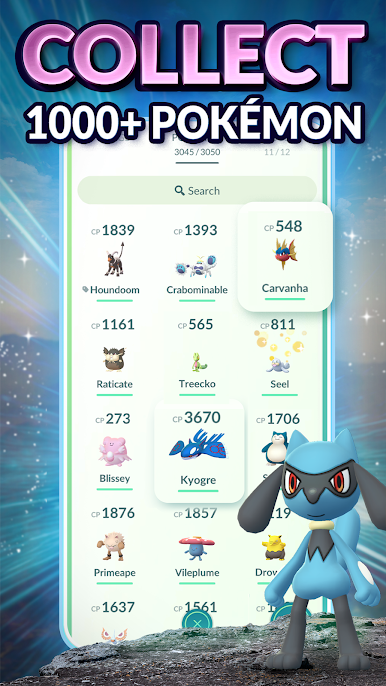
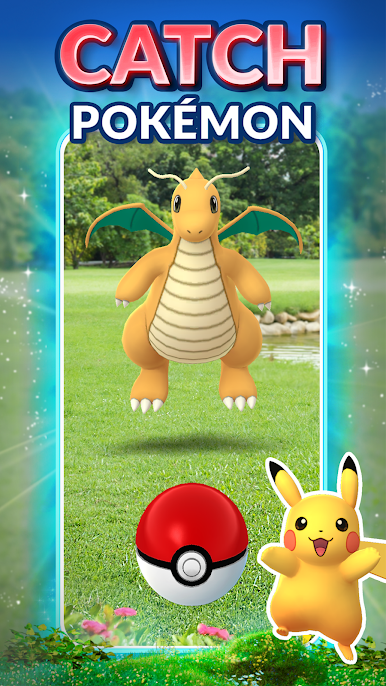
- Catch and collect: Encounter Pokémon in the wild, line up a solid throw, and expand your Pokédex as rarities appear at different times and places.
- Buddy adventures: Pick a Buddy Pokémon, head out for a walk, earn Candy, and strengthen the partners you actually use.
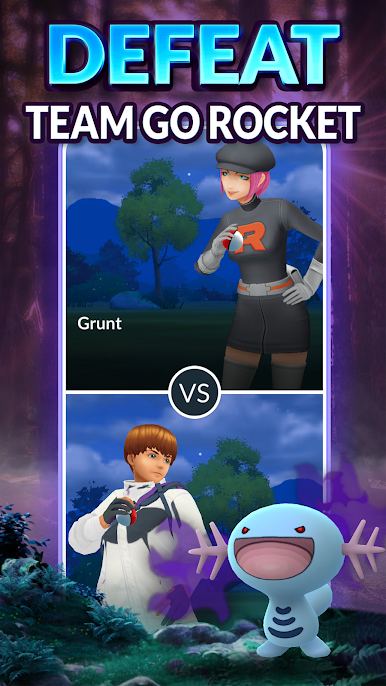
- Gym battles: Challenge Gyms around town, test your matchups, and help your team hold the fort to earn useful rewards.
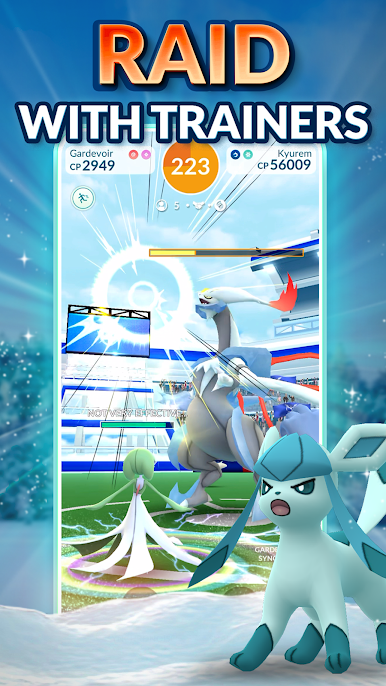
- Raid with friends: Team up with nearby Trainers to take down powerful Raid bosses, then try your luck catching them after the win.
- Progress and rewards: Level up by exploring, spinning, and battling, unlocking items and tougher encounters as your Trainer grows.
Ready to top the leaderboard? We bet you do. Let precise controls and sharp visuals optimized on BlueStacks lead you to victory.

Play Pokémon GO on PC. It’s easy to get started.
-
Download and install BlueStacks on your PC
-
Complete Google sign-in to access the Play Store, or do it later
-
Look for Pokémon GO in the search bar at the top right corner
-
Click to install Pokémon GO from the search results
-
Complete Google sign-in (if you skipped step 2) to install Pokémon GO
-
Click the Pokémon GO icon on the home screen to start playing

