


Bingo Bar
Play on PC with BlueStacks – the Android Gaming Platform, trusted by 500M+ gamers.

Page Modified on: May 13, 2026
Play Bingo Bar on PC
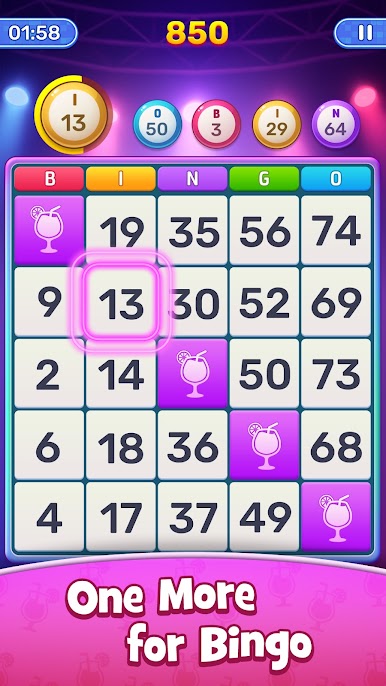
The game balances visual presentation and system performance to ensure every interaction feels natural and responsive. All features are designed around the core bingo gameplay, keeping the experience focused and distraction-free.
Bingo Bar emphasizes reliability and consistency, with ongoing optimizations to maintain a dependable online environment. Whether playing briefly or for longer sessions, the experience remains consistent and polished.
With a design philosophy centered on focus, simplicity, and quality, Bingo Bar offers a trustworthy option for players seeking a relaxed and enjoyable bingo experience.



Play Bingo Bar on PC. It’s easy to get started.
-
Download and install BlueStacks on your PC
-
Complete Google sign-in to access the Play Store, or do it later
-
Look for Bingo Bar in the search bar at the top right corner
-
Click to install Bingo Bar from the search results
-
Complete Google sign-in (if you skipped step 2) to install Bingo Bar
-
Click the Bingo Bar icon on the home screen to start playing

