


Disco Zoo
Play on PC with BlueStacks – the Android Gaming Platform, trusted by 500M+ gamers.

Page Modified on: Mar 17, 2025
Play Disco Zoo on PC or Mac
Join millions to experience Disco Zoo, an exciting Casual game from NimbleBit LLC. With BlueStacks App Player, you are always a step ahead of your opponent, ready to outplay them with faster gameplay and better control with the mouse and keyboard on your PC or Mac.
About the Game
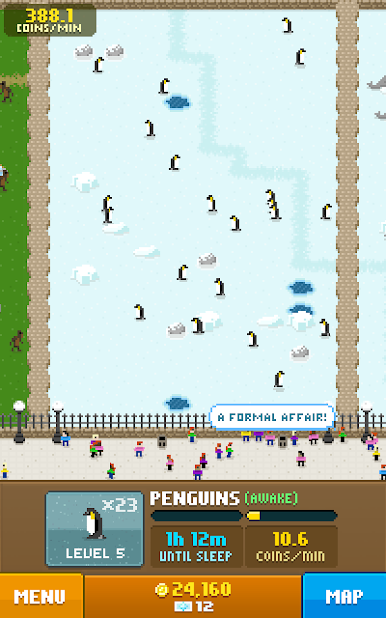
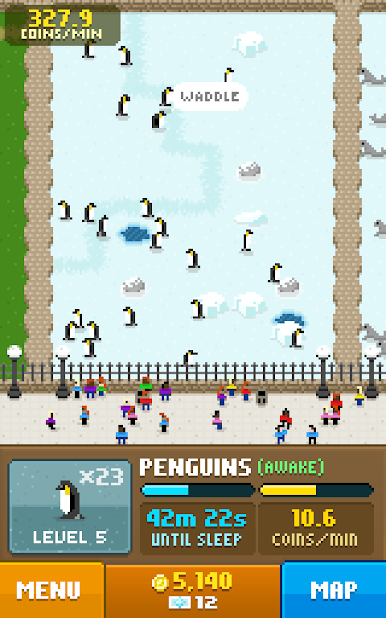
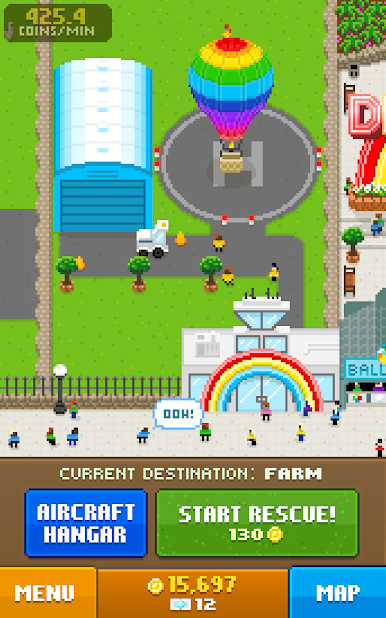
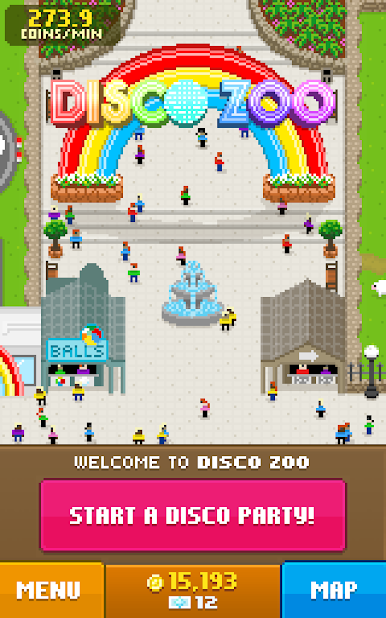
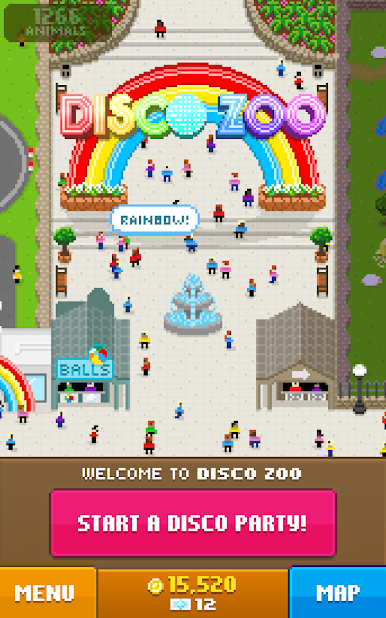
Disco Zoo is a quirky Casual game from NimbleBit LLC that blends animal collecting with a playful puzzle twist. Ever wondered what it’d be like to rescue animals from around the globe, then toss them into a zoo that’s all about good vibes, flashing lights, and—yep—plenty of disco? That’s pretty much the energy here. You’re not just a zookeeper; you’re the mastermind behind a dancing menagerie. Whether you’re stacking up on rare creatures or just want to see a pig get its groove on, there’s something here to keep things interesting.
Game Features
-
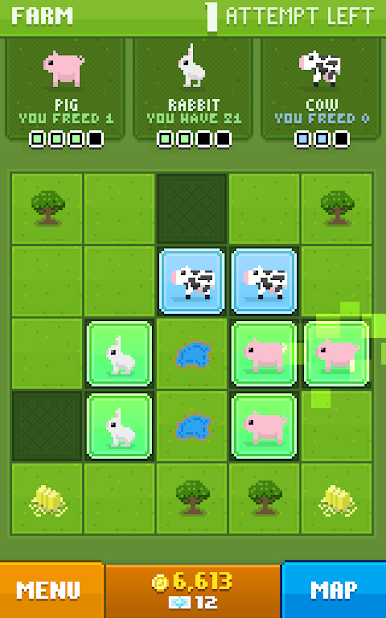
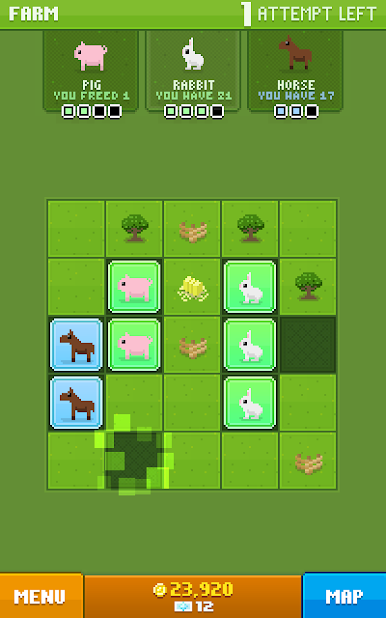
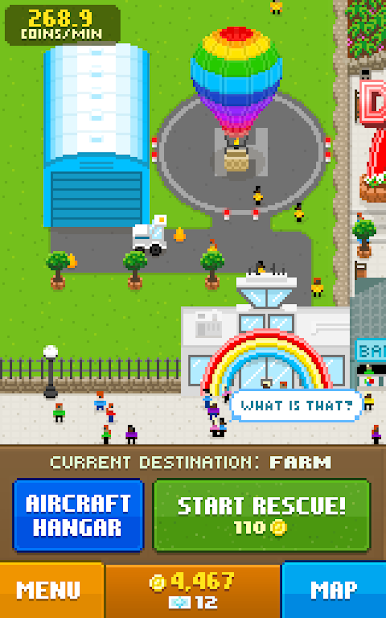
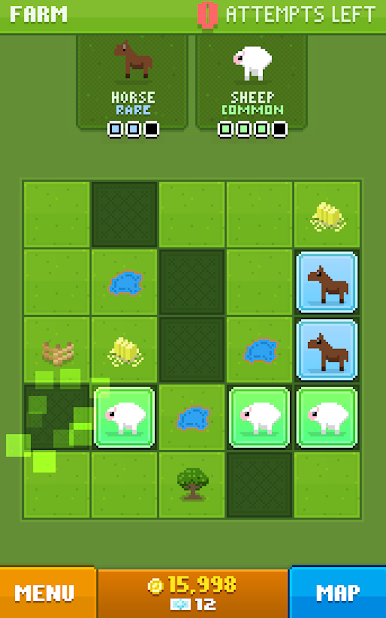
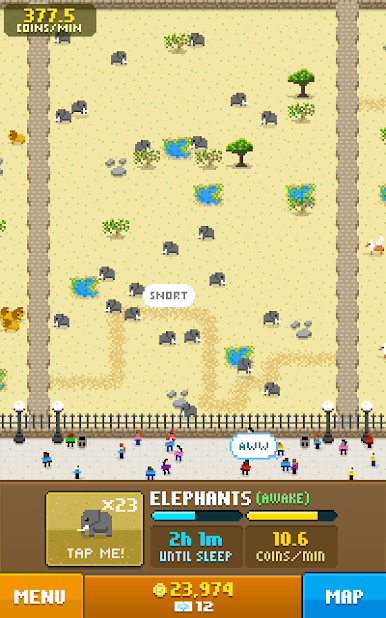
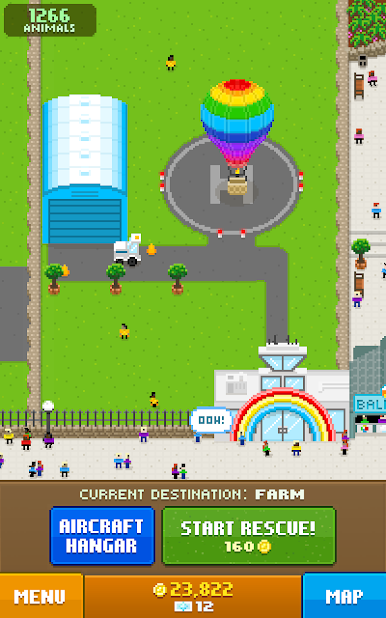
Discover & Rescue Animals: Head out on puzzle-filled trips to far-off locations, snagging everything from classic barnyard critters to, seriously, dinosaurs. It’s like a safari, but funkier.
-
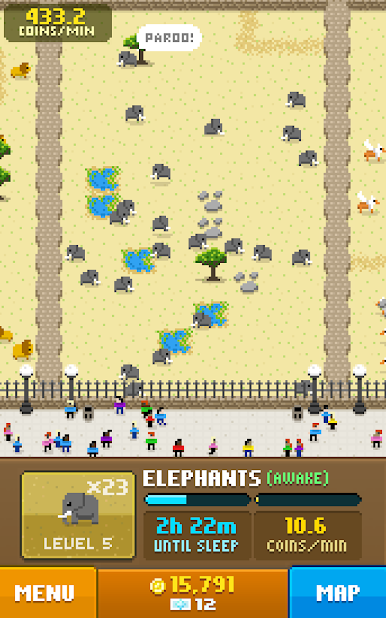
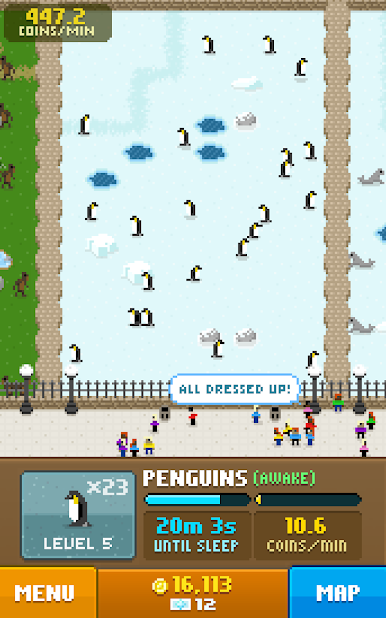
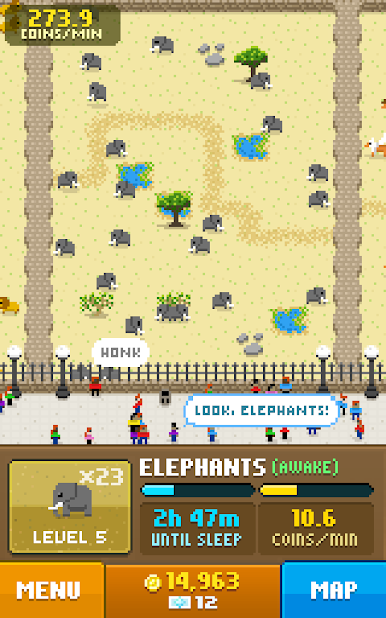
Build Your Unique Zoo: Your zoo isn’t just for show. Arrange your animal exhibits, unlock new habitats, and watch the place grow into a hopping attraction.
-
Casual Puzzle Gameplay: Not just another tap-and-wait game—each new rescue kicks off with a quick, easy-to-learn puzzle that keeps things light but never boring.
-
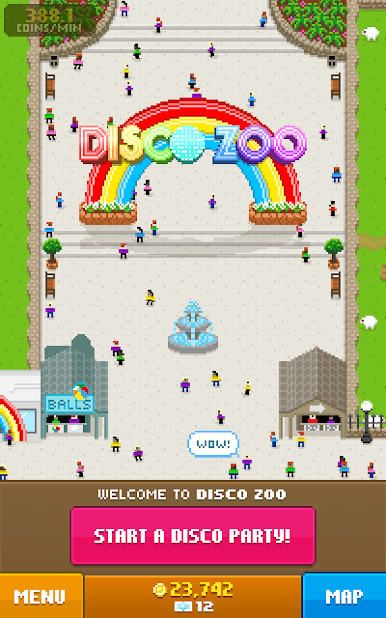
Throw Disco Parties: When the mood’s right, crank up the music and host wild disco parties. Your animals love to boogie, and visitors go wild—which, by the way, boosts your zoo earnings.
-
Manage & Expand: Keep an eye on your coins, snatch up new upgrades, and stretch those zoo borders. There’s always another rare animal or funky feature waiting to be unlocked.
-
Play Your Way: Whether you’re on mobile or kicking back on your PC using BlueStacks, you’ve got plenty of ways to enjoy the party.
Start your journey now. Download the game on BlueStacks, invite your friends, and march on a new adventure.
Play Disco Zoo on PC. It’s easy to get started.
-
Download and install BlueStacks on your PC
-
Complete Google sign-in to access the Play Store, or do it later
-
Look for Disco Zoo in the search bar at the top right corner
-
Click to install Disco Zoo from the search results
-
Complete Google sign-in (if you skipped step 2) to install Disco Zoo
-
Click the Disco Zoo icon on the home screen to start playing

