


Trò chơi Âm nhạc Việt Nam
Play on PC with BlueStacks – the Android Gaming Platform, trusted by 500M+ gamers.

Page Modified on: Aug 26, 2024
Overview
Please Note: This is a music game, not a tool to download or listen to free music!
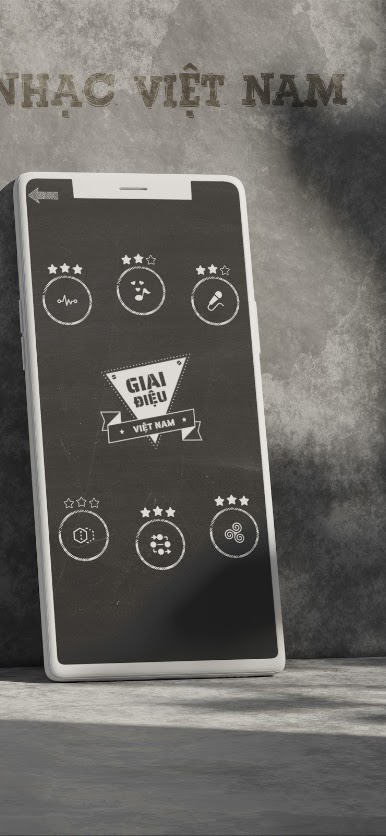
This application is a collection of 14 mini-games to help you satisfy the pleasure of playing with melodies, vocals, lyrics, and other products related to Vietnamese music. Details of 14 games are as follows:
>>> SECTION “PASSION” – games based on pictures and words:
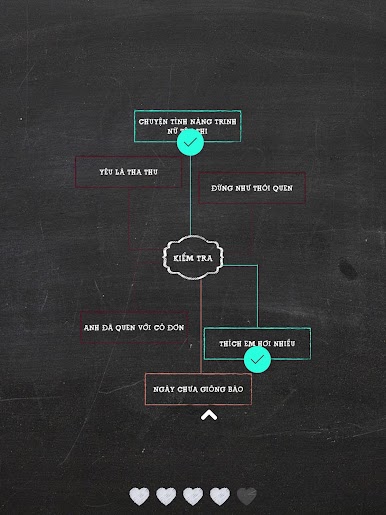
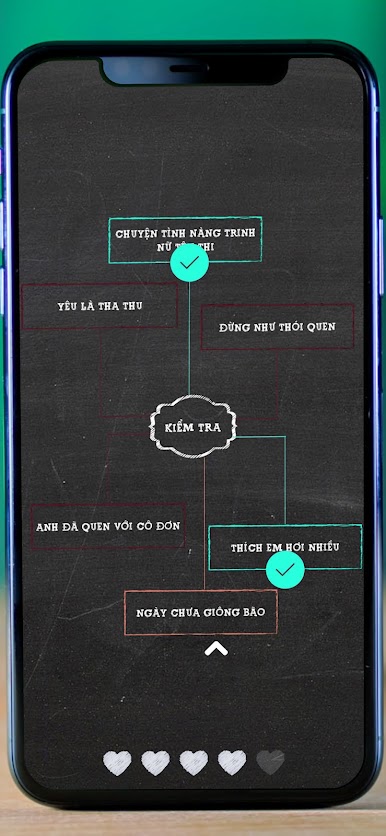
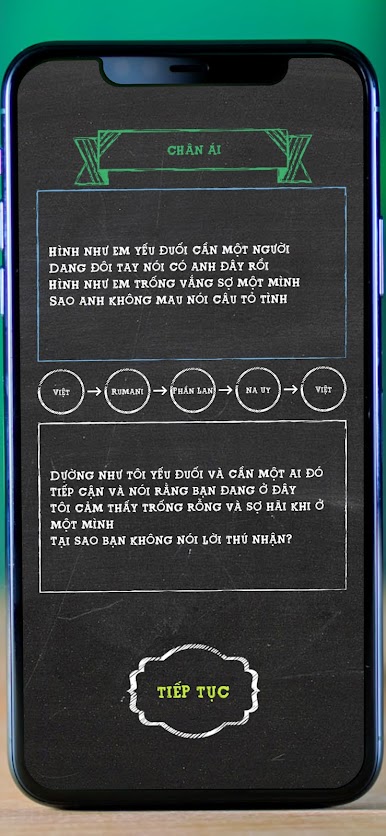
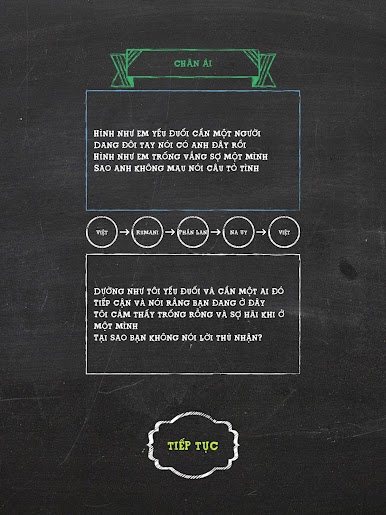
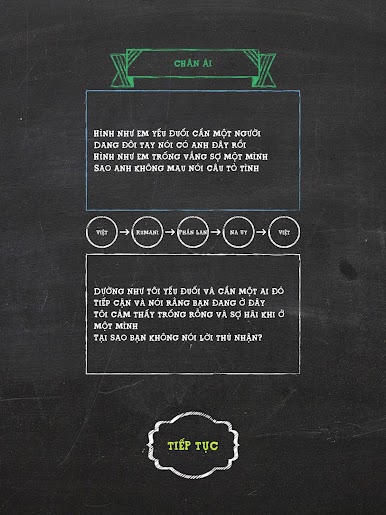
- "Three Sao That Ban": A famous song lyrics will be automatically translated into 3 random languages, then translated back to Vietnamese. See if you can recognize the original song.
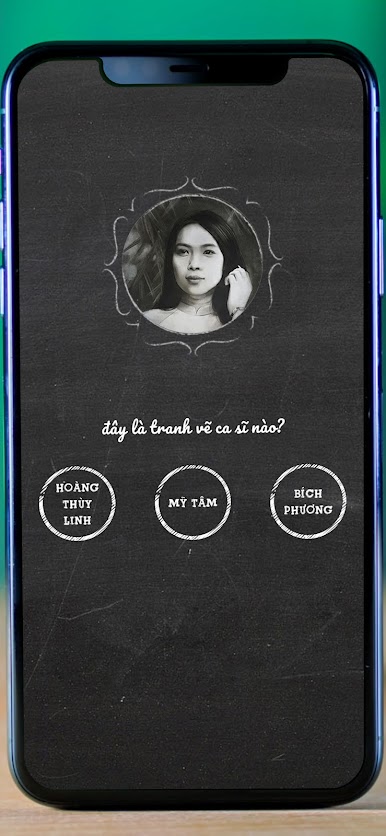
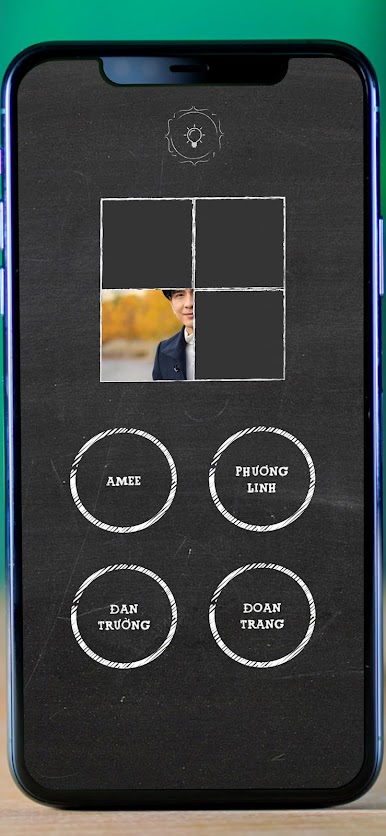
- “See Tinh”: Portrait of a character will be partially obscured. Guess who it is.
- "You Are Here": Puzzle game from puzzle pieces
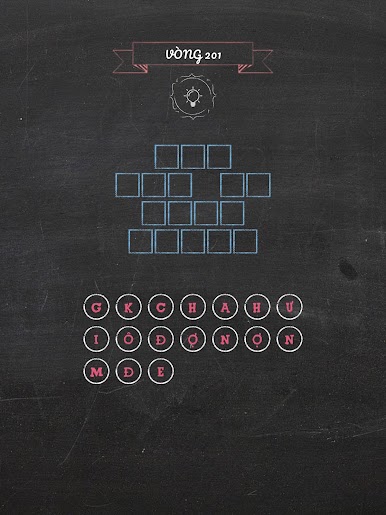
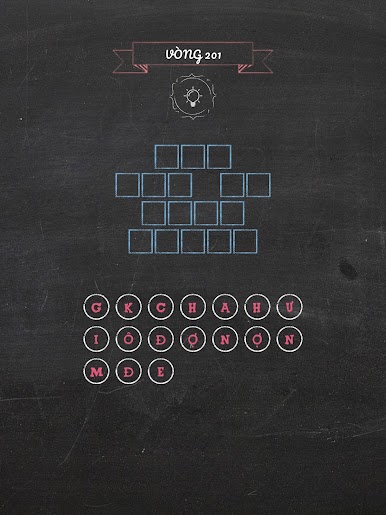
- "There is a boy who writes on the tree": Word puzzle - match the letters to the name of the specified song.
- "Bright Eyes Not": A moment from a famous MV is obscured. Select open 3 boxes to find the MV.
>>> "TOUAL" section – games based on sound:
- “Vietnamese Songs”: Classic gameplay – listen to music and guess the name of the song within the time limit.
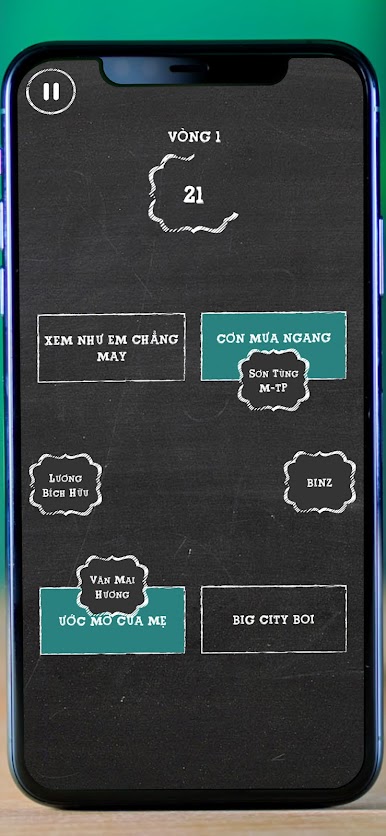
- “The Voice”: Drag and drop the singer's name into the song they perform. The time limit for each round is decreasing.
- "Tay Yin": 6 challenges when the sound is emitted in a strange way like being drunk.
- "Song Gio": Try a little experience of music producers! The different song segments are mixed up, try to listen carefully and identify them.
- “Lac Troi”: 3 songs are played SAME TIME. Do you recognize them?
- “Hide and Seek”: pairs of similar songs are hidden in circles.
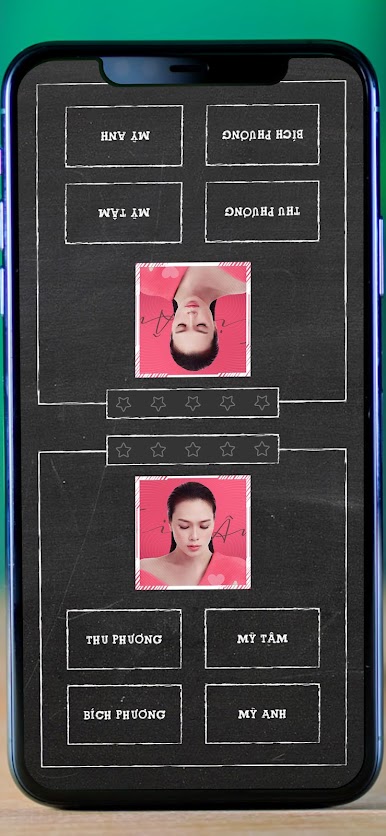
>>> Section “DATE” – for two people
How long has it been since we played games with our friends on ONE phone? This game is just for that purpose. Let's play face-to-face, hand-in-hand fun with friends.



Play Trò chơi Âm nhạc Việt Nam on PC. It’s easy to get started.
-
Download and install BlueStacks on your PC
-
Complete Google sign-in to access the Play Store, or do it later
-
Look for Trò chơi Âm nhạc Việt Nam in the search bar at the top right corner
-
Click to install Trò chơi Âm nhạc Việt Nam from the search results
-
Complete Google sign-in (if you skipped step 2) to install Trò chơi Âm nhạc Việt Nam
-
Click the Trò chơi Âm nhạc Việt Nam icon on the home screen to start playing

