


Pneujada: Vaquejada de Pneu
Play on PC with BlueStacks – the Android Gaming Platform, trusted by 500M+ gamers.

Page Modified on: Jan 9, 2026
Main Pneujada: Vaquejada de Pneu on PC
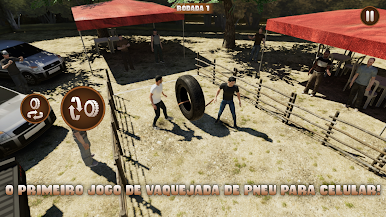
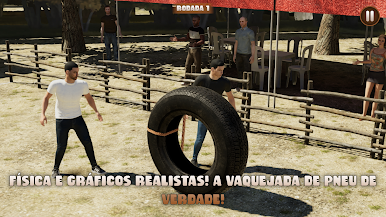
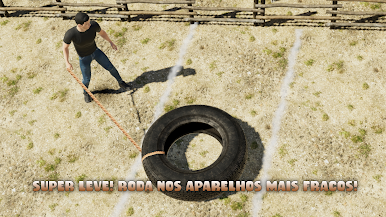
Realistic physics! ⚙️🛞 The tire behaves just like in real life! You have to be skillful to control it and knock it down within the designated area! 🎯💪
Realistic graphics! 🎨✨ The graphic quality has improved spectacularly compared to Valeu Boi. But, it still maintains great performance EVEN ON WEAK DEVICES! 🚀📲
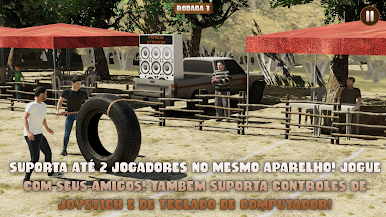
You can play alone or with up to 2 PLAYERS ON THE SAME DEVICE! 👥🎮 Great for playing on tablets. The game also supports JOYSTICK 🎮 and computer keyboard controls! ⌨️🔥
Play Pneujada: Vaquejada de Pneu on PC. It’s easy to get started.
-
Download and install BlueStacks on your PC
-
Complete Google sign-in to access the Play Store, or do it later
-
Look for Pneujada: Vaquejada de Pneu in the search bar at the top right corner
-
Click to install Pneujada: Vaquejada de Pneu from the search results
-
Complete Google sign-in (if you skipped step 2) to install Pneujada: Vaquejada de Pneu
-
Click the Pneujada: Vaquejada de Pneu icon on the home screen to start playing

