


Pictonico!
Play on PC with BlueStacks – the Android Gaming Platform, trusted by 500M+ gamers.

Page Modified on: Jul 30, 2026
Play Pictonico! on PC
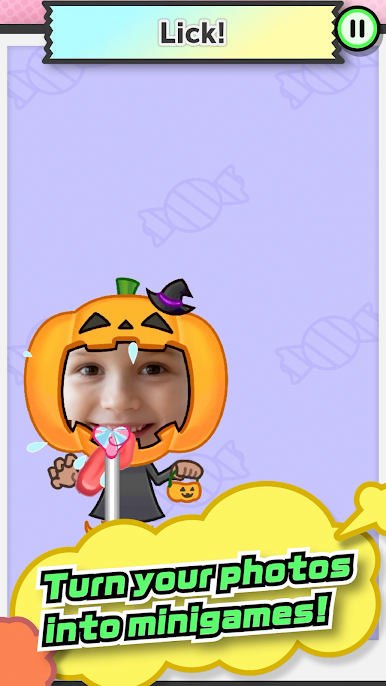
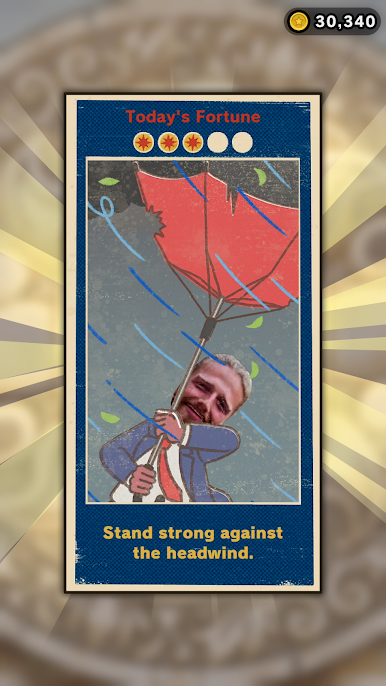
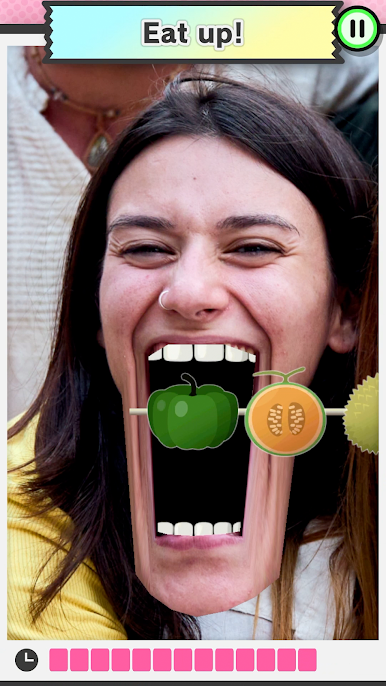
Sure, it's kind of silly... But there's no telling what will happen next!
・ Here come your school's sports stars...strutting down the red carpet!
・ Your boss is hungry and needs your help!
・ Try to wash away those embarrassing high-school memories.
・ Son won't quiet down? Zip his mouth!
・ Two old friends reconnect while skydiving!
・ Grandpa dressed like a ballerina? Can't miss this photo op.
・ Mom's angry... But that nose hair must be plucked!
・ Dad's making that face again. Wait, is that a facial mask?
・ Best friend turned final boss?! Evasive maneuvers!
・ That calm, collected teacher was all muscle this whole time?
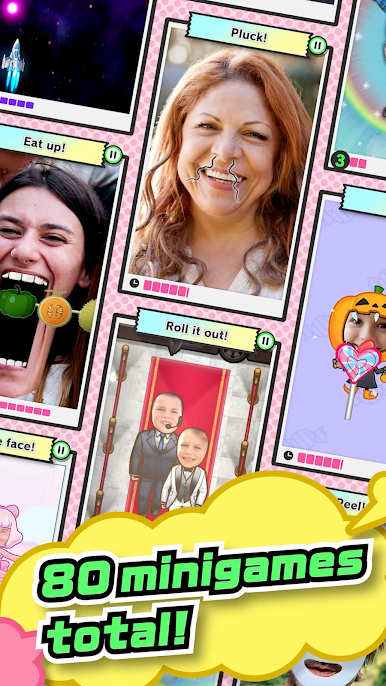
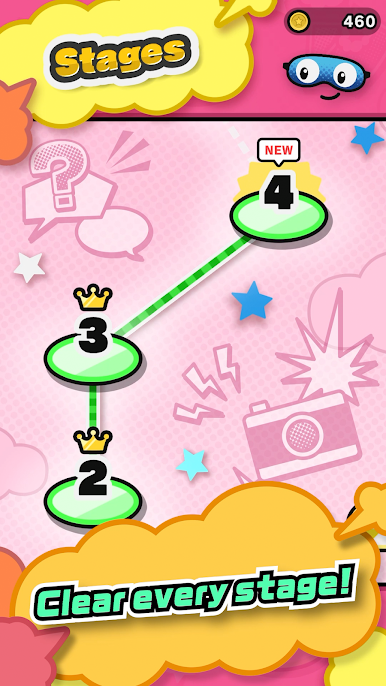
You can try a few minigames for free, or purchase volumes to unlock up to 80 minigames in total, ranging from easy to pretty tricky.
Get ready to laugh out loud when you look back at old photos!
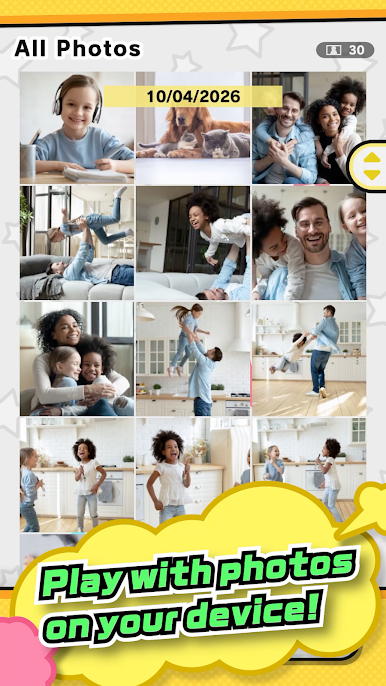
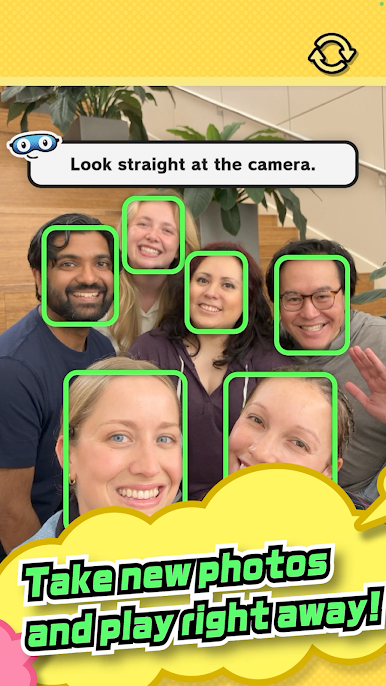
You can even take photos with friends on the spot and use them right away.
*This game is free-to-start.
*Purchase of a game volume is required for gameplay, but you can play a demo of some minigames for free.
*A constant online connection is not required, but temporary network access may be needed for the following operations, which may incur data charges:
・ First launch
・ Purchasing game volumes
*Your photos are not sent to Nintendo.
User Agreement: https://pictonico.nintendo.com/app/eula.html


Play Pictonico! on PC. It’s easy to get started.
-
Download and install BlueStacks on your PC
-
Complete Google sign-in to access the Play Store, or do it later
-
Look for Pictonico! in the search bar at the top right corner
-
Click to install Pictonico! from the search results
-
Complete Google sign-in (if you skipped step 2) to install Pictonico!
-
Click the Pictonico! icon on the home screen to start playing

