


Hello, Mario!
Play on PC with BlueStacks – the Android Gaming Platform, trusted by 500M+ gamers.

Page Modified on: Oct 21, 2025
Main Hello, Mario! on PC
■Make Silly Faces
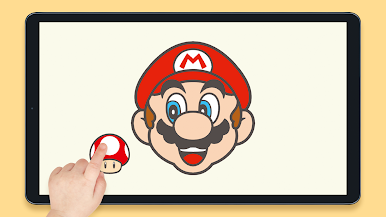
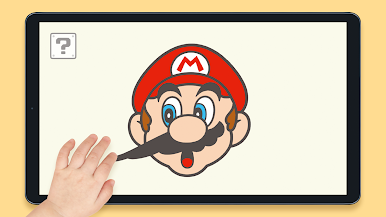
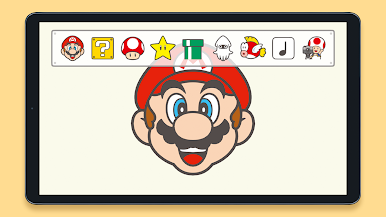
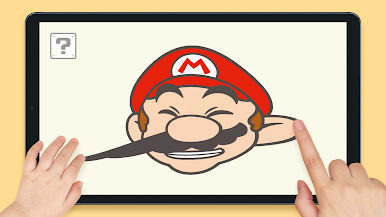
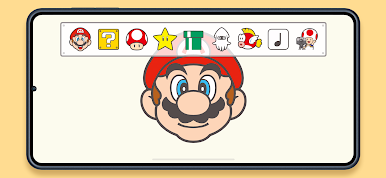
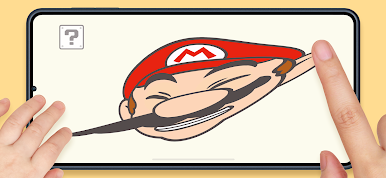
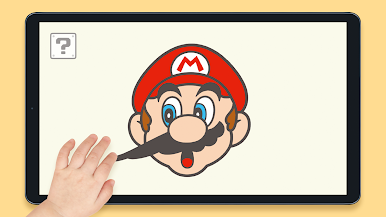
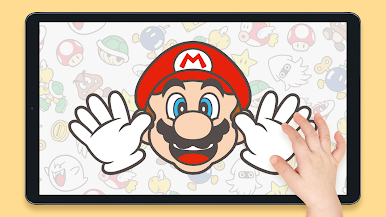
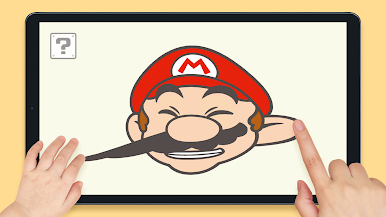
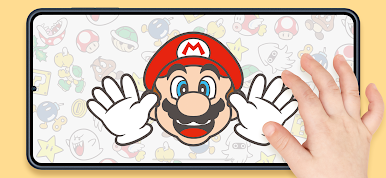
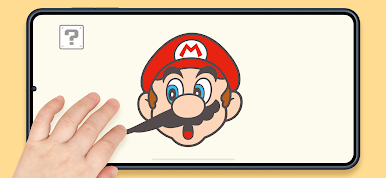
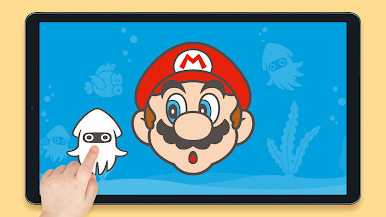
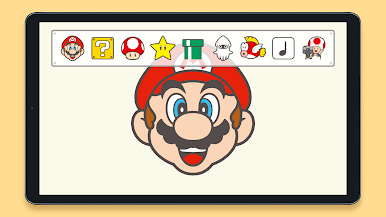
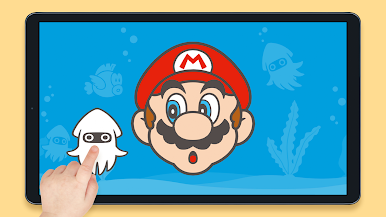
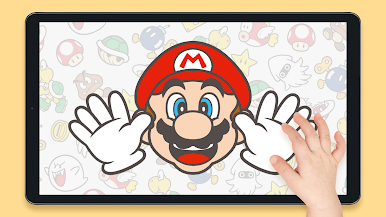
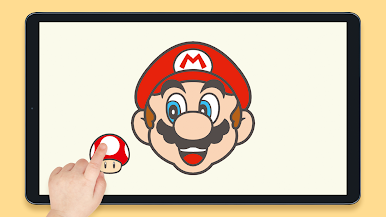
Team up with your kiddo to see how silly Mario can get when you pull and stretch his face or take turns poking and spinning him around. Tap on the ? Block in the top-left corner of the screen and select an icon to make items—like a Super Mushroom, a Super Star, or pipes—and even enemies appear alongside Mario.
■Peekaboo!
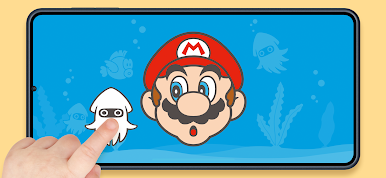
Invite Mario to play peekaboo by tapping on the leftmost icon in the ? Block menu. Boo may even make a guest appearance!
■Built-In Breaks
Good night, Mario! Mario gets tuckered out after playing for a while and will fall fast asleep. At that point no amount of poking can wake him up! This is a great opportunity to take a break and help parents limit their child's screen time. If you want to keep the fun going, you can turn off this feature by tapping the gear icon in the top-right corner of the screen when the application starts.
■Play Offline
There's no need to be connected to the internet to play this application. After you download it, you're good to go!
Operation is not guaranteed for all devices that meet the operating conditions. It may not work properly depending on the device's performance and specifications, device-specific application usage conditions, etc.
Please be sure to read the Health and Safety information provided in the application settings before you start playing. Settings can be accessed by tapping the gear icon in the top-right corner of the screen when the application starts to access the menu.
Terms of Service:
https://support.nintendo.com/en/legal-notes/my-mario-eula-selector
©Nintendo

Play Hello, Mario! on PC. It’s easy to get started.
-
Download and install BlueStacks on your PC
-
Complete Google sign-in to access the Play Store, or do it later
-
Look for Hello, Mario! in the search bar at the top right corner
-
Click to install Hello, Mario! from the search results
-
Complete Google sign-in (if you skipped step 2) to install Hello, Mario!
-
Click the Hello, Mario! icon on the home screen to start playing

