


Nintendo Music
Play on PC with BlueStacks – the Android Gaming Platform, trusted by 500M+ gamers.

Page Modified on: Dec 10, 2025
Play Nintendo Music on PC
Note: A Nintendo Switch Online membership is required to access this app.
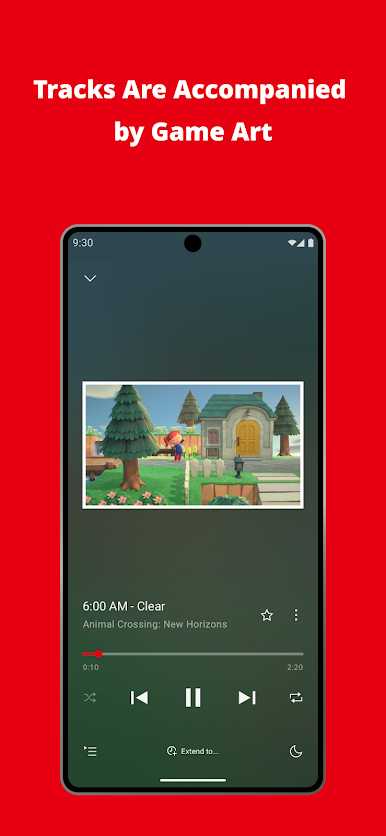
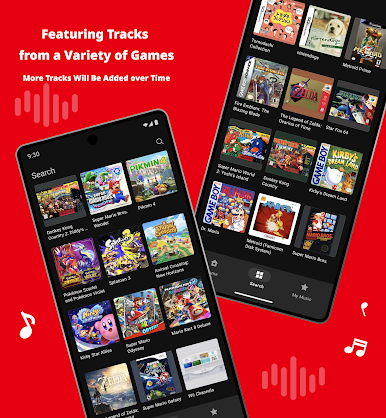
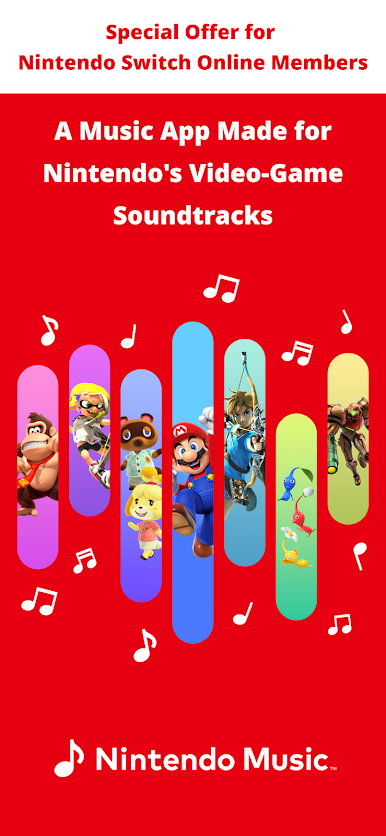
◆Tracks from Games Including
・ Pikmin™ 4
・ Pokémon™ Scarlet and Pokémon Violet
・ Splatoon™ 3
・ Animal Crossing™: New Horizons
・ Kirby™ Star Allies
・ Mario Kart™ 8 Deluxe
・ The Legend of Zelda™: Breath of the Wild
・ Metroid Prime™
・ Fire Emblem™: The Blazing Blade
・ Donkey Kong Country™
Note: Not all tracks from all games will be included.
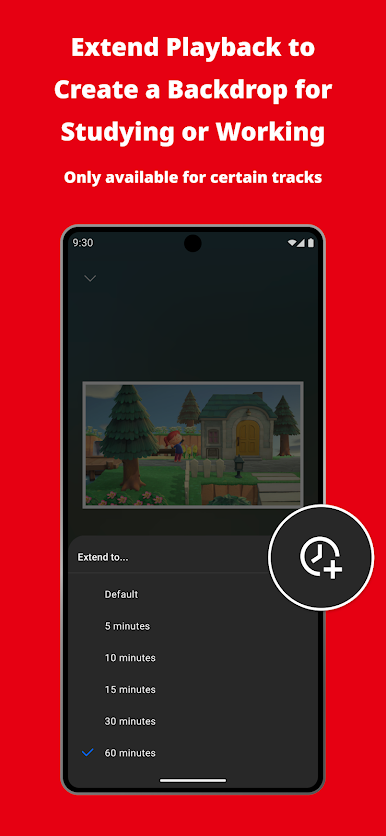
◆Extended Playback
Lengthen the duration of certain tracks to 5, 10, 15, 30, or 60 minutes to enjoy an uninterrupted listening experience, great for enhancing the atmosphere while studying or working.
Note: This feature is available only for certain tracks.
◆Offline Playback
Download tracks to your device for offline listening.
◆Background Playback
Play tracks in the background, while your device's screen is off or if you're using a different app.
◆Sleep Timer
Set the time you want playback to stop with the sleep-timer feature, so you can drift to sleep with your favorite tunes.
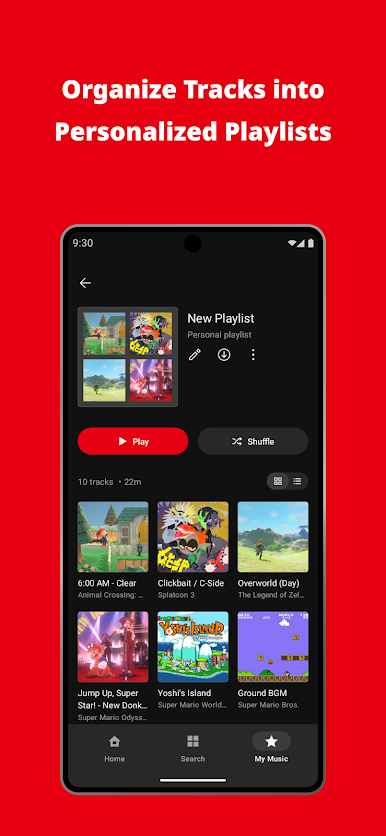
◆Create Playlists
Organize tracks into personalized playlists.
Notes:
● Nintendo Switch Online membership (sold separately) and Nintendo Account required. Membership autorenews after initial term at the then-current price unless canceled. Not available in all countries. Internet access required for online features. Terms apply. nintendo.com/switch-online
● Nintendo Account required to become a member of Nintendo Switch Online
● Your device must be running Android 9.0 or later to enjoy Nintendo Music
Nintendo Account User Agreement: https://accounts.nintendo.com/term_chooser/eula
© Nintendo
Play Nintendo Music on PC. It’s easy to get started.
-
Download and install BlueStacks on your PC
-
Complete Google sign-in to access the Play Store, or do it later
-
Look for Nintendo Music in the search bar at the top right corner
-
Click to install Nintendo Music from the search results
-
Complete Google sign-in (if you skipped step 2) to install Nintendo Music
-
Click the Nintendo Music icon on the home screen to start playing

