


Oromo Bible
Play on PC with BlueStacks – the Android Gaming Platform, trusted by 500M+ gamers.

Page Modified on: Aug 29, 2025
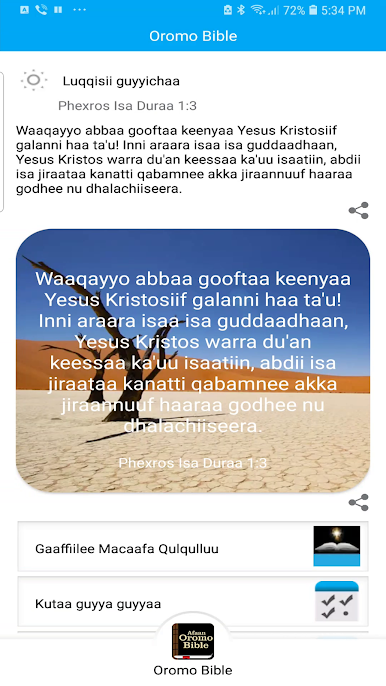
Play Oromo Bible on PC
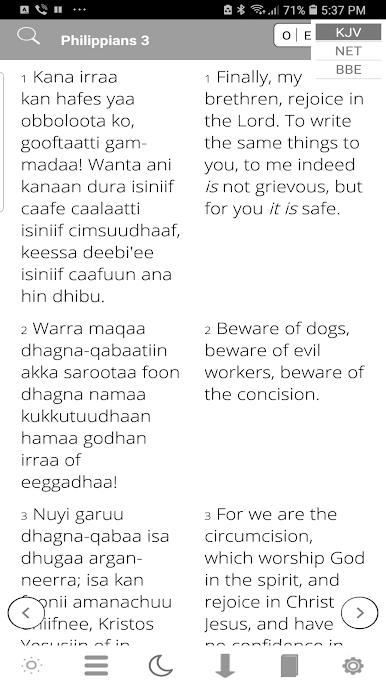
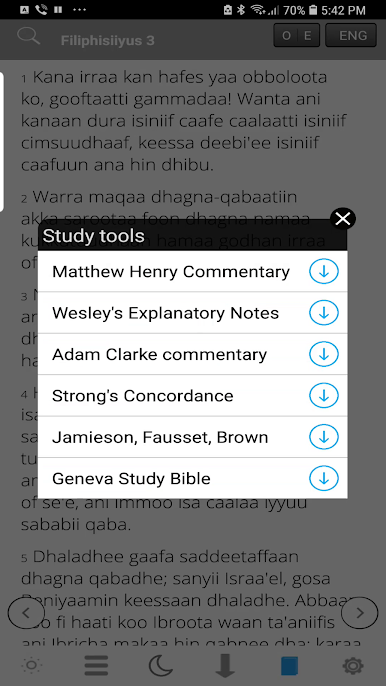
A simple, yet a powerful design allows users to easily, navigate,bookmark and take notes.
-FEATURES
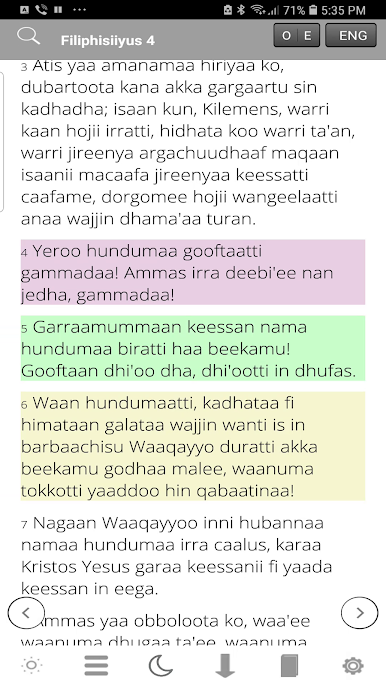
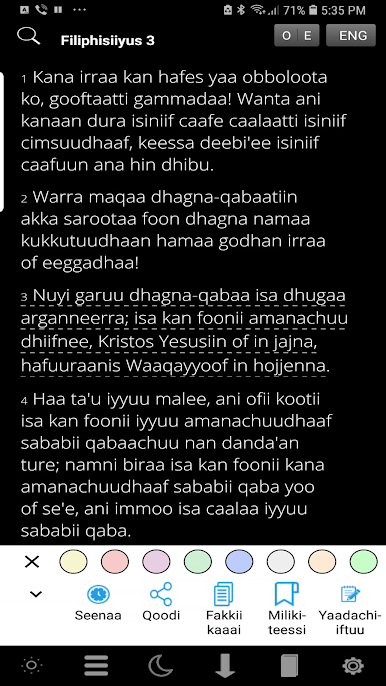
-Highlight important verses with selected color scheme, (Yellow, Green, Tan, Orange and Blue)
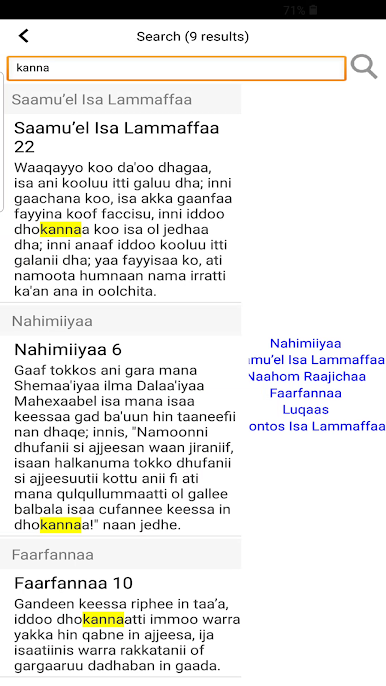
-Search function for easy navigation
-Side Notes – Attach your thoughts, comments and meditation or book for future reference
-Autoscroll
-Bookmarking
-Choose from a selection of eight different font style (Arial, Helvetica Neue, Verdana, Trebuchet MS).
-Increase and decrease the speed of autoscroll
-Easily increase/decrease font size
-Retrieve highlighted verses
-History
-No Internet connection needed
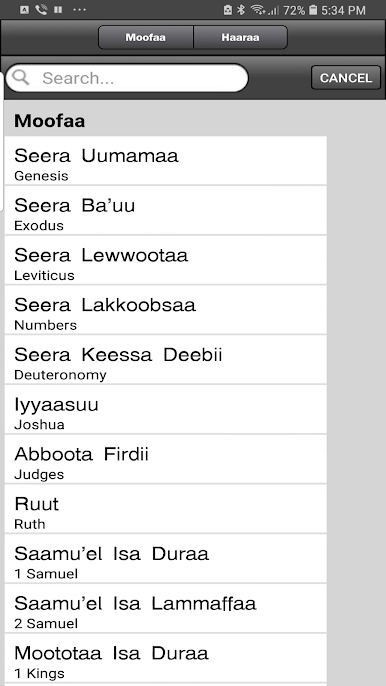
It comes complete with New and Old testaments. Fast and easy to use.
Take your Oromo Bible with you wherever you go.

Play Oromo Bible on PC. It’s easy to get started.
-
Download and install BlueStacks on your PC
-
Complete Google sign-in to access the Play Store, or do it later
-
Look for Oromo Bible in the search bar at the top right corner
-
Click to install Oromo Bible from the search results
-
Complete Google sign-in (if you skipped step 2) to install Oromo Bible
-
Click the Oromo Bible icon on the home screen to start playing

