

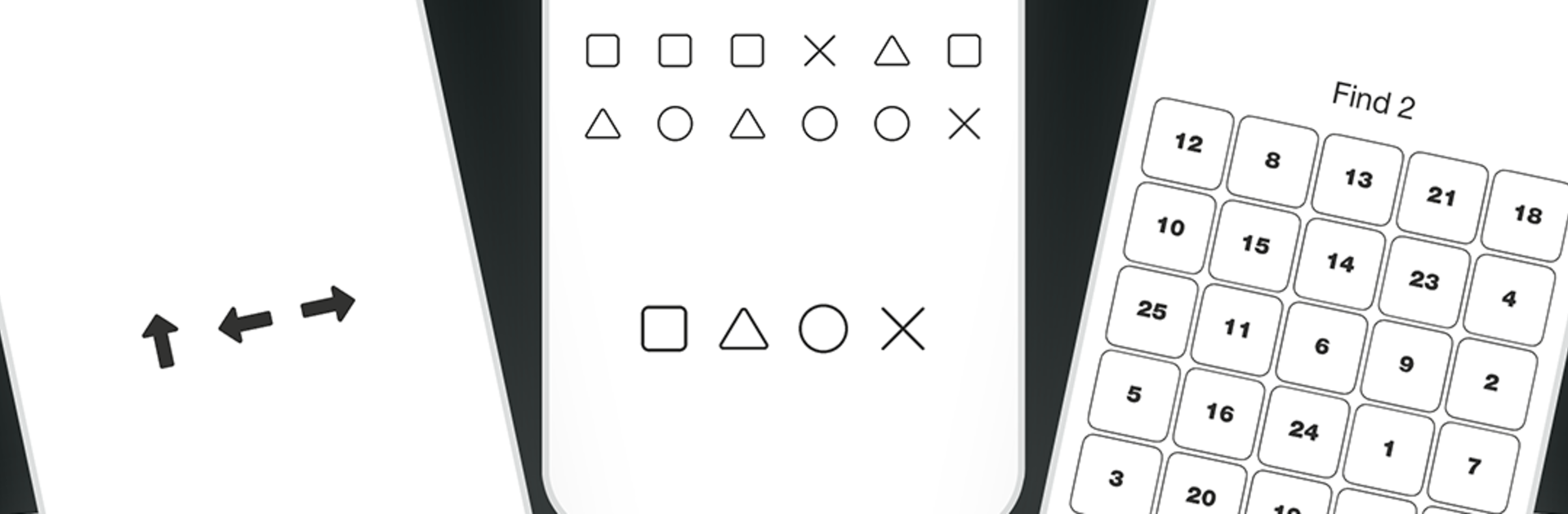
Concentration training
Play on PC with BlueStacks – the Android Gaming Platform, trusted by 500M+ gamers.

Page Modified on: Feb 28, 2026
Run Concentration training on PC or Mac
Let BlueStacks turn your PC, Mac, or laptop into the perfect home for Concentration training, a fun Productivity app from nixGames.
About the App
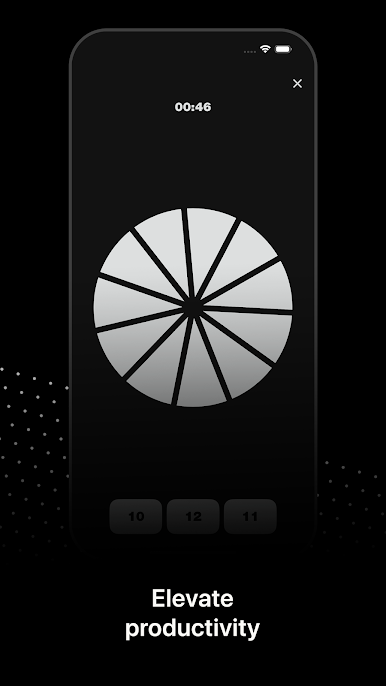
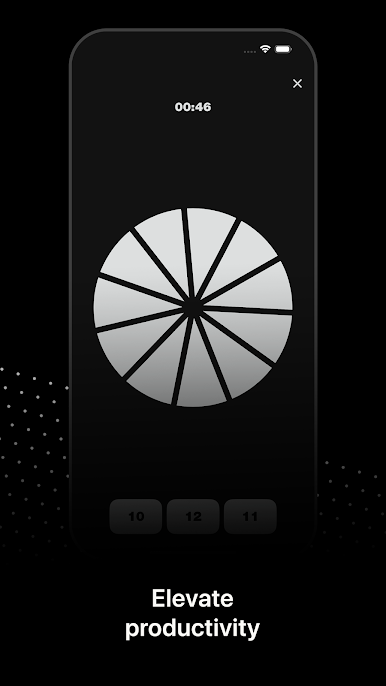
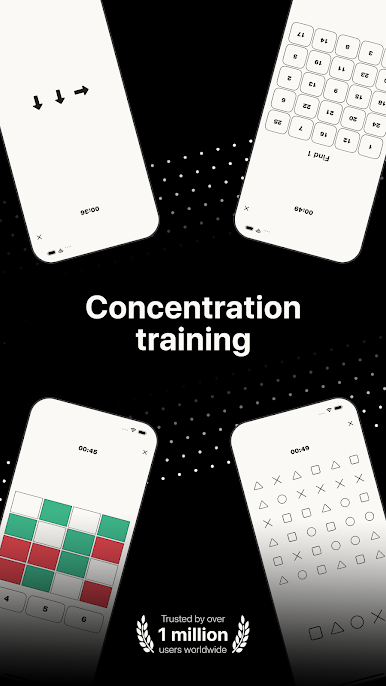
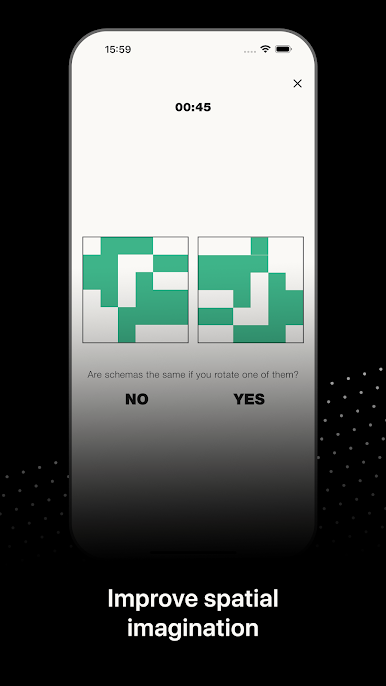
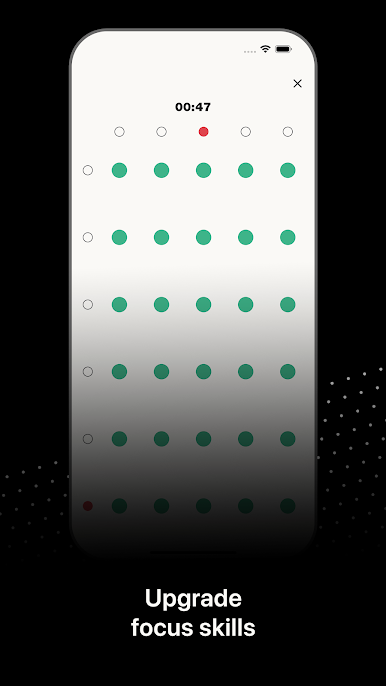
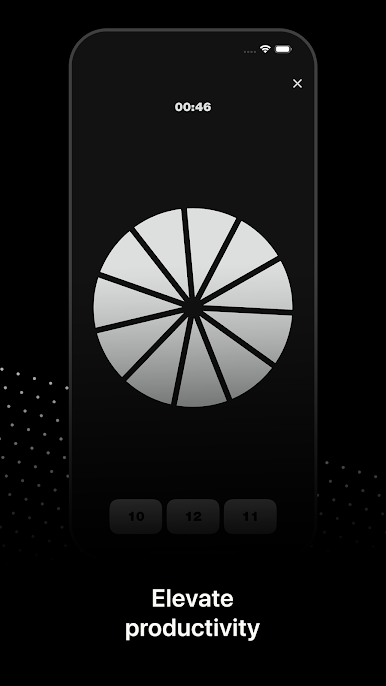
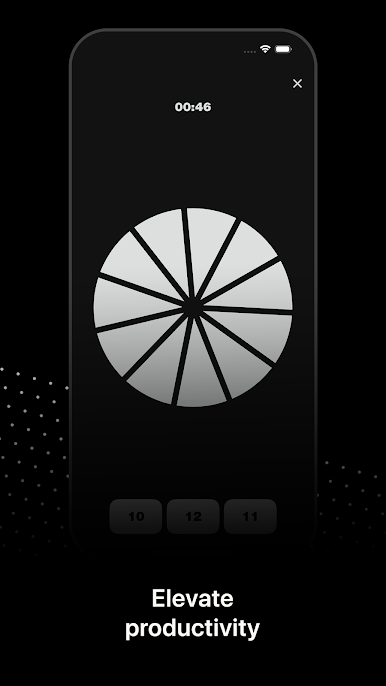
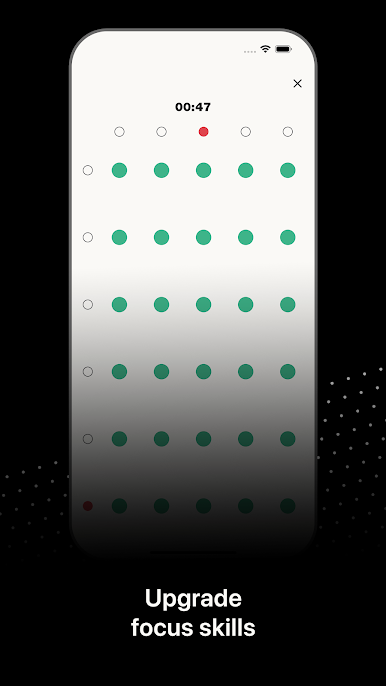
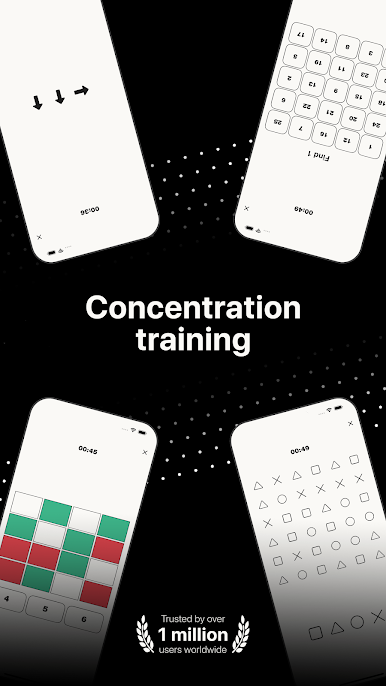
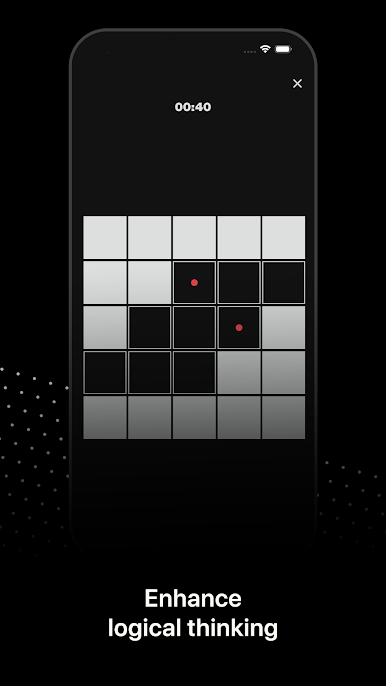
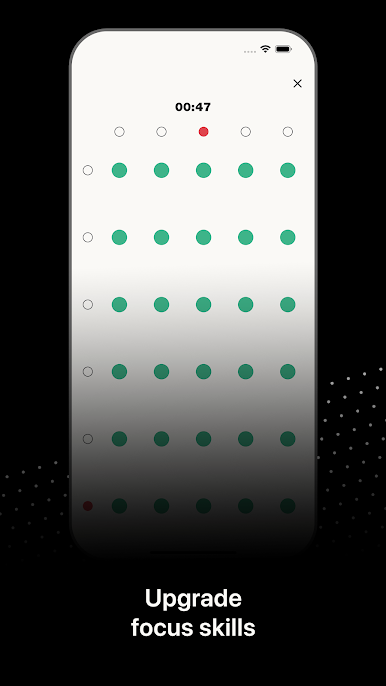
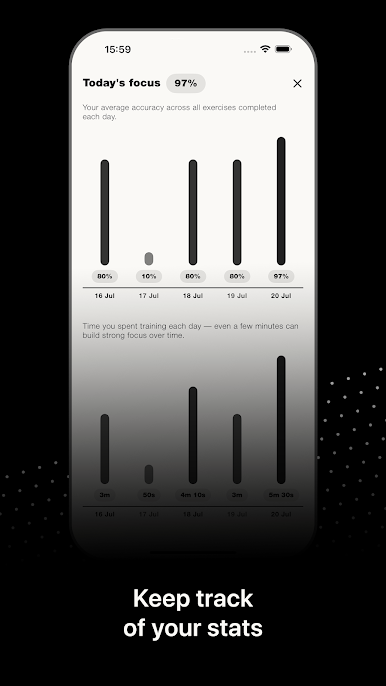
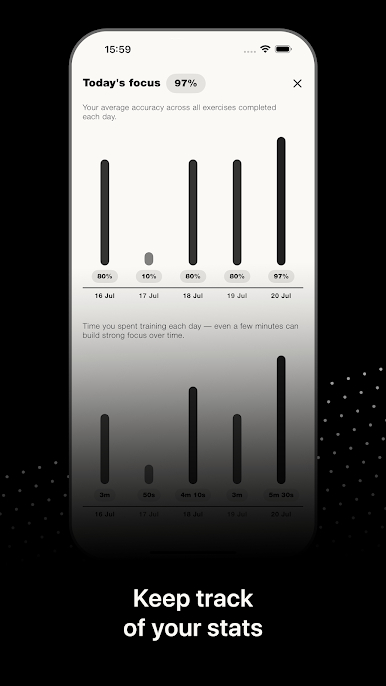
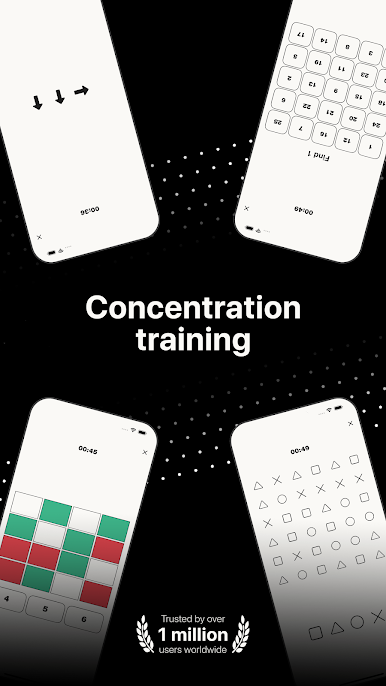
Concentration training from nixGames helps you cut through distractions and actually get things done. It’s a straightforward Productivity app packed with quick, brain-boosting mini exercises that sharpen attention, memory, and reaction speed. Sessions are short and varied, so it’s easy to squeeze in a round between tasks, before studying, or whenever your focus starts to fade.
App Features
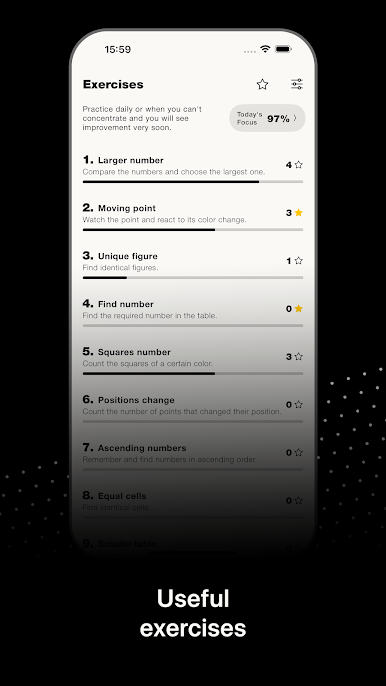
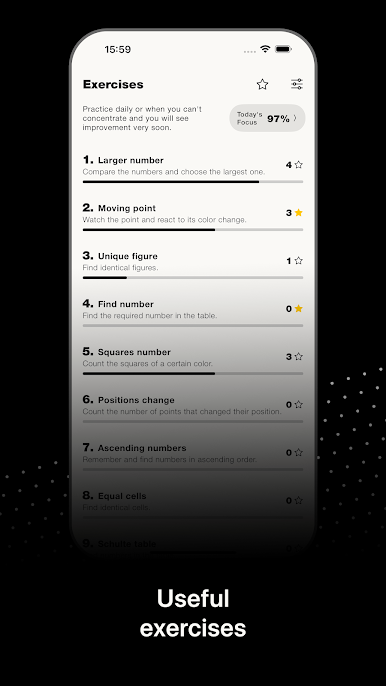
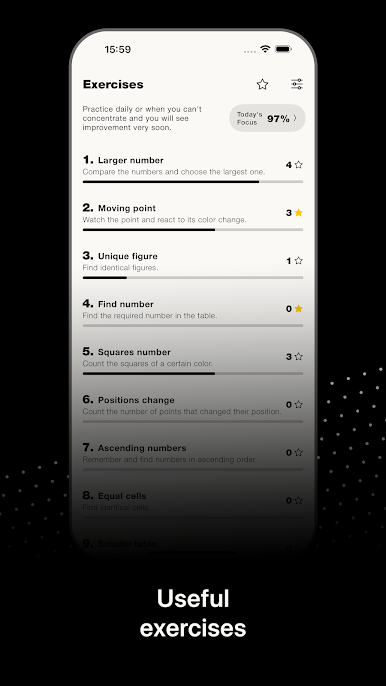
- Quick Number Hunt: Choose the highest or lowest number at speed to build fast, confident decision-making.
- Color Reflex Drills: React the moment a color changes to train sharper reflexes.
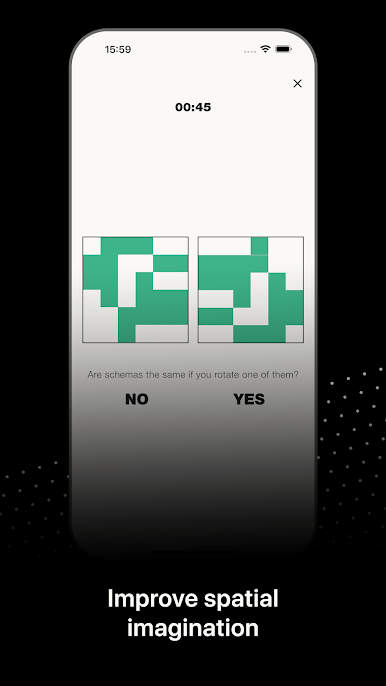
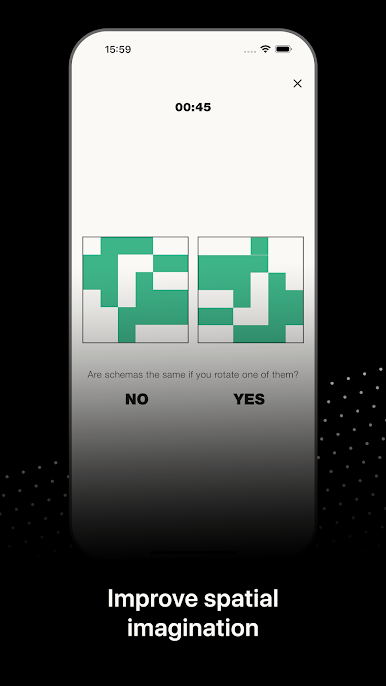
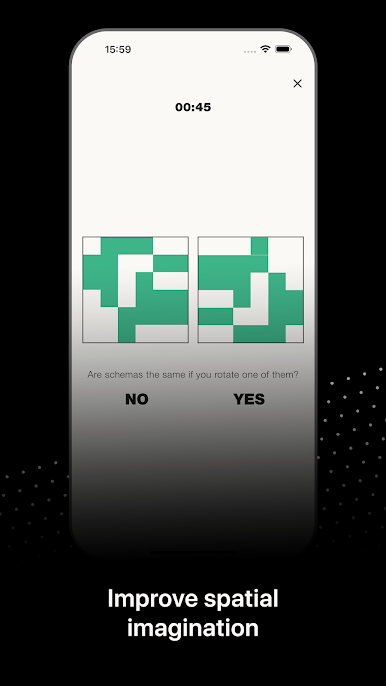
- Visual Comparisons: Compare shapes and spot tiny differences to fine-tune visual attention.
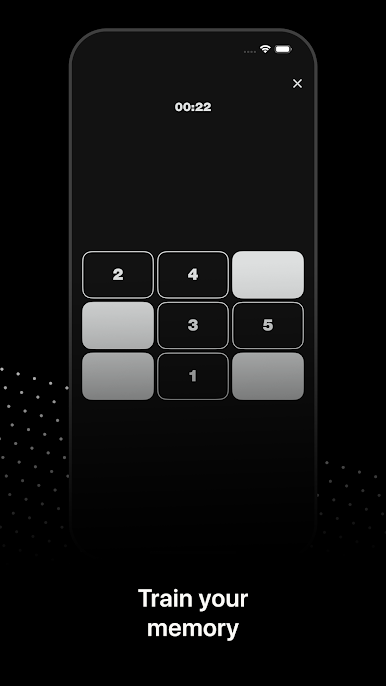
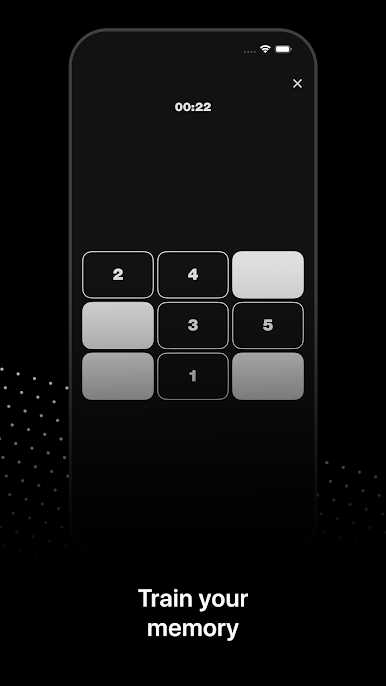
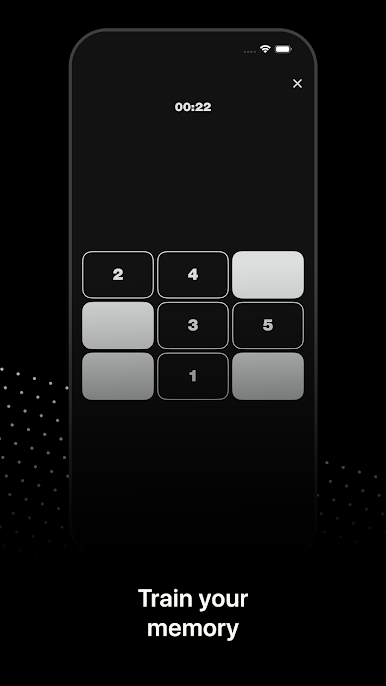
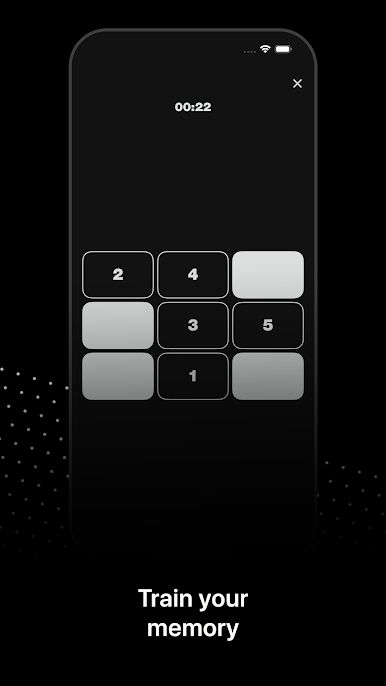
- Memory Recall: Remember number positions, then bring them back under a timer to strengthen working memory.
- Image Matches: Find matching pictures to practice sustained focus and recall.
- Schulte Tables: Scan grids of numbers in order to improve concentration and reading speed.
- Direction Swipes: Swipe in the correct direction as prompts change to boost accuracy and response time.
- Sequence Builder: Memorize, order, and arrange digits to reinforce logic and memory together.
- Short Sessions: Jump in for a few minutes or stack multiple rounds—great for quick productivity boosts.
- Optional Big-Screen Practice: Prefer a larger view? You can train on your computer with BlueStacks for extra comfort.
Big screen. Bigger performance. Use BlueStacks on your PC or Mac to run your favorite apps.

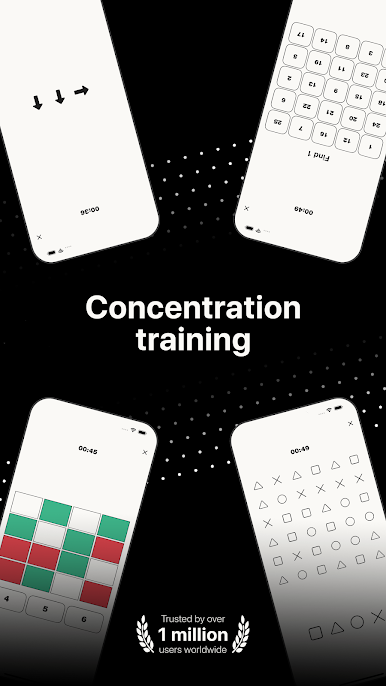
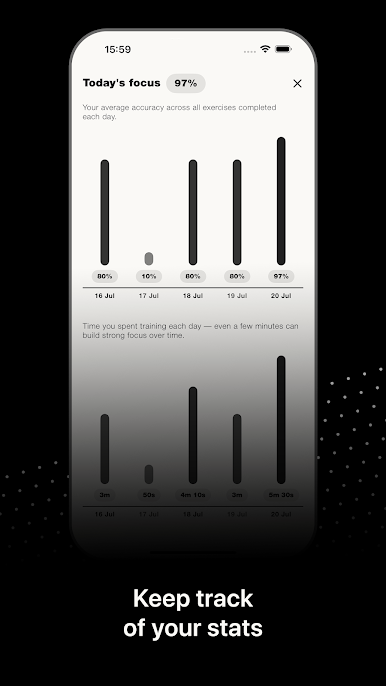
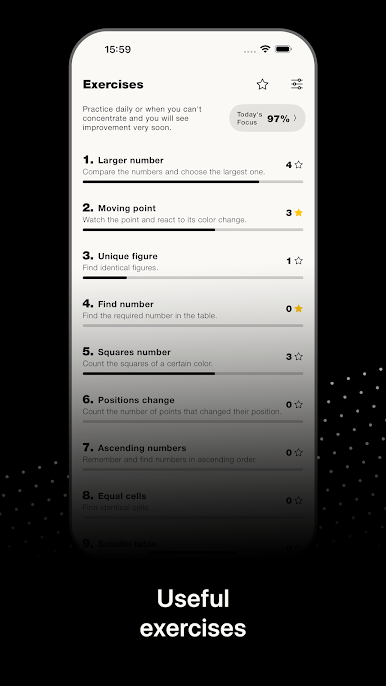
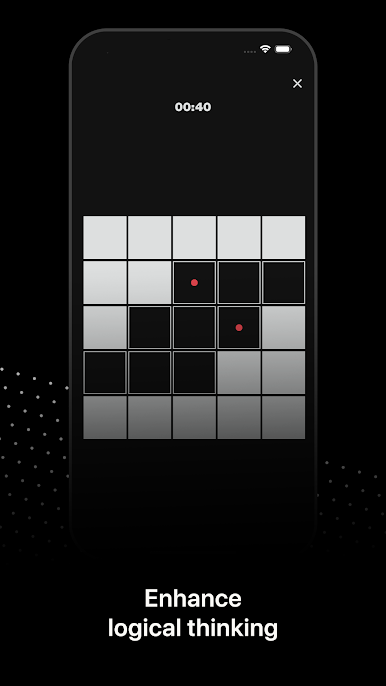
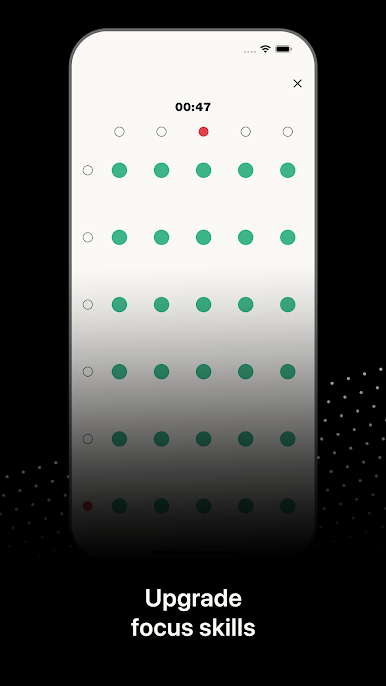
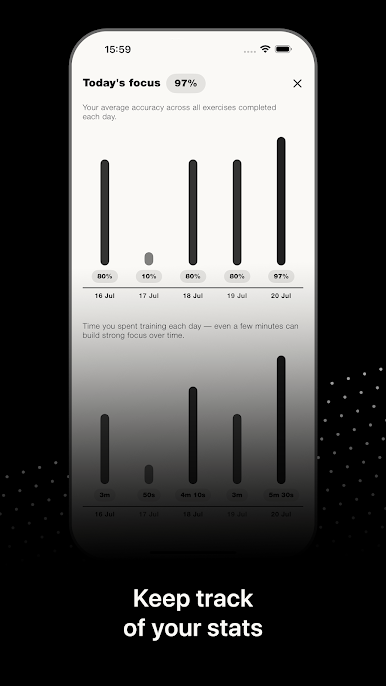
Play Concentration training on PC. It’s easy to get started.
-
Download and install BlueStacks on your PC
-
Complete Google sign-in to access the Play Store, or do it later
-
Look for Concentration training in the search bar at the top right corner
-
Click to install Concentration training from the search results
-
Complete Google sign-in (if you skipped step 2) to install Concentration training
-
Click the Concentration training icon on the home screen to start playing

