


DoliDroid for Dolibarr ERP-CRM
Play on PC with BlueStacks – the Android Gaming Platform, trusted by 500M+ gamers.

Page Modified on: Feb 11, 2026
Play DoliDroid for Dolibarr ERP-CRM on PC
The advantage of DoliDroid are :
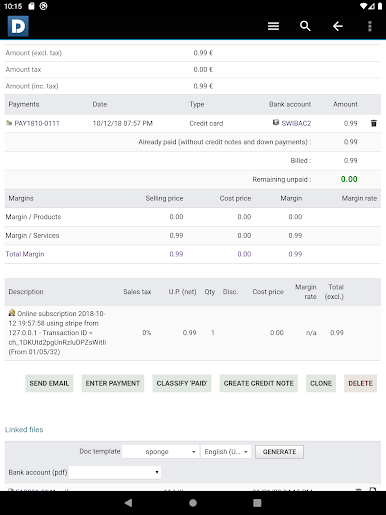
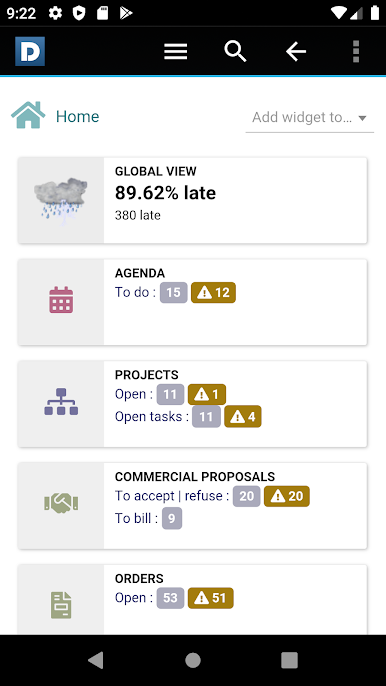
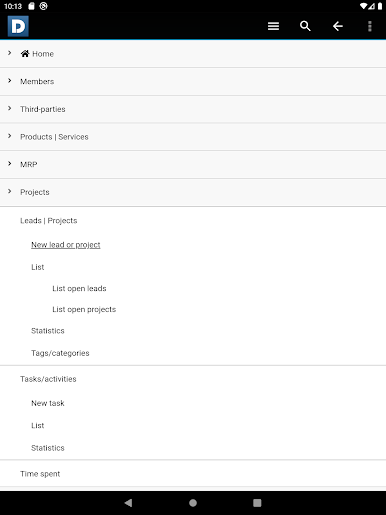
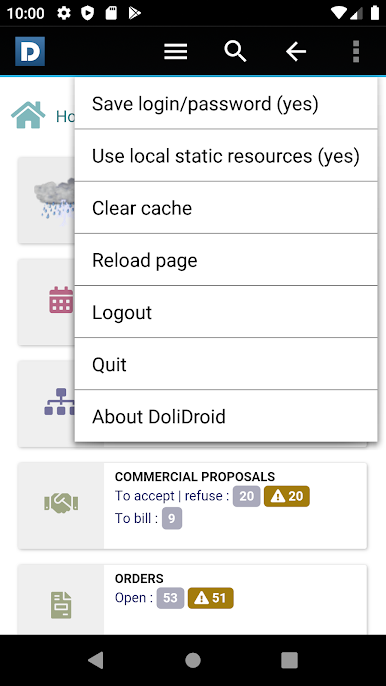
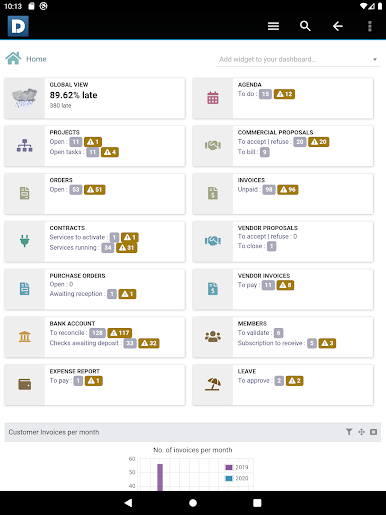
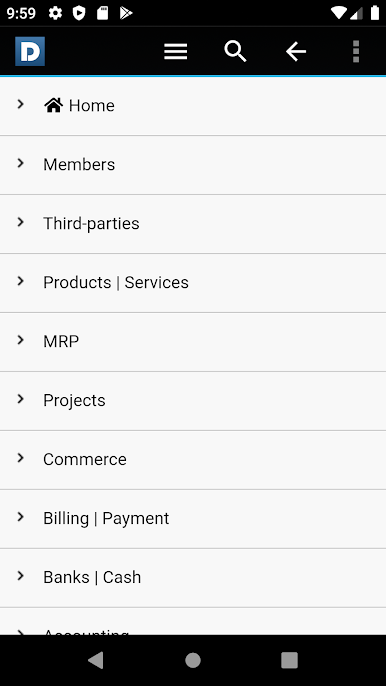
- DoliDroid provides a menu system easier to use than the native web application.
- DoliDroid use embedded image resources of your version, when available, to reduce bandwidth usage.
- DoliDroid use internal cache for pages that should not change during session (like menu page)
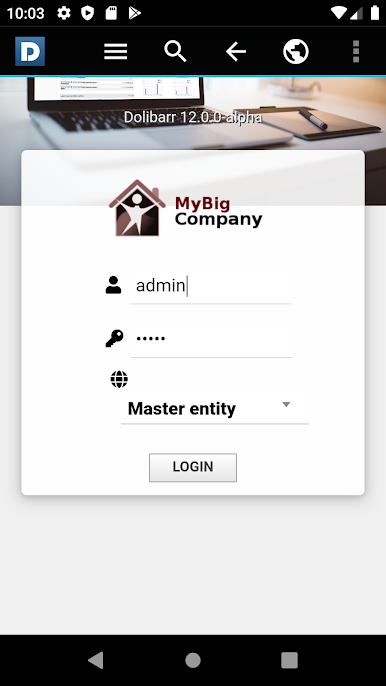
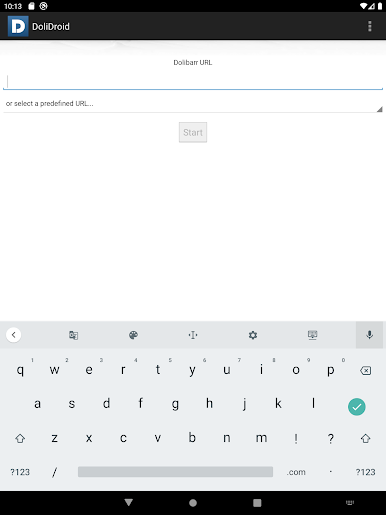
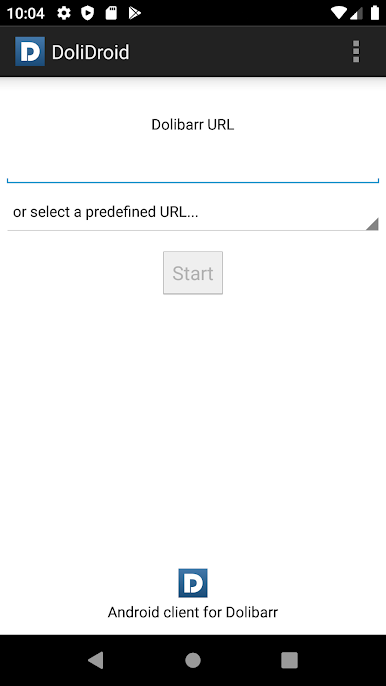
- Connections parameters (login/password) are saved. No need to enter them each time you use DoliDroid.
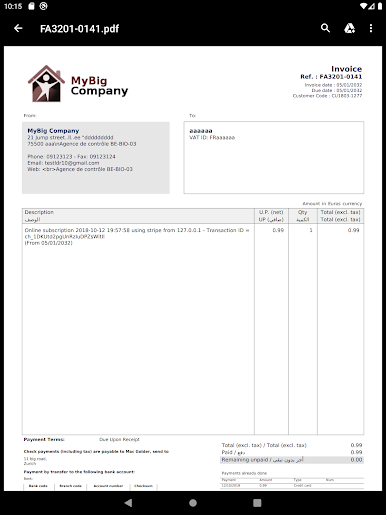
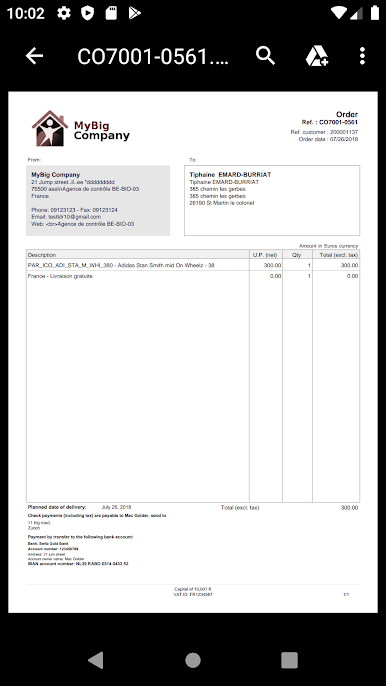
- Integration with your phone or other applications is better (Clicking on a PDF opens the PDF reader, clicking onto email or phone launch your email application or launch Android dialer, ...)
- A lot of other enhancement make usability of your Dolibarr from a smartphone better like:
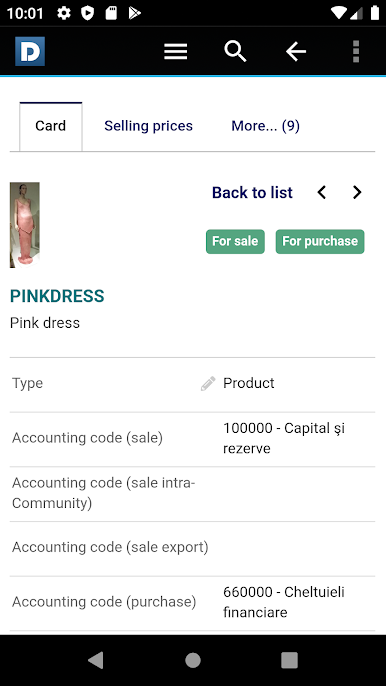
* Save spaces of the menus bars by replacing the menu with a button always visible to choose your meny entry more friendly.
* Provide a button, always available, to make a quick search on any item.
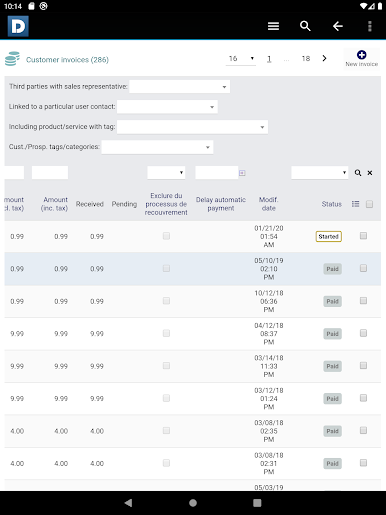
* All visible date use year on 2 chars instead of 4 to save you space.
* When the popup calendar is opened, the keyword is no more opened if not required like it is on a common browser.
* Components that provide help information on mouse hover are hidden to save space (they are useless without a mouse).
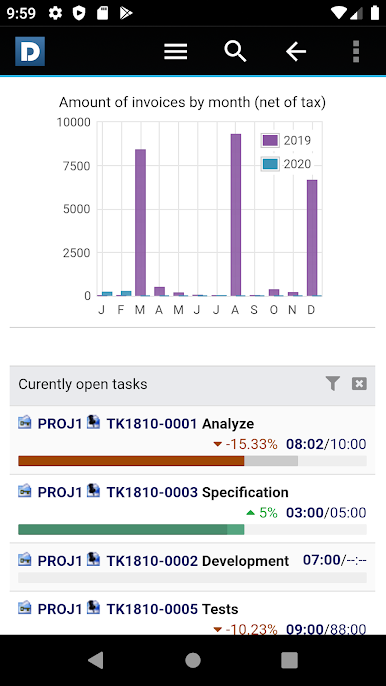
* A lot of other not useful information are hidden.
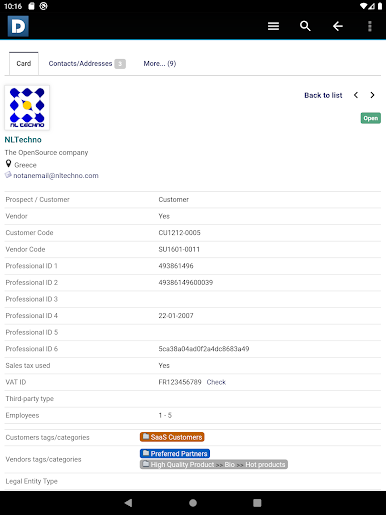
- DoliDroid is not a duplicated code of Dolibarr for Android, but rewamps your Dolibarr web installation, so all your online existing features are supported by this application. This is also true for external modules features.
- Upgrading Dolibarr will not break DoliDroid.
- DoliDroid is an Open Source project (licence GPLv3)
WARNING !
This application need a hosted Dolibarr ERP & CRM version 10.0 or newer, accessible by internet
(For example, when hosted on any SaaS solution like DoliCloud - https://www.dolicloud.com?origin=playstore&utm_source=playstore&utm_campaign=none&utm_medium=web").

Play DoliDroid for Dolibarr ERP-CRM on PC. It’s easy to get started.
-
Download and install BlueStacks on your PC
-
Complete Google sign-in to access the Play Store, or do it later
-
Look for DoliDroid for Dolibarr ERP-CRM in the search bar at the top right corner
-
Click to install DoliDroid for Dolibarr ERP-CRM from the search results
-
Complete Google sign-in (if you skipped step 2) to install DoliDroid for Dolibarr ERP-CRM
-
Click the DoliDroid for Dolibarr ERP-CRM icon on the home screen to start playing

