


Bounce Battle
Play on PC with BlueStacks – the Android Gaming Platform, trusted by 500M+ gamers.

Page Modified on: Feb 13, 2026
Play Bounce Battle on PC
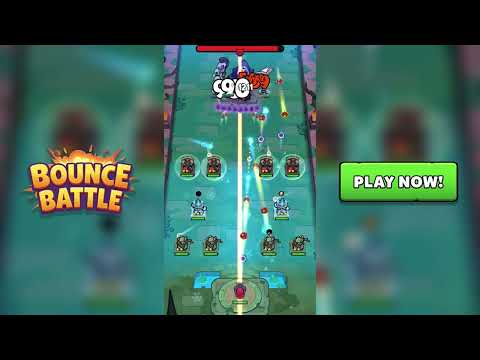
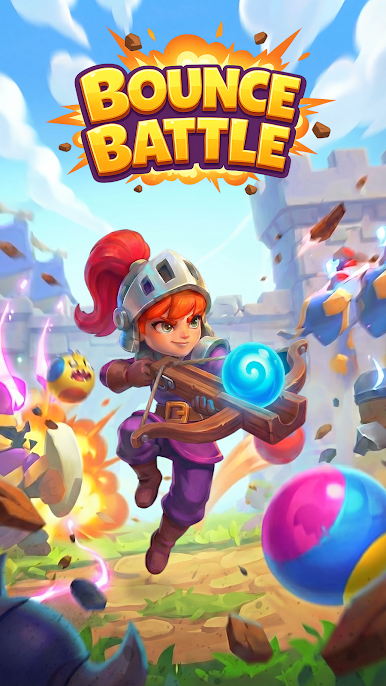
Aim, bounce, and chain your shots to clear the screen, unleash powerful upgrades, and stop zombies before they overwhelm you. Easy to play but hard to master, Bounce Battle is the perfect ball shooting game for fast-paced, action-packed fun.
🎯 HOW TO PLAY
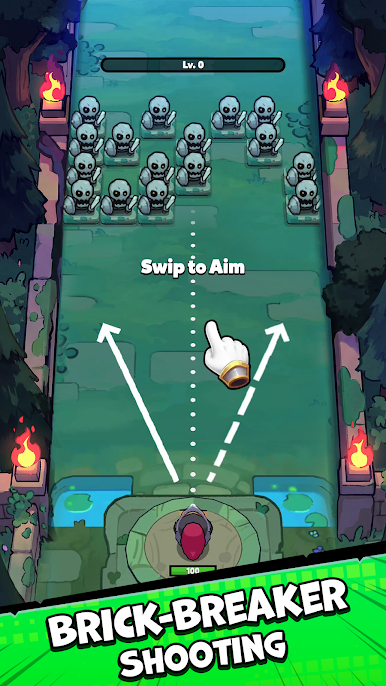
• Swipe to shoot balls and break zombie formations
• Bounce balls off walls to hit multiple targets
• Clear all zombies to complete the level
• Use add-on skills and shooting towers to survive harder waves
🔥 GAME FEATURES
- Brick Breaker-Style Ball Shooting Gameplay
Inspired by classic brick breaker and ball shooter games, with smooth controls and satisfying rebounds.
- Zombie Shooter Game Action
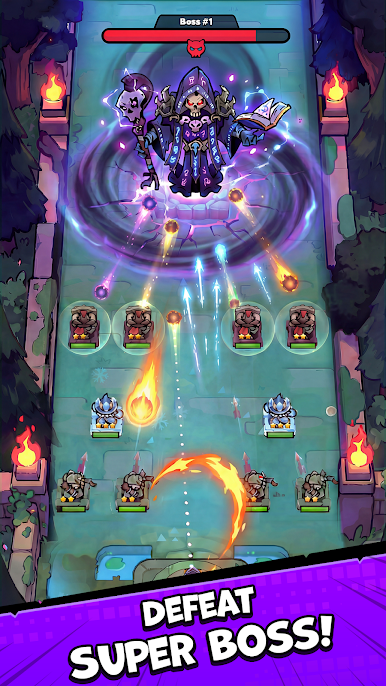
Battle different zombie types with unique strengths and increasing difficulty.
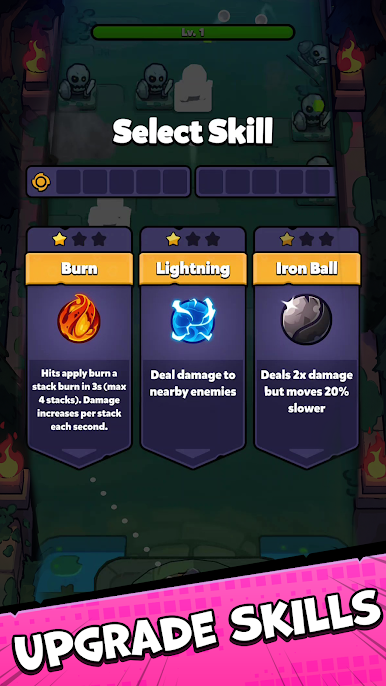
- Add-on Skills & Power-Ups
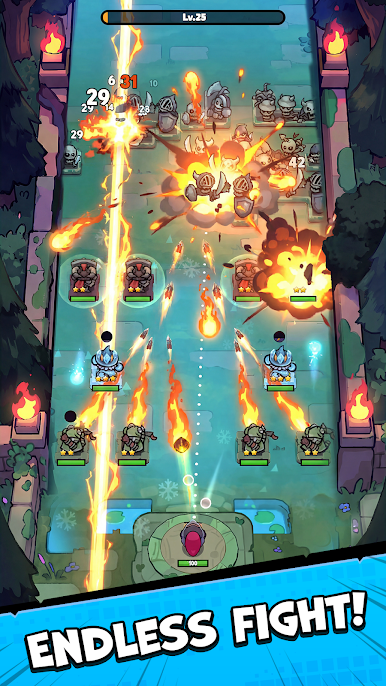
Unlock fire balls, ice balls, explosive balls, chain shots, and more devastating abilities.
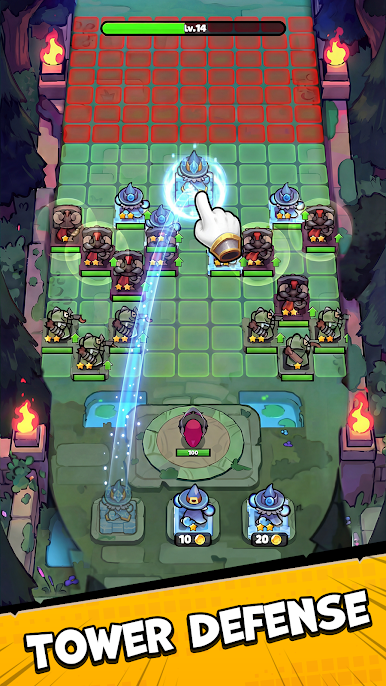
- Add-on Shooting Towers
Place and upgrade towers to support your ball shooting and stop zombie rushes.
- Casual Shooter Game for Everyone
Simple swipe controls make this shooter game easy to enjoy for all ages.
💥 WHY PLAYING BOUNCE BATTLE?
If you love brick breaker games, ball shooting games, or zombie shooter games, Bounce Battle delivers addictive gameplay, strategic upgrades, and nonstop zombie-smashing action.
Join the fight, upgrade your power, and prove you can survive the zombie invasion in Bounce Battle - the ultimate casual ball shooting game!
Play Bounce Battle on PC. It’s easy to get started.
-
Download and install BlueStacks on your PC
-
Complete Google sign-in to access the Play Store, or do it later
-
Look for Bounce Battle in the search bar at the top right corner
-
Click to install Bounce Battle from the search results
-
Complete Google sign-in (if you skipped step 2) to install Bounce Battle
-
Click the Bounce Battle icon on the home screen to start playing

