


Norse Expansion Medieval RTS
Play on PC with BlueStacks – the Android Gaming Platform, trusted by 500M+ gamers.

Page Modified on: Oct 5, 2026
Main Norse Expansion Medieval RTS on PC
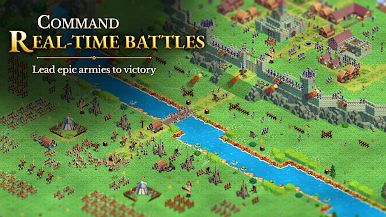
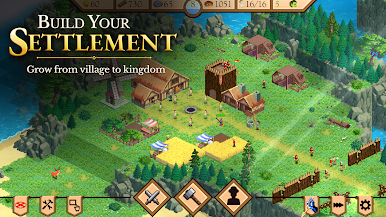
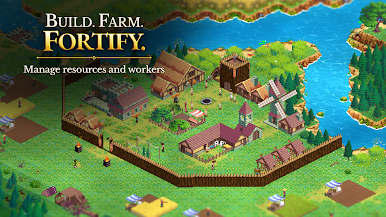
Build and fortify your castle, gather resources, manage your economy, and command your loyal subjects. Recruit an army, strengthen your defenses, and launch attacks against rival forces!
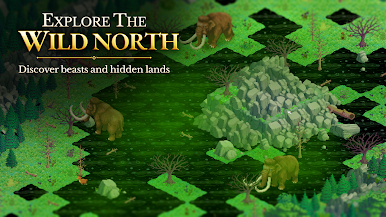
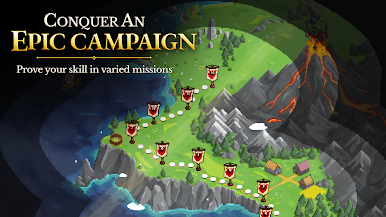
Fight through a challenging campaign featuring rival kings, bandits, giants, wizards, and many other enemies. Balance construction, production, defense, and military strength as you expand your kingdom and face new challenges.
FEATURES
• Classic real-time strategy (RTS) gameplay
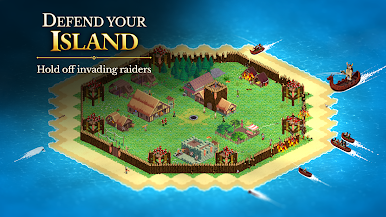
• Build, expand, and fortify your castle
• Gather resources and manage your economy
• Recruit and command a powerful army
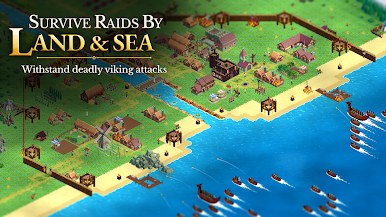
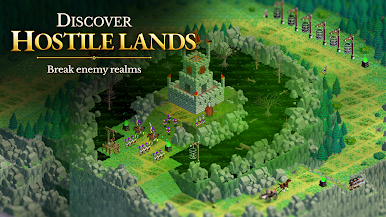
• Defend your kingdom and attack enemy forces
• Battle kings, bandits, giants, wizards, and more
• Progress through a varied medieval campaign
• Fully offline experience without annoying wait timers!
Your kingdom awaits!

Play Norse Expansion Medieval RTS on PC. It’s easy to get started.
-
Download and install BlueStacks on your PC
-
Complete Google sign-in to access the Play Store, or do it later
-
Look for Norse Expansion Medieval RTS in the search bar at the top right corner
-
Click to install Norse Expansion Medieval RTS from the search results
-
Complete Google sign-in (if you skipped step 2) to install Norse Expansion Medieval RTS
-
Click the Norse Expansion Medieval RTS icon on the home screen to start playing

